Assorted Final Presentation

Concept:

Assorted is a mobile application to grab a meal with nearby friends.  You login through facebook, find nearby friends and get matched!

Audience:

Students and Working people who want to grab meals quickly with friends.

Precedence:

Snapchat

Facebook (Nearby friends)

Presentation:

https://docs.google.com/presentation/d/1N-gmAwt6RvHw8S-221tDlLJX7qVFy6Fv1GsY4cXhfIY/edit?usp=sharing

Marvel Prototype (Please click on the link):

https://marvelapp.com/2508ega

Feedback:

  1. Work on the Chef’s button. How does a user get back to the map view?
  2. The user and friends have gradient circles around them. Does it signify something? For now – no. It can signify close friends, etc.
  3. Thinking about setting up images for restaurants, etc.

#Thursdayapps

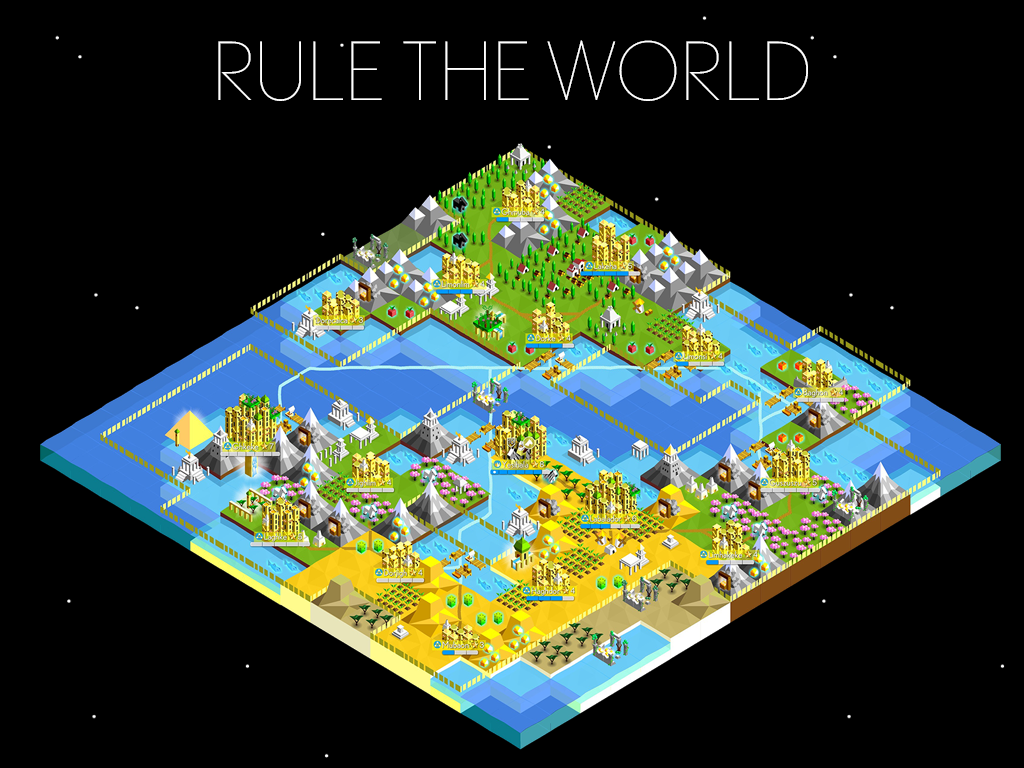
The Battle of Polytopia

The Battle of Polytopia is a turn-based strategic adventure. It’s a game about ruling the world, fighting evil AI tribes, discovering new lands and mastering new technologies. Auto generated maps make each game a new experience, with unlimited replay value. Pick and choose among different tribes. Wander in the dark cold forests of Barduria, explore the steamy Kickoo jungles or claim the lush field of the Imperius empire.

I really love this app. Firstly it is an offline game app, so I can play it while I am in the subway. The game is really attractive. In this game, you can create your own kingdom. After you develop your kingdom you can go attack and occupy other kingdoms. There are two ways that you can win the game, one is that kills all your enemies, another one is that becomes the richest and most developed kingdom. The visual part of this game is bright and colorful. I also really enjoy the user interface. The game is really easy to play and understand. I love this game.

EASIPES_Final Iteration

Concept:

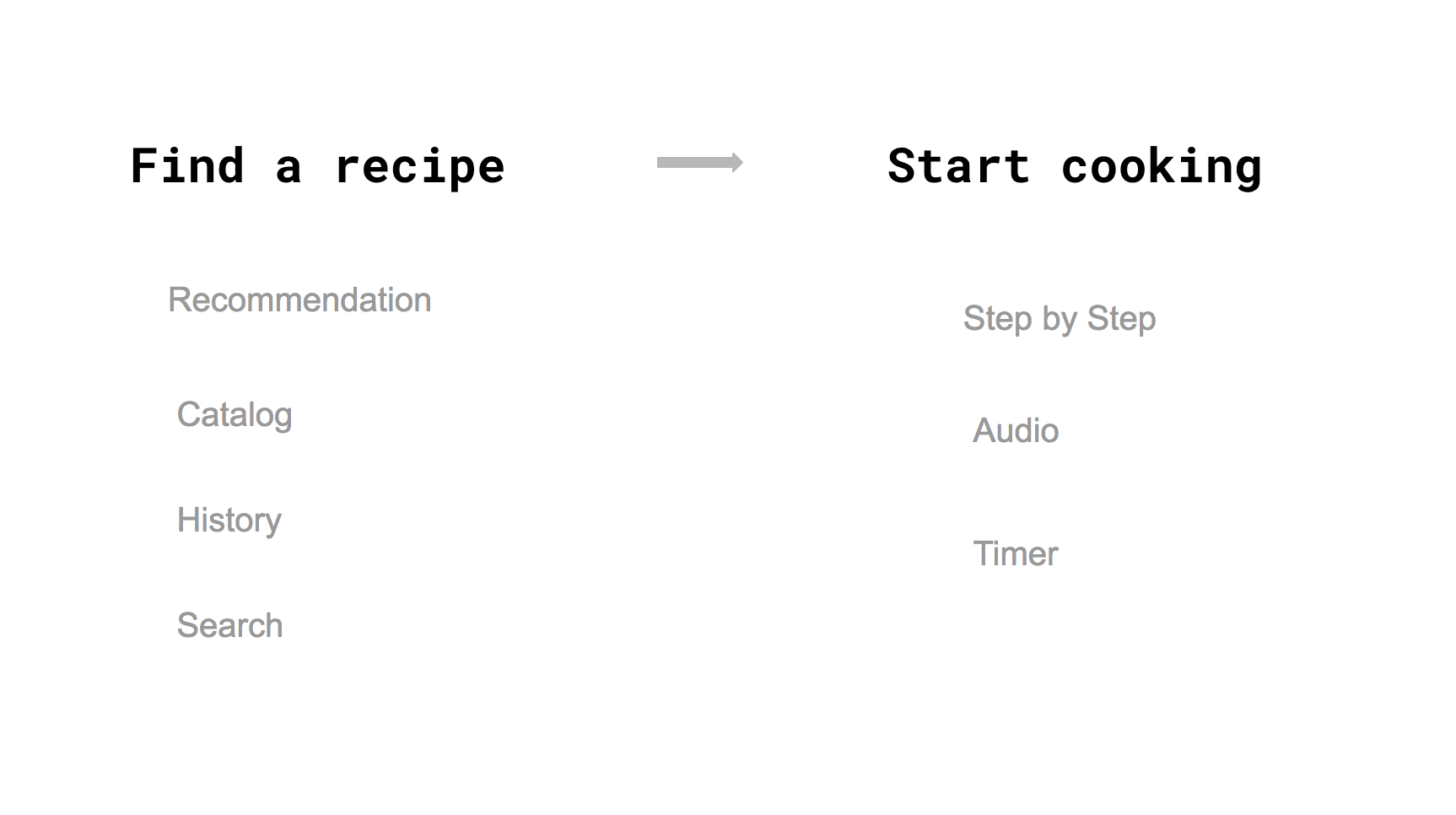
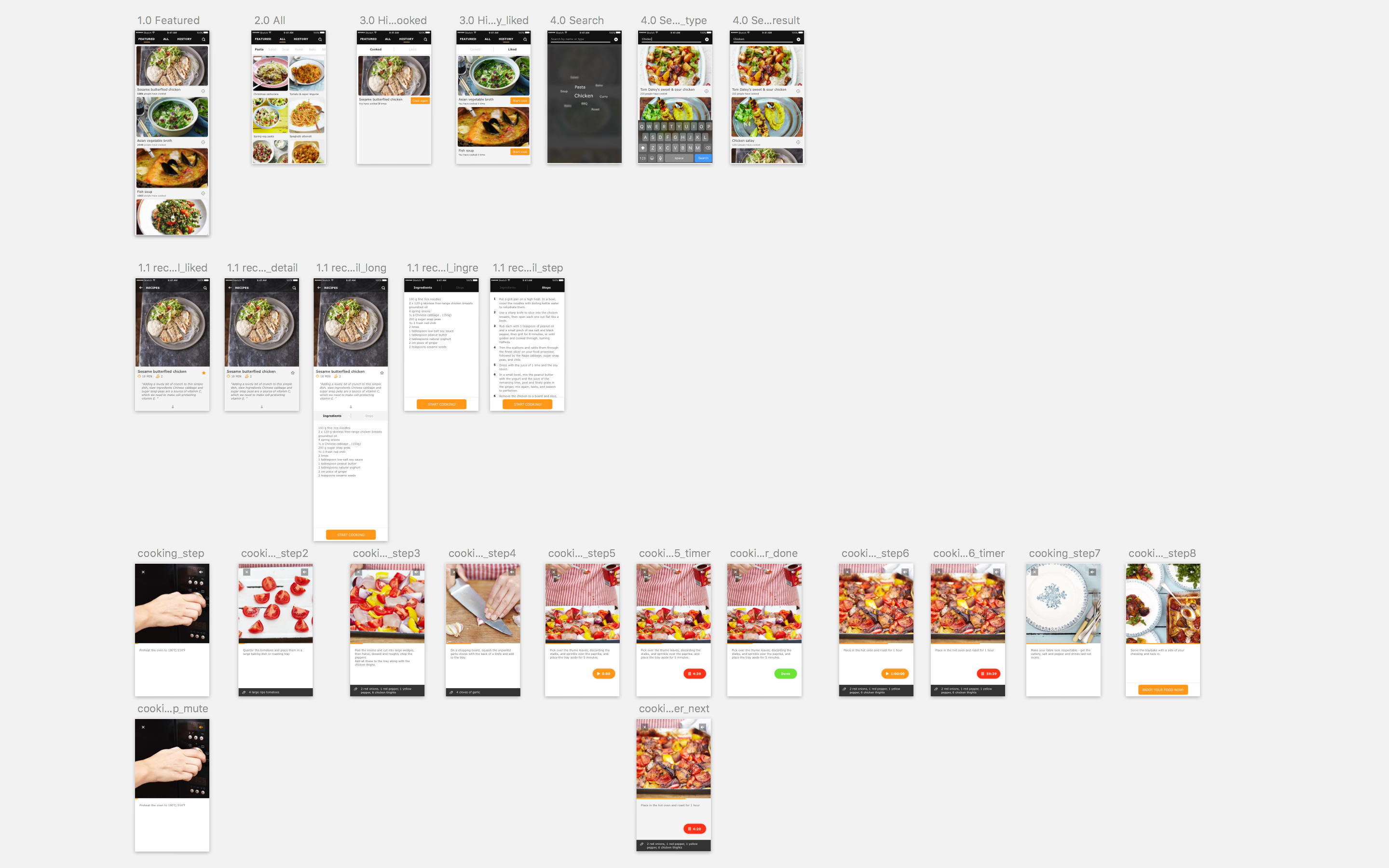
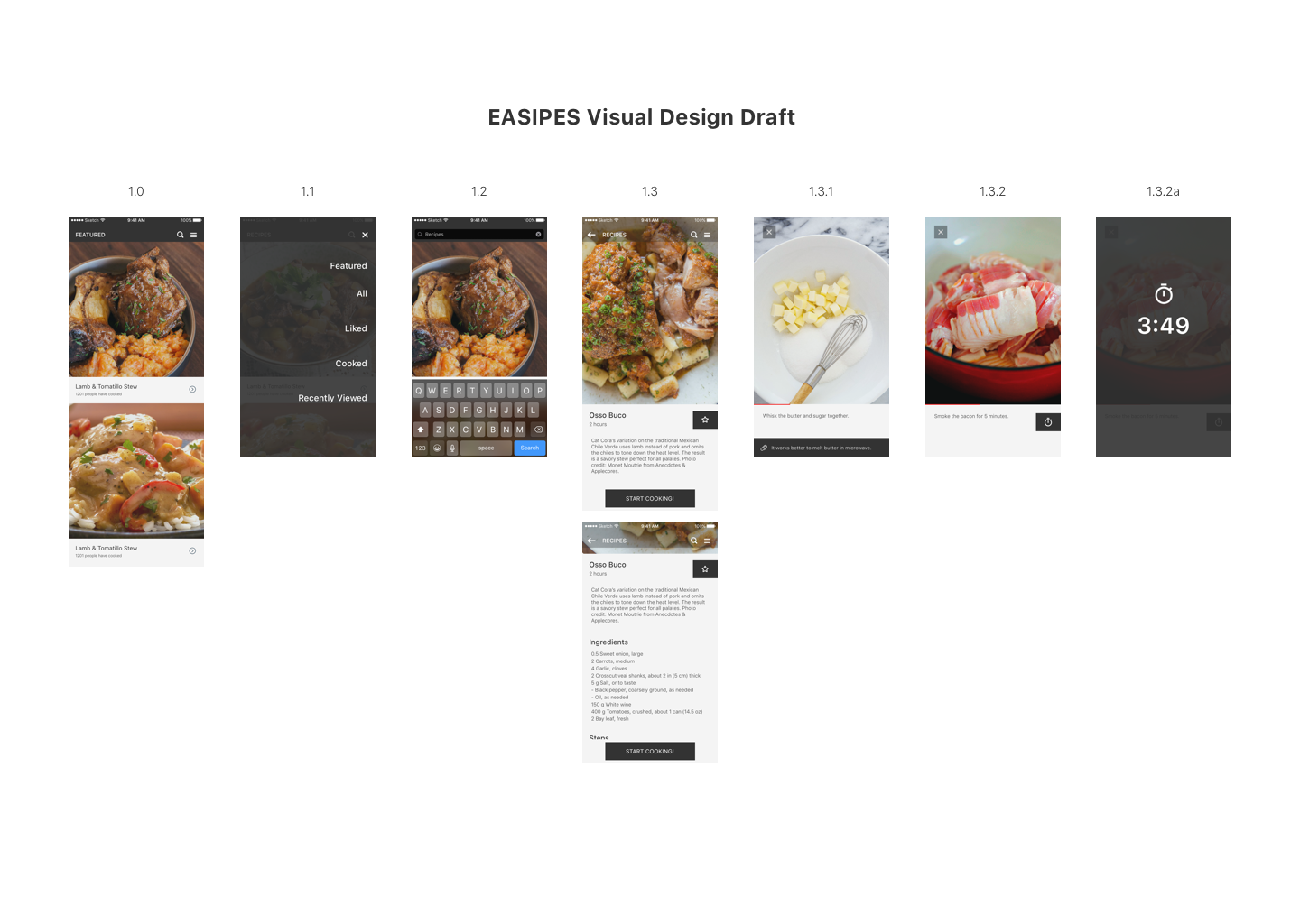
I am creating an app to help cooking lovers easily access high-quality recipes, and making an engaging, easy and fun? cooking experience for them.

LINK to Digital Prototype

Iteration:

-Polished the visual

-Restructured the menu, changed into the form of Tab

-Redesigned the layout of Recipe detailed page

-Switched the interaction of Timer function

-Added audio elements

-Used a real example to make complete experience


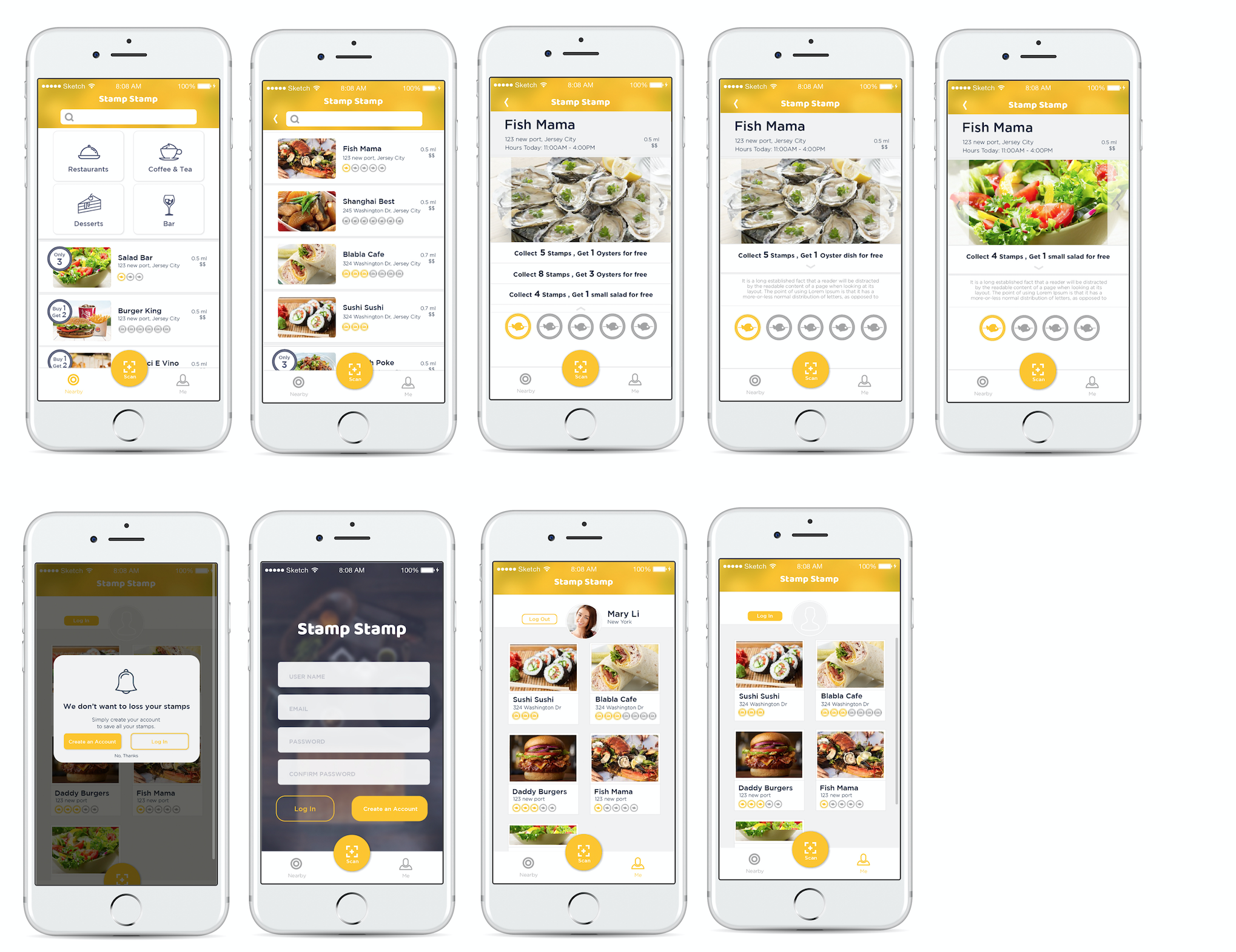
Stamp Stamp Final Prototype

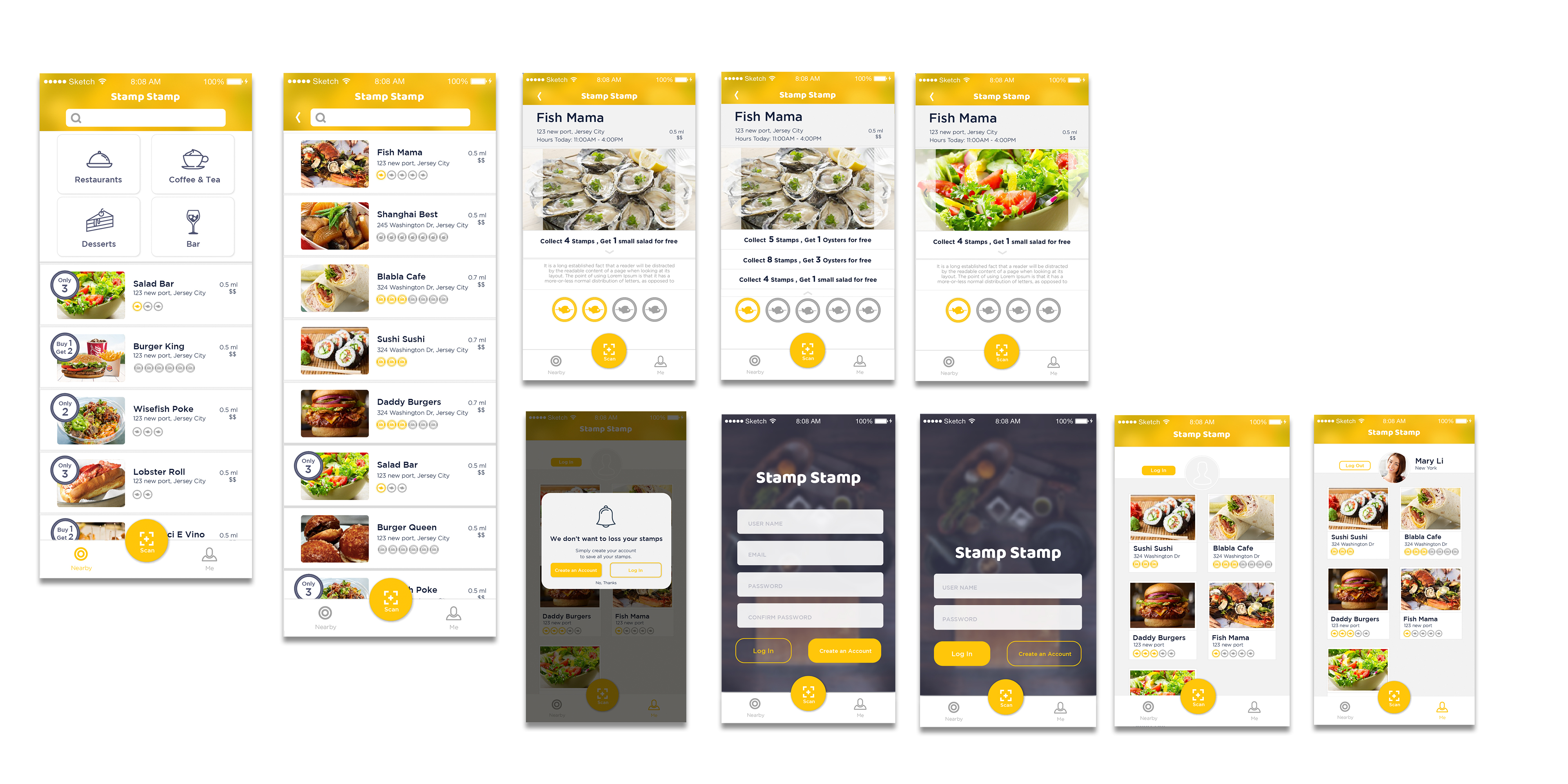
According to the feedbacks from prototype 2, I revised:

• Enlarge Text and test on the phone

• Add logout button on profile page

• Add a special icon for some restaurants which have special offers to help users get information easily.

• When you finish the all the stamps collection, all the stamps will be shining.

• Change “Sign in”  to “Create an account”.

• Delete language bar.

• Simplified tap bar to be more efficient to access on QR scanning.

• Add more restaurants sample in my prototype.

Marvel prototype: https://marvelapp.com/55104ch

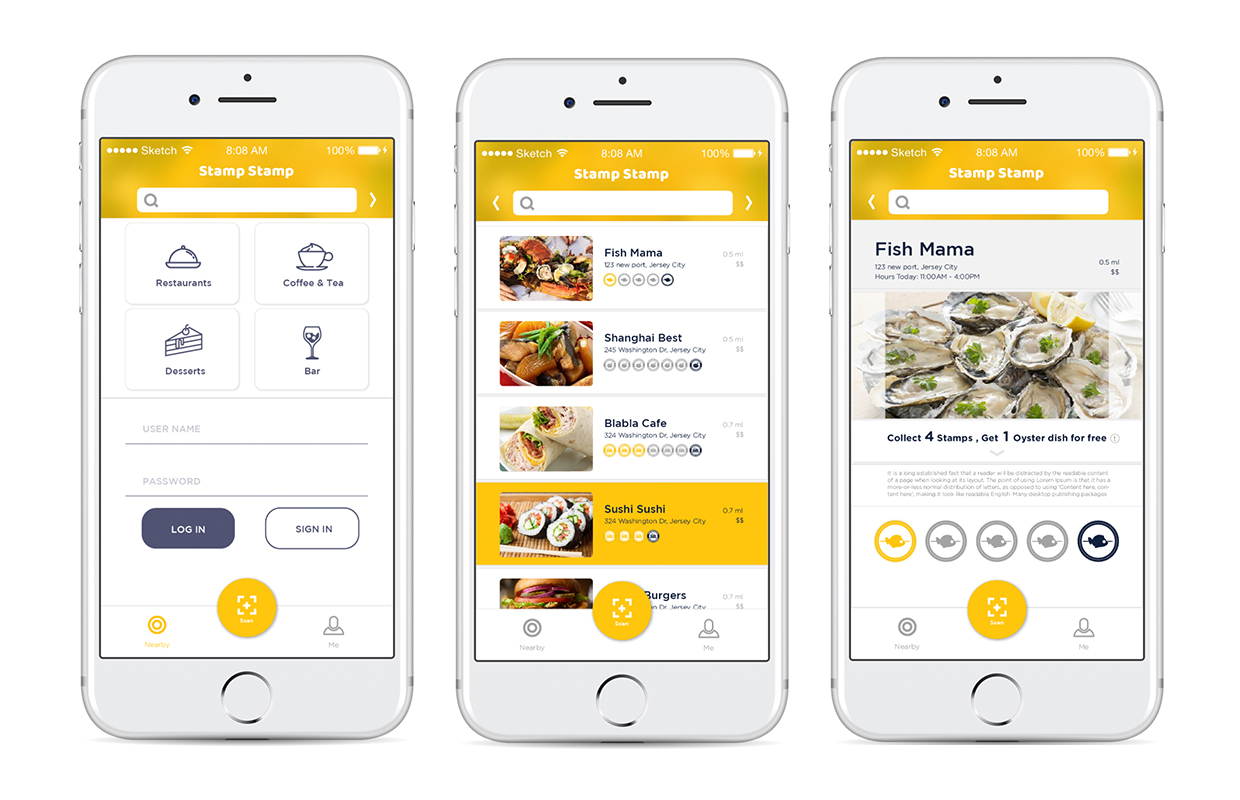
Stamp Stamp Prototype 2 visual prototype _1


Marvel prototype: https://marvelapp.com/24bcg1a

Feedbacks: 

• The context text is really small.

• There is no logout button on the user profile.

• Show something special marks some restaurants which have special offers to help users get information easily.

• Change another visual symbolization to symbolize when you finish collecting the stamps. The yellow color I used before looks more like a tap respond.

• Change “Sign in”  to “Create an account”. It may help users to understand easily.

• No need for language bar, because iPhone has its own language system.

• Make QR scan button more easily to access.

• Test what happened if there are more restaurants.


For March 9, 2017

Here is the link to my final documentation

First digital prototype: here

Final digital prototype: here

Three things I learned from the digital prototype.(Visual Elements will look & feel totally different on the screen with the paper prototype.)

  1. I  change those pages background of adding activities from white to the gradient, which make them consistent with other pages.
  2. Adding unit behind the number of calories progress bar, which clarifies the mean of the number.
  3. Switch the ranking sequence of calories remain on the dairy page, which avoids the confused between calories progress number with the remains.

About Me + 3 things I learned from Apple HIG

About Me

My name is Chuyi Sun. I am from China. Currently, I am the first year MFADT student. I graduated from the University of California, San Diego as a studio art major student. After one-year internship experience in graphic design, I am trying to transfer to be an UI/UX designer. I am a big fan of comic, game and music apps.

3 things I learned from Apple HIG

• Widgets on the Search screen and Home screen

iPhone provides the widgets for people to quickly and easily to view the useful information from an app without the need to open it. It not only provide a more efficient way for users to get notice but also use a creative way to attract users to open the app. Because if the widget shows some interesting notices or information about the app, the user will open the app to check that.

• Integration with Siri

The Siri is one of the artificial intelligence that applies on iPhone for assisting users to finish their tasks easily by using voice commands. Currently, the voice recognition of Siri can recognize different languages. The Siri interface also provides another easy access for users get useful information quickly. It reminds me when we design the app, don’t forget to provide a concise notice or information widget for Siri interface.

• Expanded Notifications

The expanded notification allows users to press their notification or swipe the notification down on an unlocked device. It also provides users a connivence to take immediate action without leaving their current context. It is really useful when we need to do multi-tasks. It provides more possibilities for users to finish their tasks quickly and efficiently.


Homfood_Final Iteration_Misung

Findings after user tests with digital prototype:

1. Users were confused about the search icon on the navigation bar because of the quantity of contents are not enough to search. It can give users a bad experience if they cannot find result they expected.
2. Users were curious how they can order multiple dishes at the same time. There was no cart function.
3. Users preferred choosing date and time for order separately to selecting a button including both of them.

Changes / Iterations:

1. Removed search icon on the navigation bar and replace it with a cart icon to allow users to order multiple dishes.
This is because, considering time and capacity limits, sorts of dishes that one granny chef can cook per day will be around three to four at max.
Therefore, people still can access all foods on the main page.
2. Reformed the order option which users get when they tap the add to cart button on the detail page.
Users will select available date first and then select time afterwards.
Of course they can edit them on the cart page.
3. Added a popup page that asks users to allow their current location being tracked -> Based on user’s current location, the list of foods is filtered.

Feedback from last week’s critique

1. In UX wise, it looks appropriate to put the sign up page in the back and focus on enticing users first by showing them the contents first.
Considering user engagement, it would be better to show few menus on top and enable the rest of contents and ask users to sign up if they want to browse more
2. Managing hierarchy between ‘Granny chef’s profile’ and ‘Food detail pages’ looks a bit complicated.
3. If the main color including icons and fonts alters according to a food’s color, it can ruin the consistency.


Marvel Prototype Link: https://marvelapp.com/2caccjg/screen/25722004