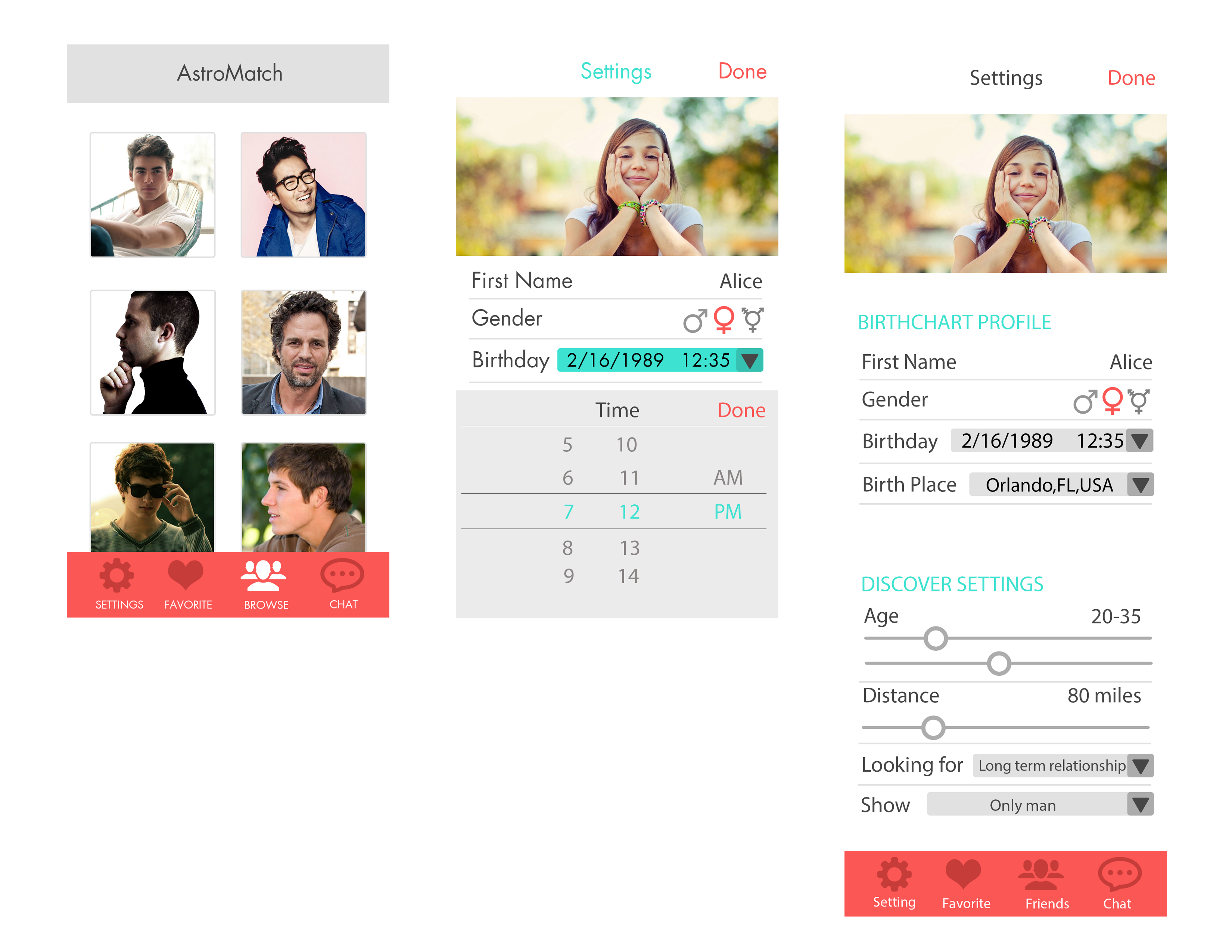
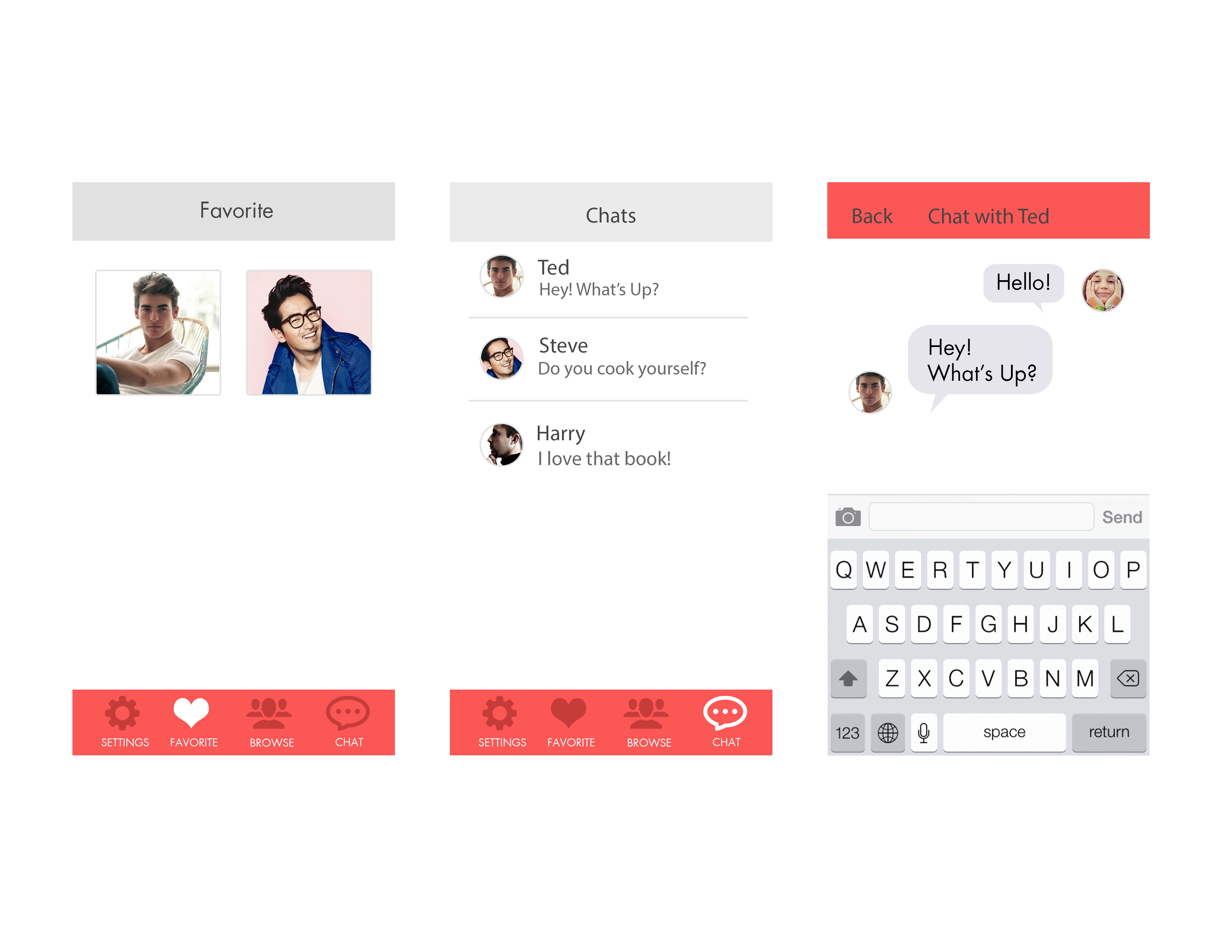
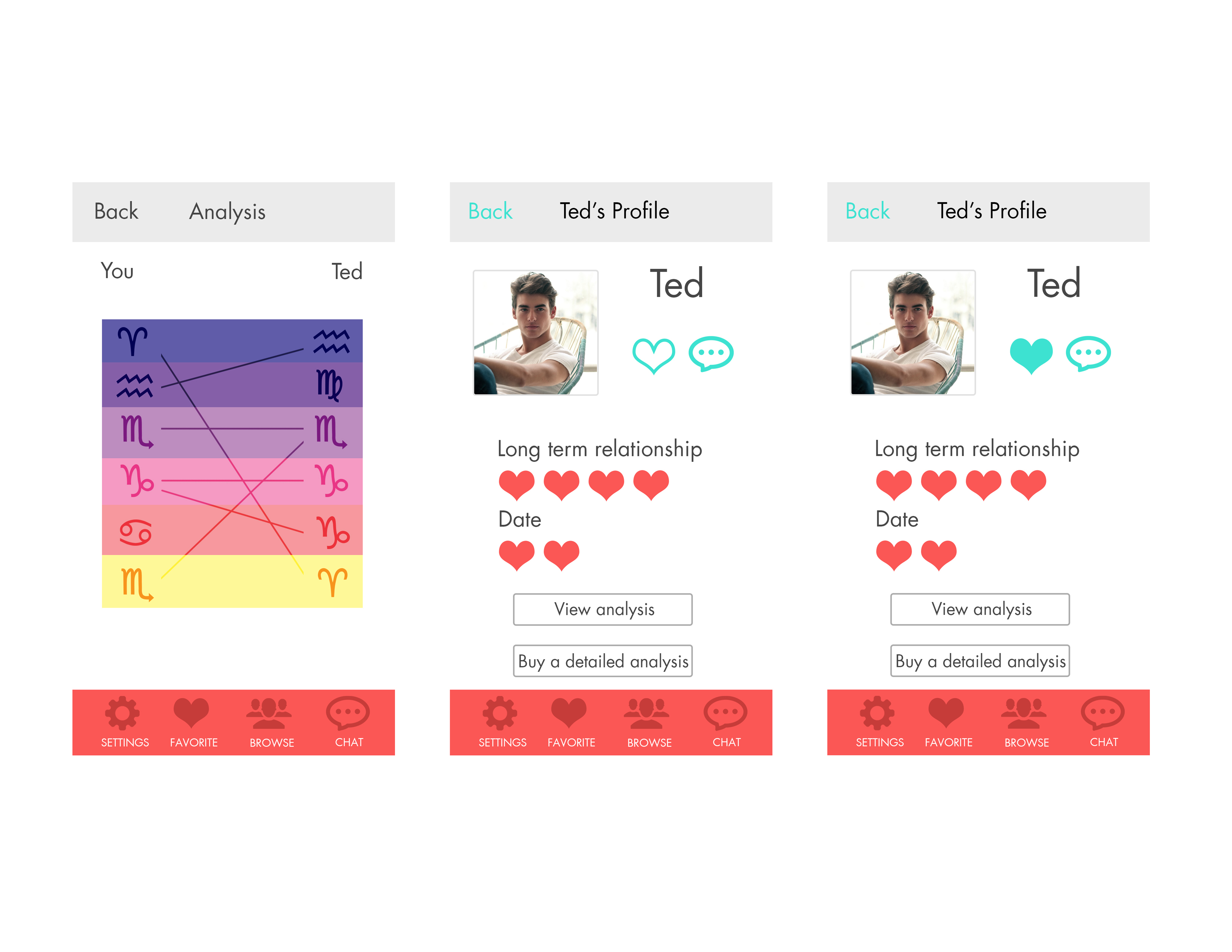
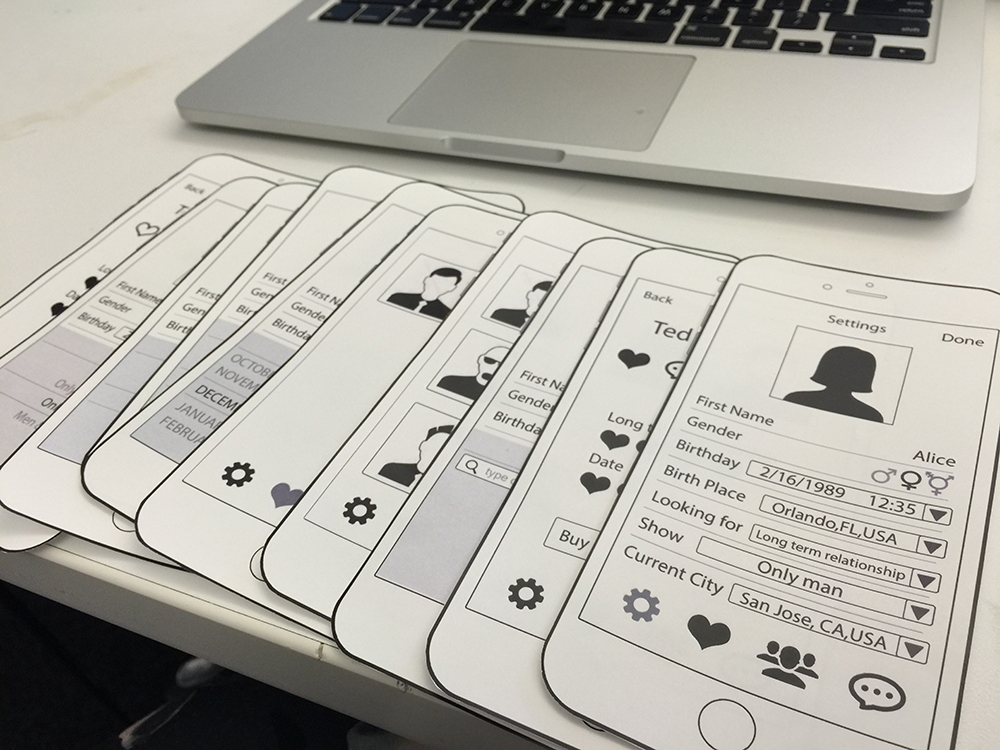
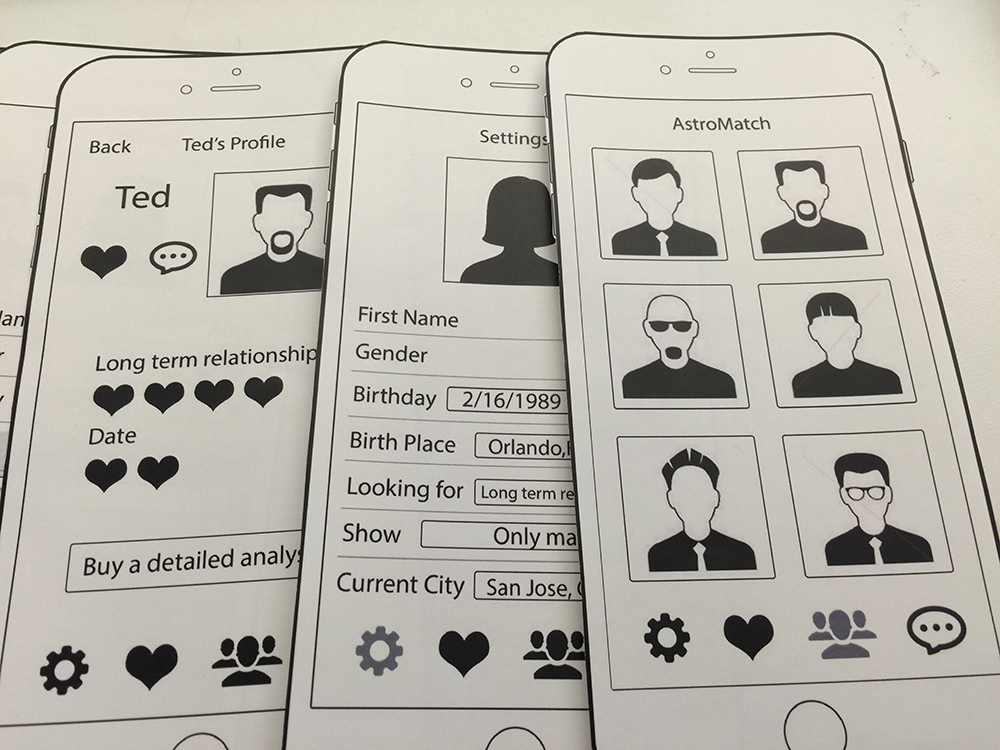
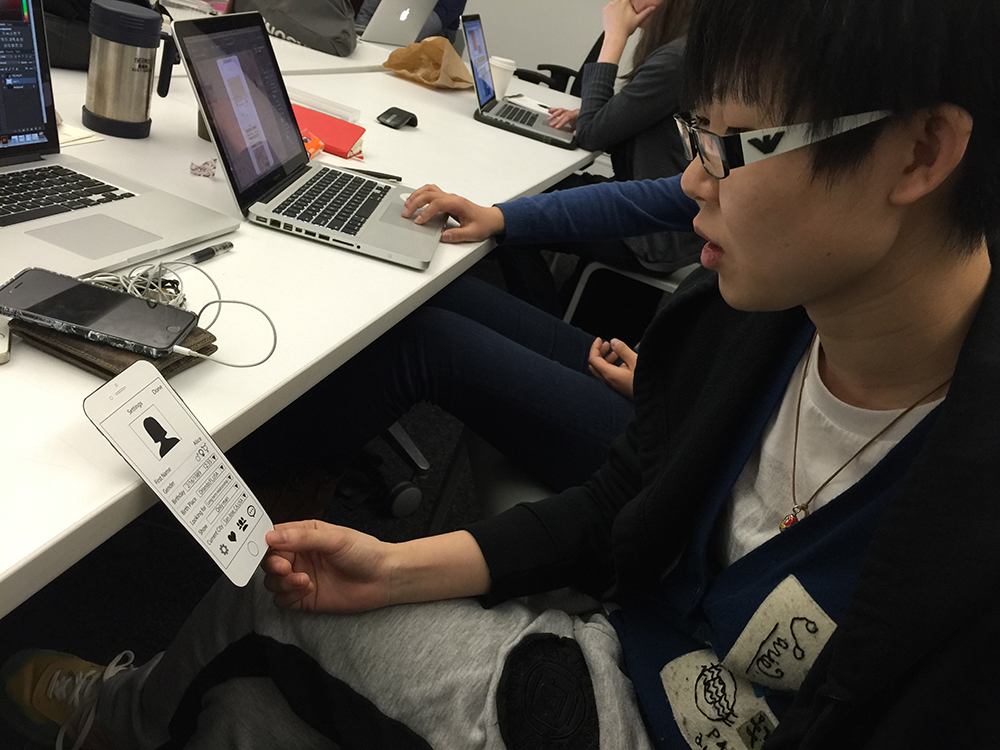
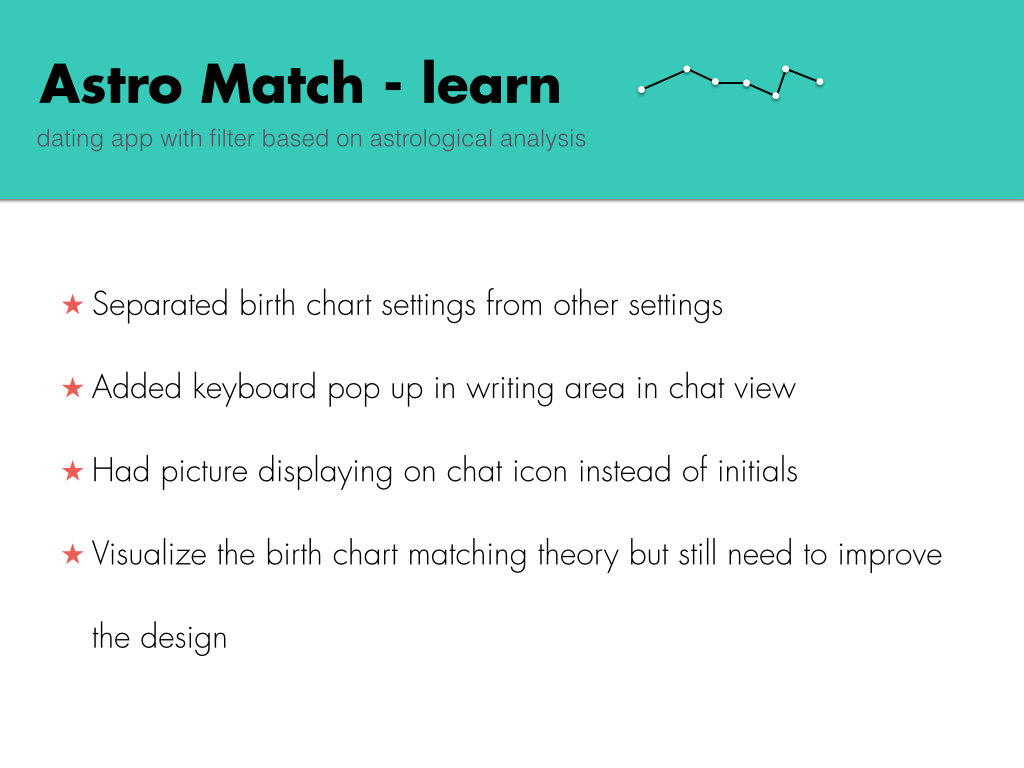
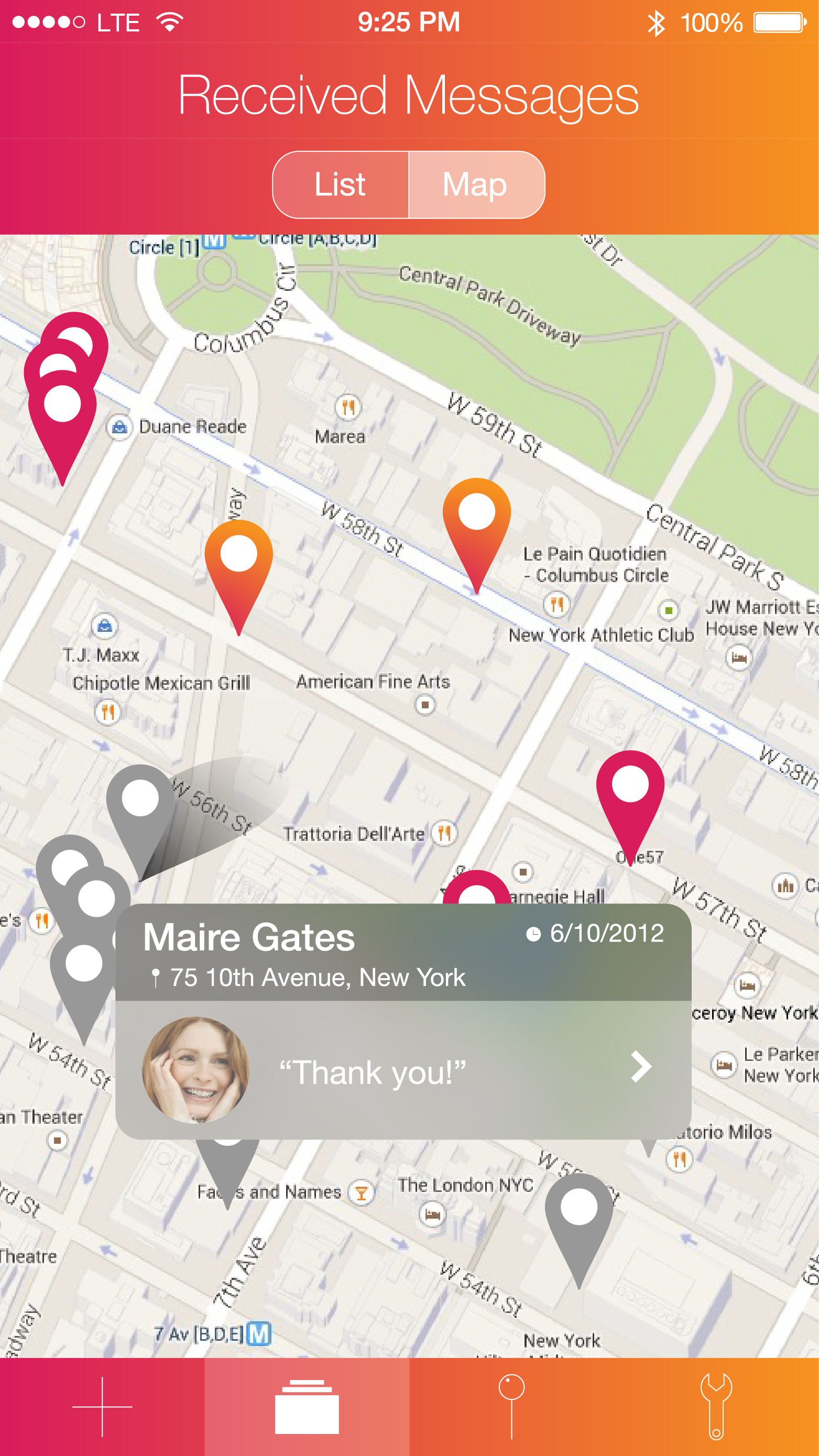
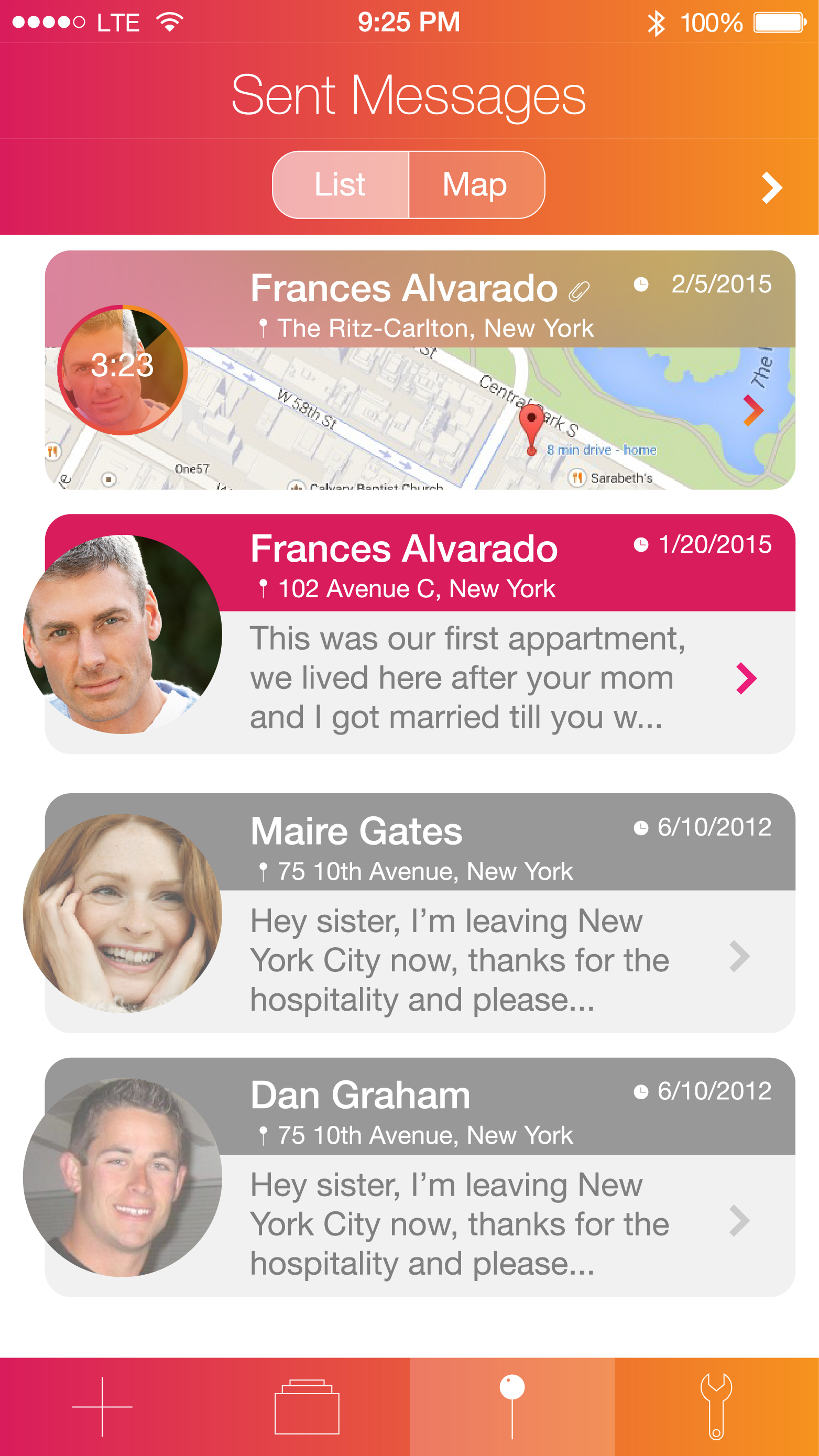
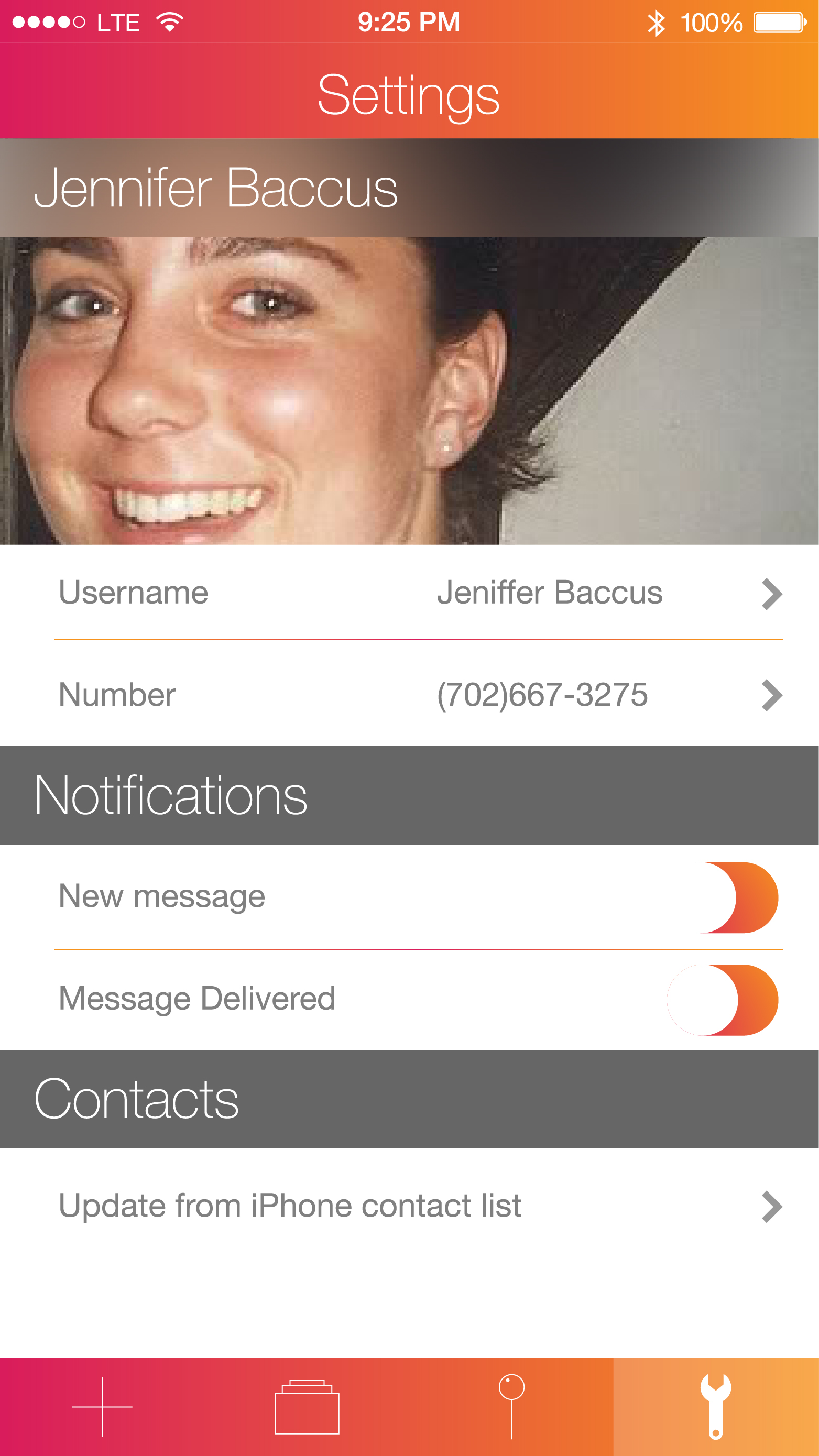
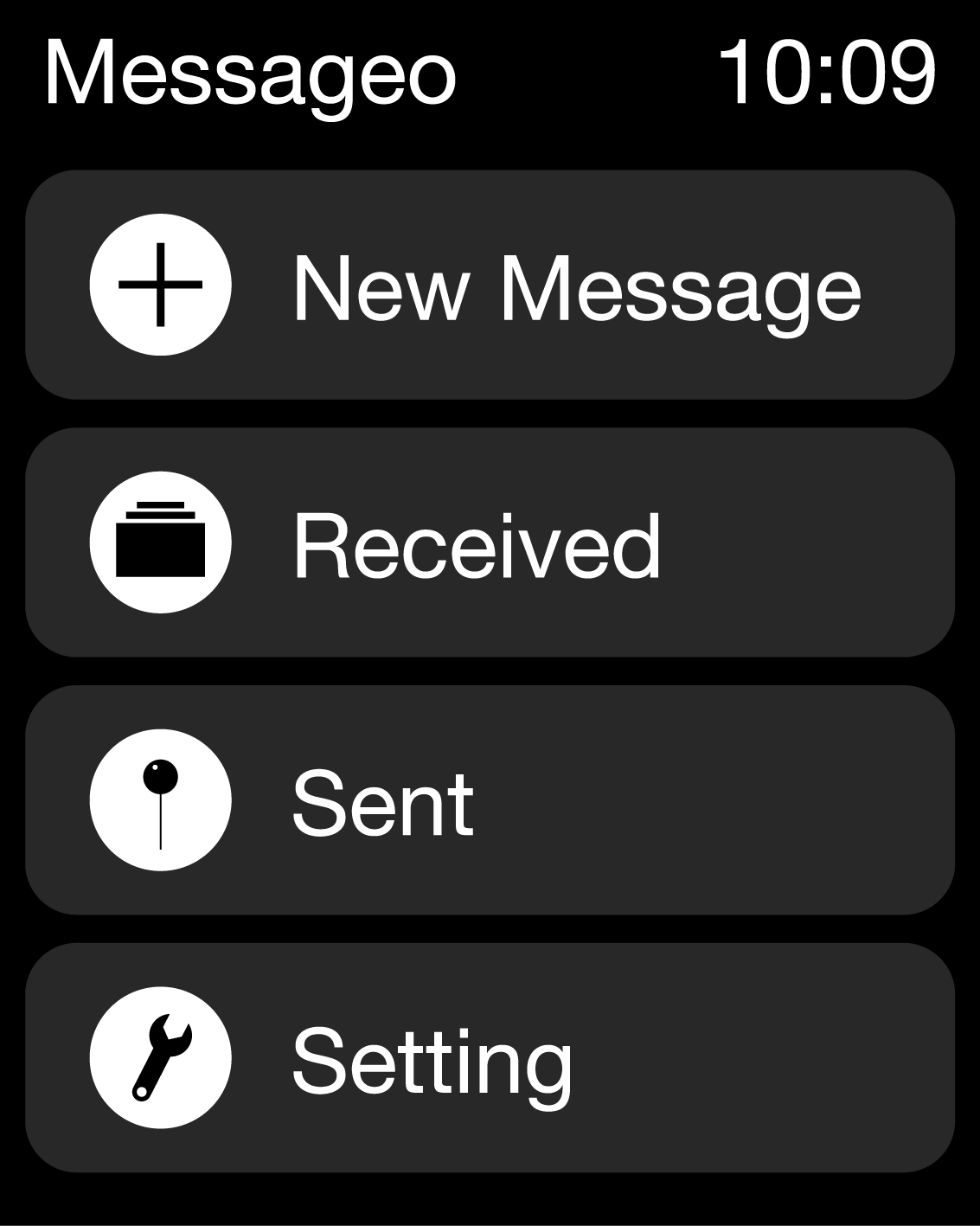
Added changes based on the feed back last week
https://www.flinto.com/p/dba716e2
Things i might want to add :
Comments page
Add a picker view for some of the tabs
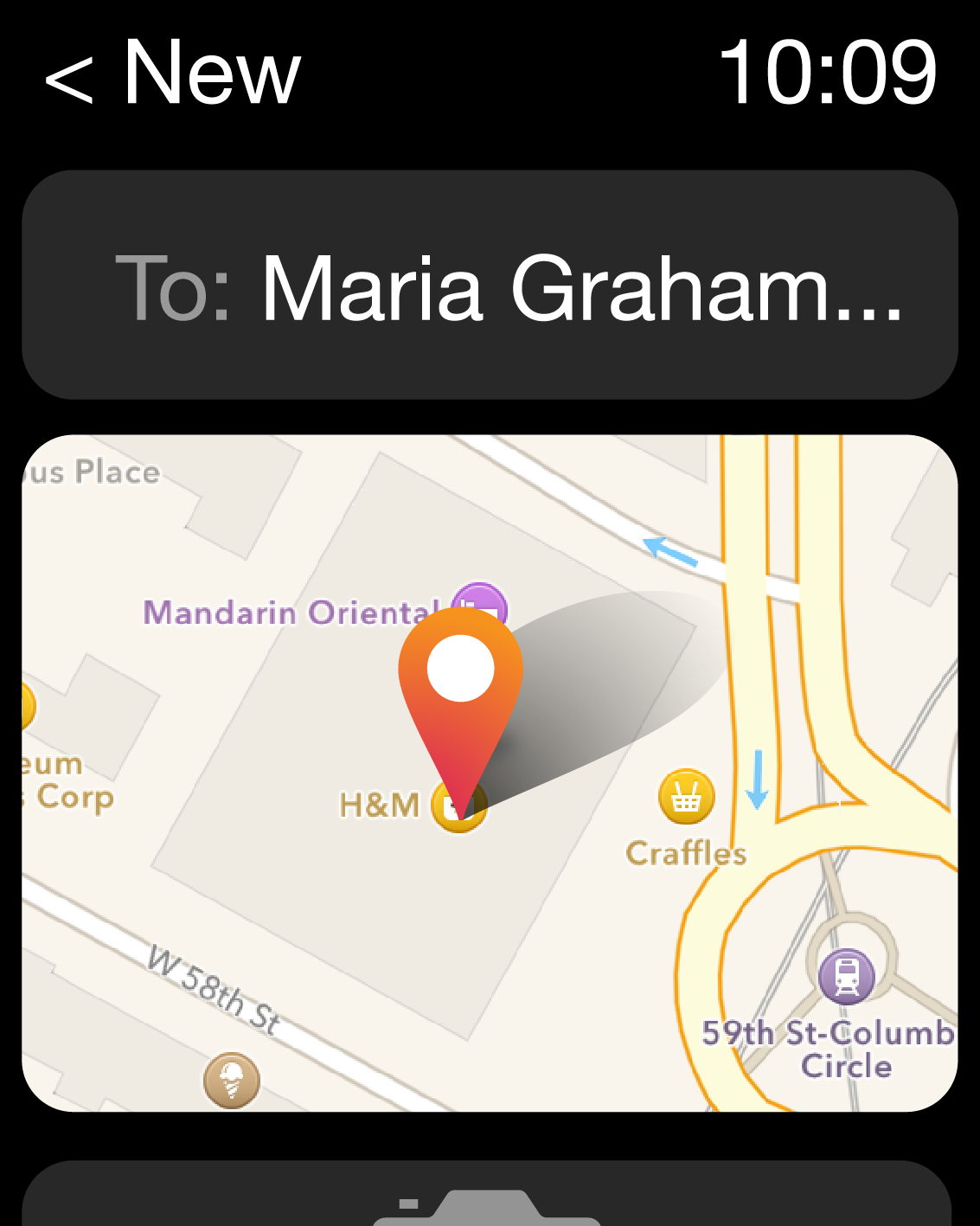
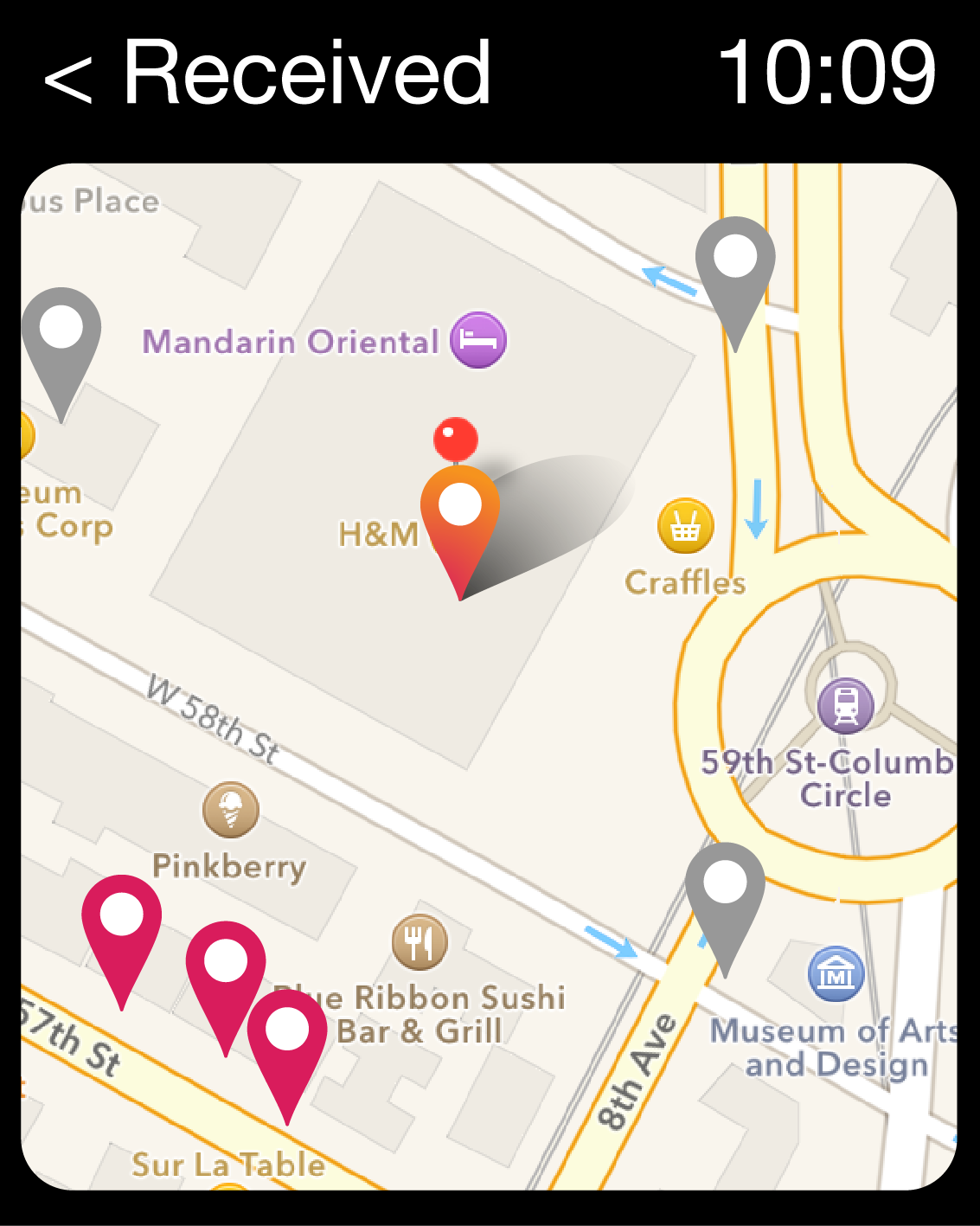
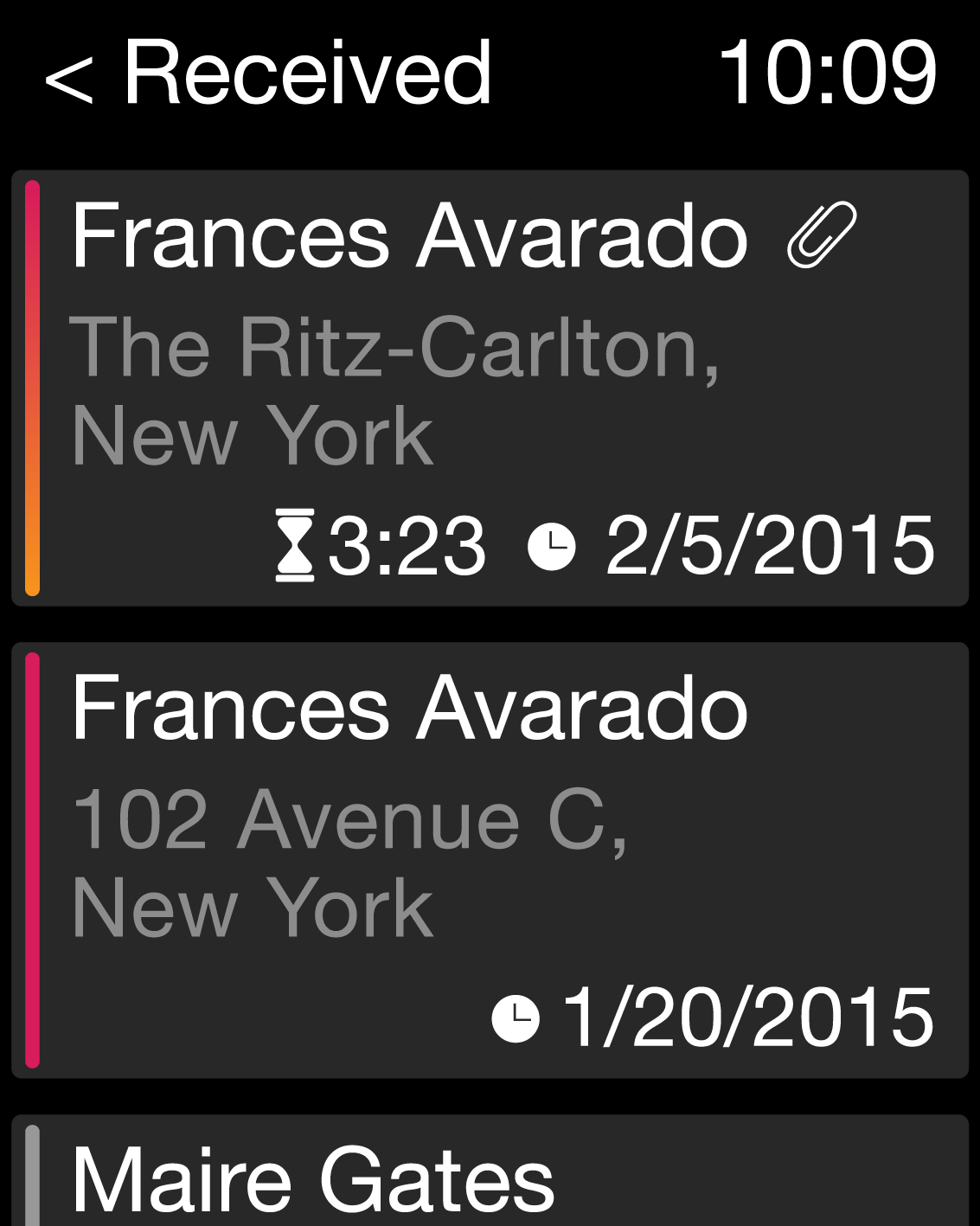
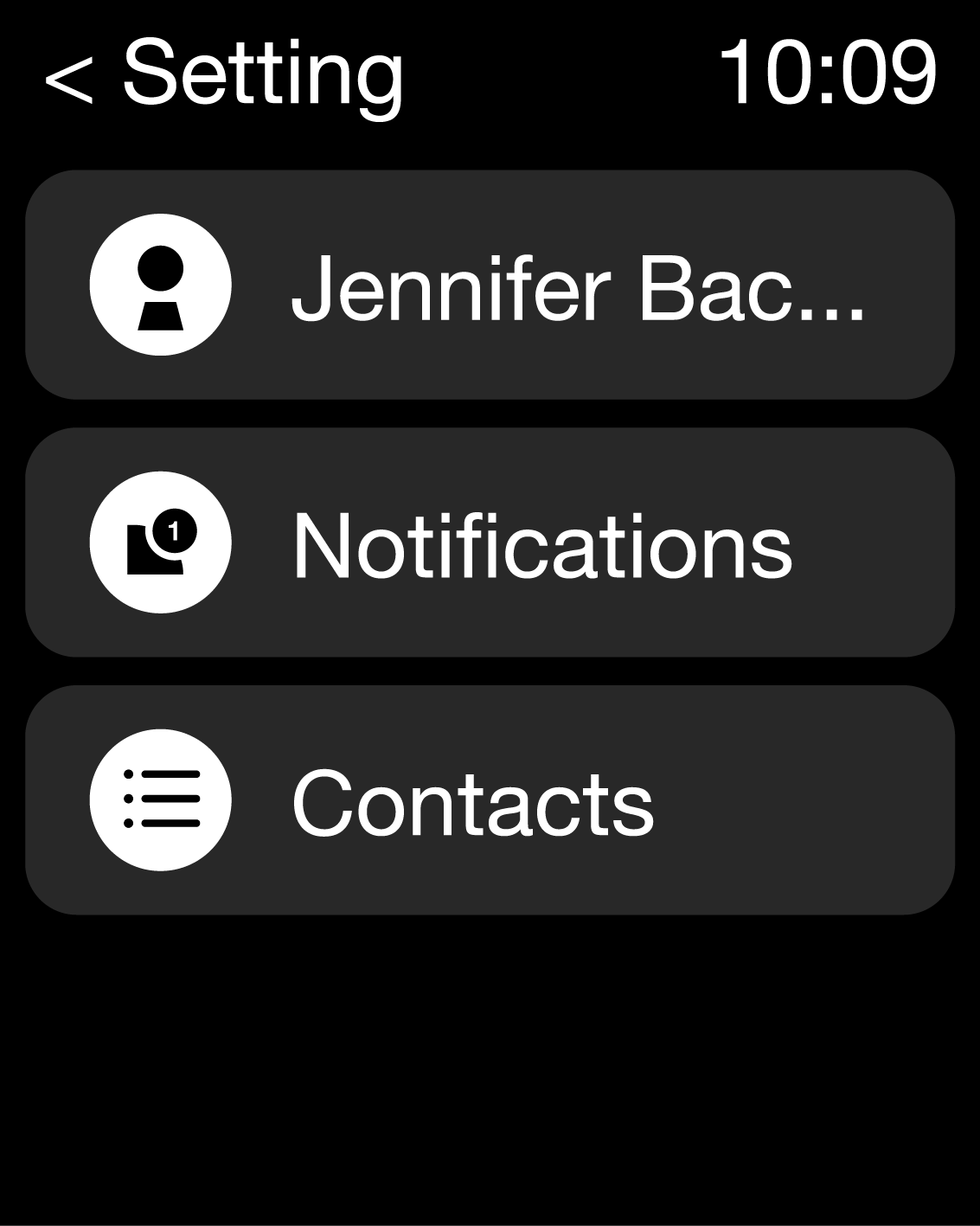
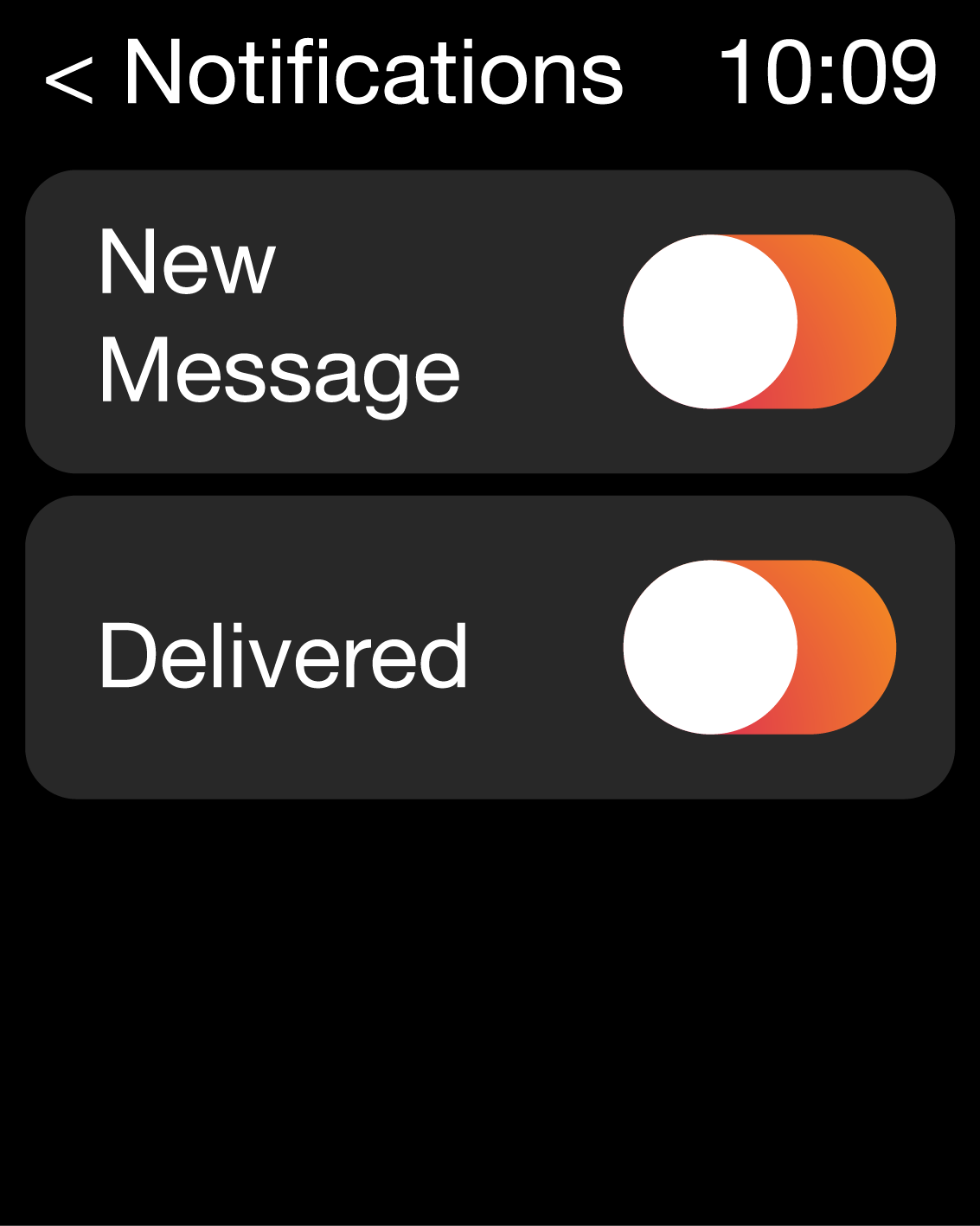
App watch app for notifications
Added changes based on the feed back last week
https://www.flinto.com/p/dba716e2
Things i might want to add :
Comments page
Add a picker view for some of the tabs
App watch app for notifications
FRAMED is one of the most impressive mobile games I’ve played so far. It is a great use of the platform. The game has a comic book style storytelling(without dialog). Players need to drag/re-arrange the panels by using the touch screen and change the outcome of the story.
Hey folks, here’s the lecture from my thoughts on process, specifically with scrum.
* Look up Noun Project
* The “List” text should be on the left & “Map” on the right
* Add an extra filter option(Search icon) “Size of Space” -S, M, L
*Add icons to the studio page information like phone, map, amenities etc
*Add detailed info on the studio page
*Instead of the “Home” button on the confirmation page, maybe change it to list of reservations(the saved search icon) have it navigate to that page & have it at the bottom of page
*Add favorites/ratings/starredplaces
*Add a “Heart” & “number of comments” icon on each of the studios on the list view
*Text legibility – look as apple interface guidelines
*Add comments on the studio info page
*change icons to appropriate ios 8 icons (search, saved searches, share icon, back button, arrows, etc)
*include all sub-pages
From last week we learned a lot from paper prototyping.
We decided to put the “adding source” feature before the app sync user data. Based on our A-B test, we realize that our users want to see the prioritized result as soon as possible, so we decided to simplify “adding sources” feature to one step. We did another A-B test of working steps in each single task. The thing we learnt is that every user group has a different opinion on this feature. For students, sometimes they are lack of motivation to finish tasks, so they wish to be motivated by steps. But for these professional people, who have better self management skill, they care more about the priority of tasks. So we decided to allow our user to turn on and off this step feature for their own use. Also, only these complex tasks will be broken down into steps. Some users don’t know how to punch phone. Because punch is the core interaction of this app, so we need a clear introduction to tell users how to interact (punch) with this app. Also, when users finish a single task, they want to have feedback from the app to tell them what they have been finished, so they will get more achievement from the task they finished. So we change the chart after user finish tasks. Sound or vibration feedback is very necessary for punch interaction. Because users can’t look at the screen when they punch the phone, so they need some feedback to let them know they are going to next step.
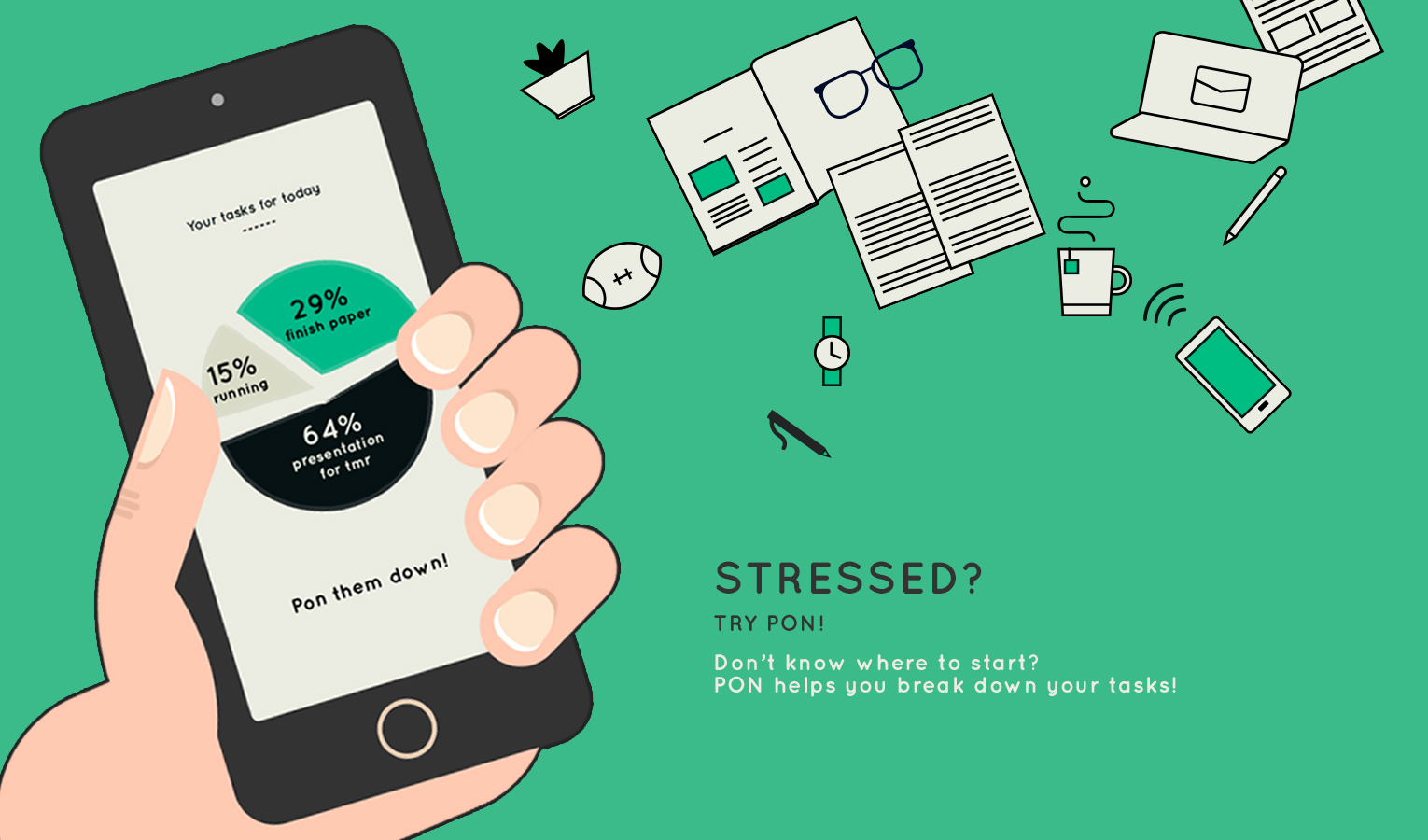
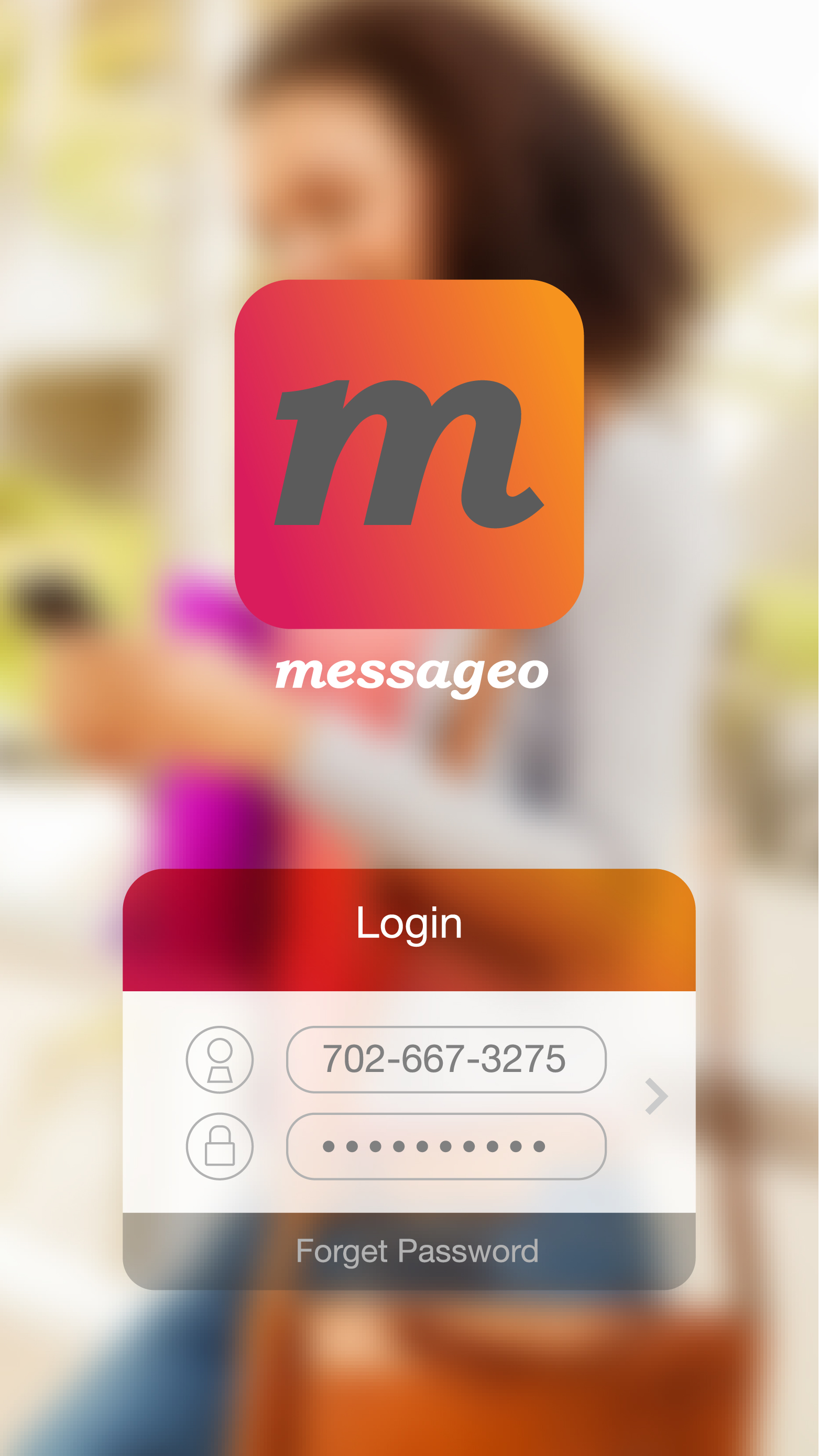
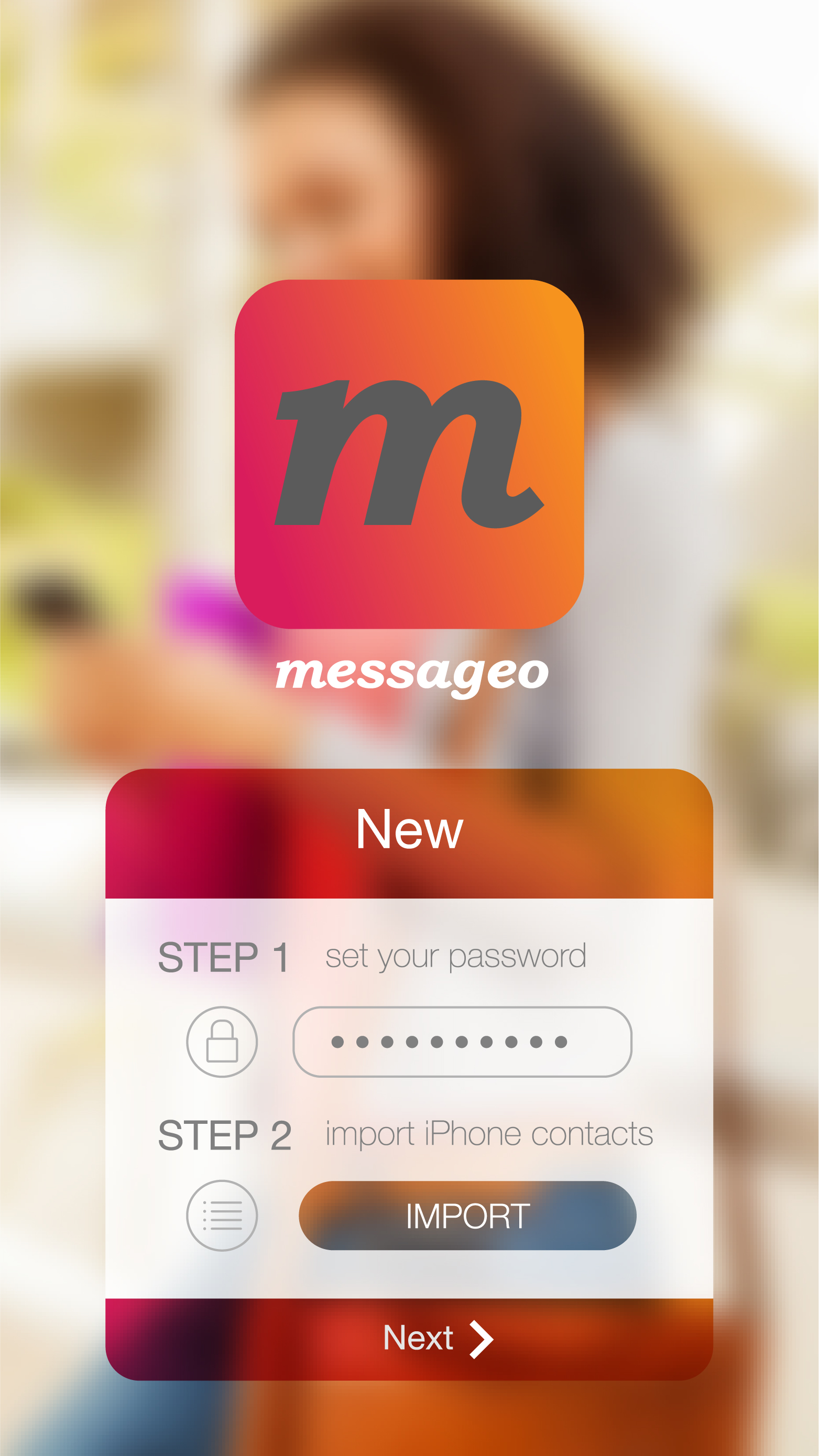
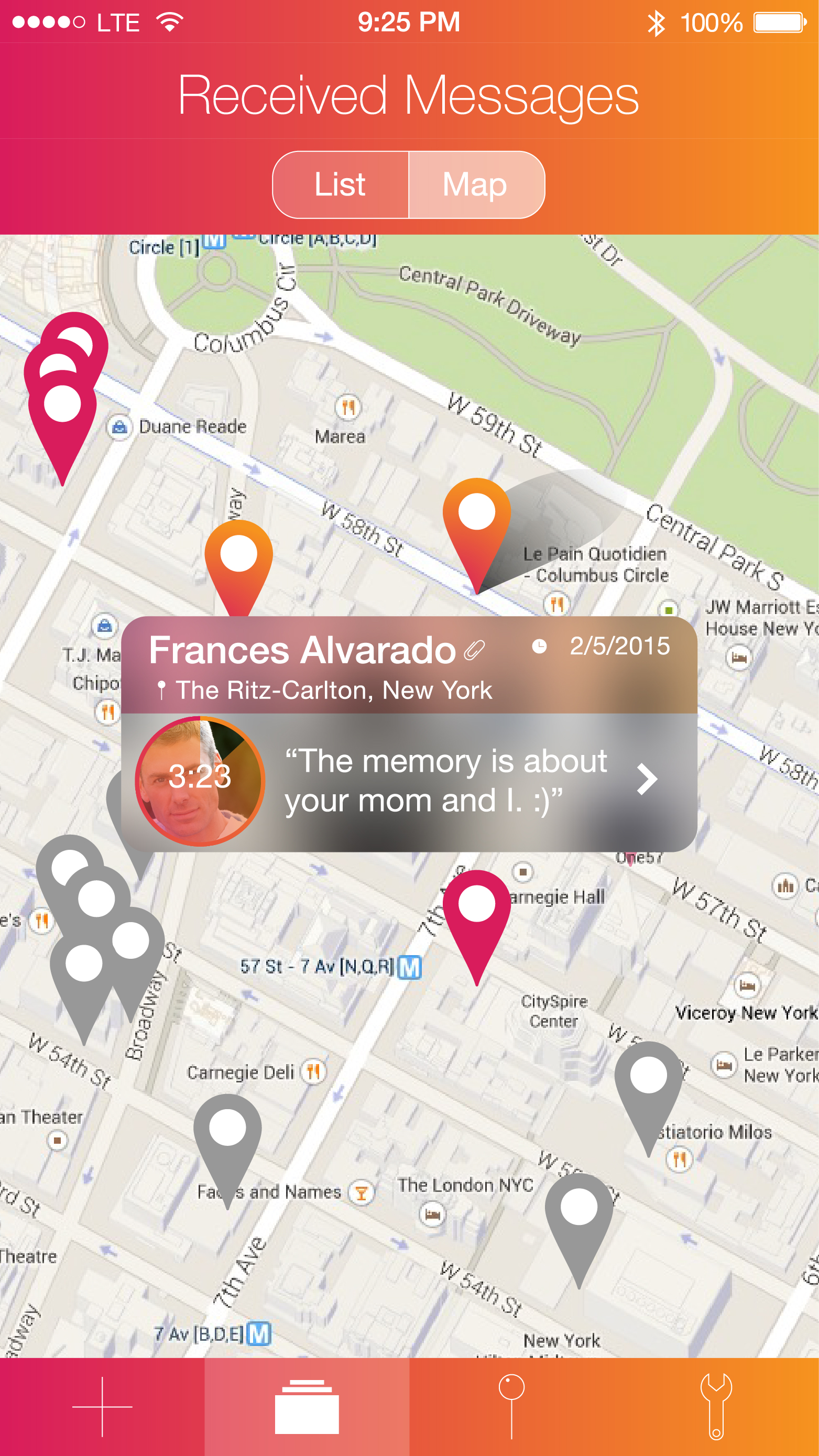
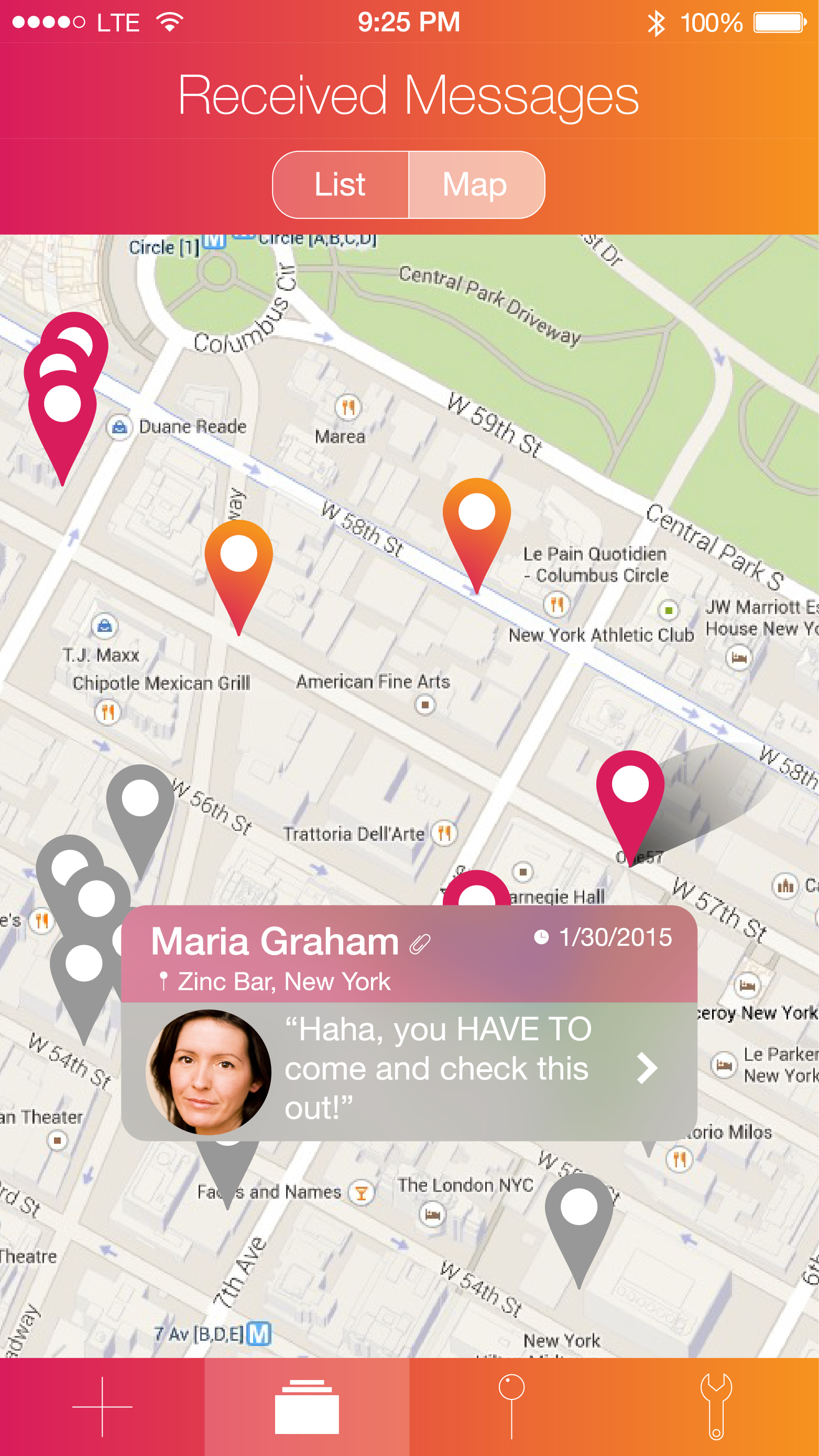
UI Prototype on Flinto:
https://www.flinto.com/p/eec3a99d





Craftsy
https://itunes.apple.com/us/app/craftsy/id540872054?mt=8
Craftsy is a skill building app, which has more than 500 online classes in photography, cake decorating, cooking, painting, drawing, quilting, knitting, sewing, embroidery, jewelry making and beyond, so you can gain the skills you need to succeed.
Three things we learnt from the Paper Prototype :
*Focus on exactly what we want to do as a group
*Add more features like maybe ratings/comment section
*Make sure all icons are clear
https://www.flinto.com/p/dba716e2
Design Prototype: https://www.flinto.com/p/55003e77
First Round User Testing:
– We should modify the graph system to “rate feelings” (not clear enough)
– We should have the user log in somehow (with Facebook)
– The homepage should be feeds from other people, ordered with most popular post first
– We should emphasize the interaction between readers and writers, meanwhile give the control of managing the comments back to writer. (Once the readers send a note to writer, this note is only visible to the writer. The writer can choose to make it public.)
– We should make every post public (but anonymous)
We took into account these inputs and modified each of them.
Second Round User Testing:
Third Round User Testing:
|
Unexpected User Reaction
|
Solutions or Potential Solutions
|
|
Tap on one of the images, but only view the image itself without reading through the whole story
|
Adjust the image size and leave some space for story’s title. Or add an arrow.
|
|
First time users usually do not know the function for each part.
|
Add a title for each part.
|
|
Some users require an easier way to go back to home screen.
|
Drug up to an certain point and the story screen will jump up and disappear. (Achieve this effect in AE)
|
|
Readability of the title for every image on homepage
|
Adjust contract or add a gradient layer
|
|
Try to scroll the homepage.
|
make the homepage scrollable.
|