WhatTheFont is an app that allows you take a picture of any font (on-screen or printed) and find similar fonts. It is meant to identify the exact font but from my experience, I find that this is almost never the case. However, I still find it useful for when I see a font style that I like and want to match in my own work. The UI is very simple: all you have to do is take a picture of the font you want to identify and the app will automatically detect any text in the image. If it does not detect the word that you want to identify, there is also the option of manually selecting it. The app will then generate a list of similar fonts- usually, it will have the same word as photographed for a direct comparison but if it cannot identify the word then it will use “the quick brown fox.”
Feedback from last week:
1.Two tabs are super weird. There should be a more convenient way for users to search all the archive.
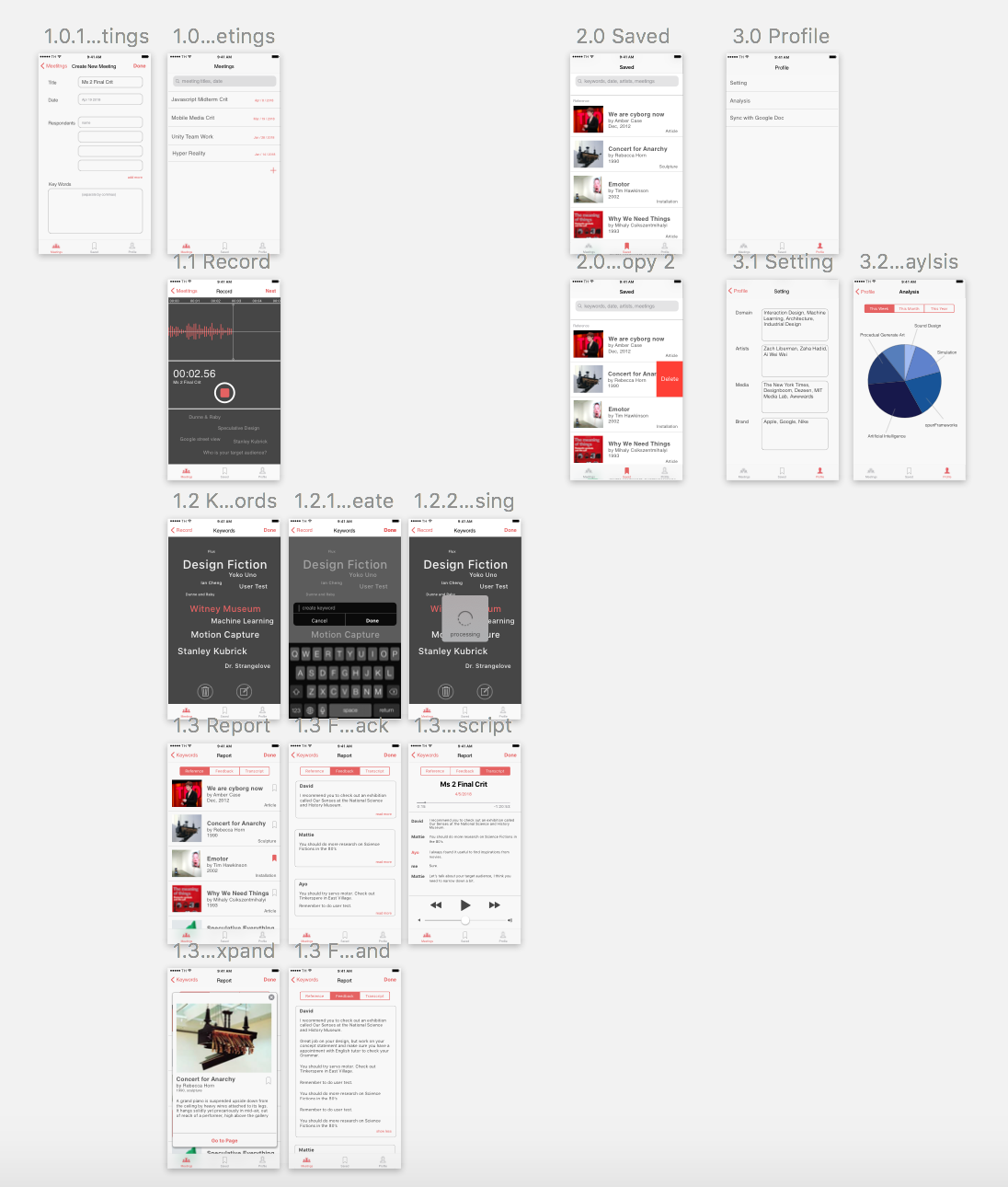
>We redesign the tabs into Meetings / Saved / Profile.
2.The keyword tracking feedback on the record page looks like a tabbable link.
>Moving texts floating from the bottom to imply the users that the machine is listening.
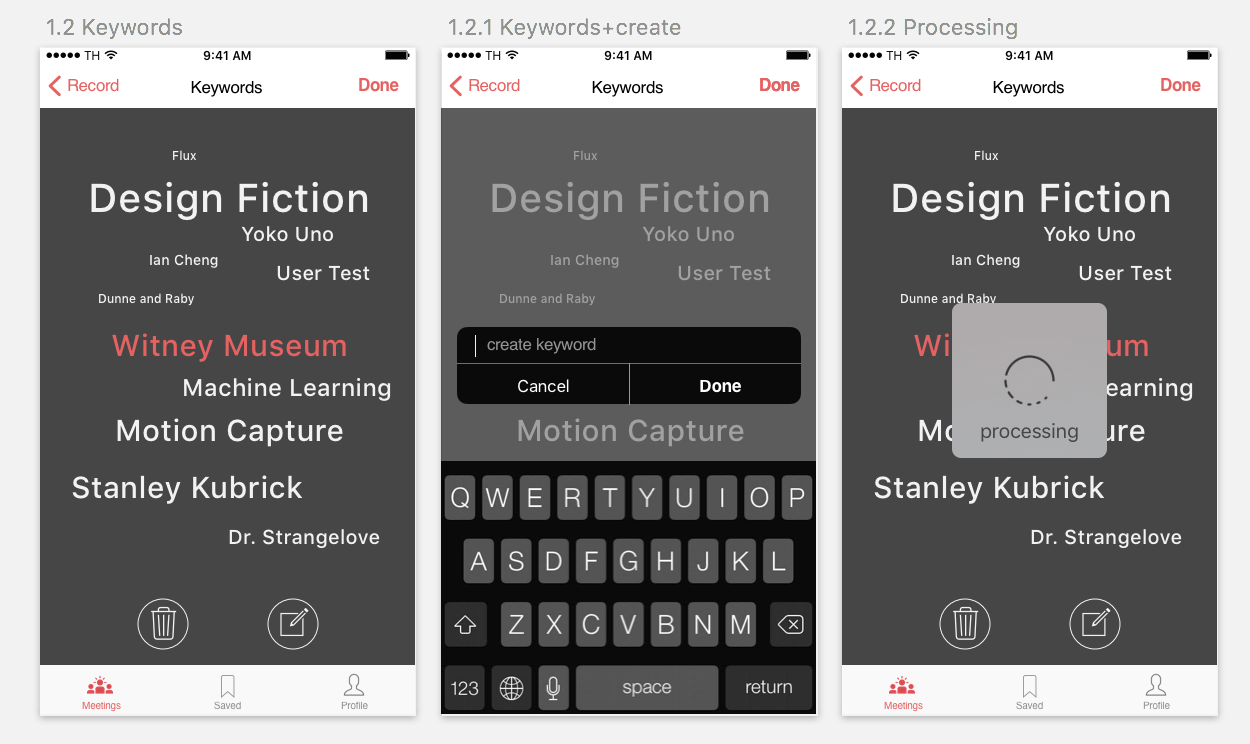
3.Users should be able to customize the keyword. Scale the text when it is important, delete it when it is irrelevant, and type in keywords machine did not get.
> When hold on the text, it turned into pink and then enter the edit mode.