FoodTracker – Improved UI Prototype

Things we’ve learned from prototyping & user testing last week

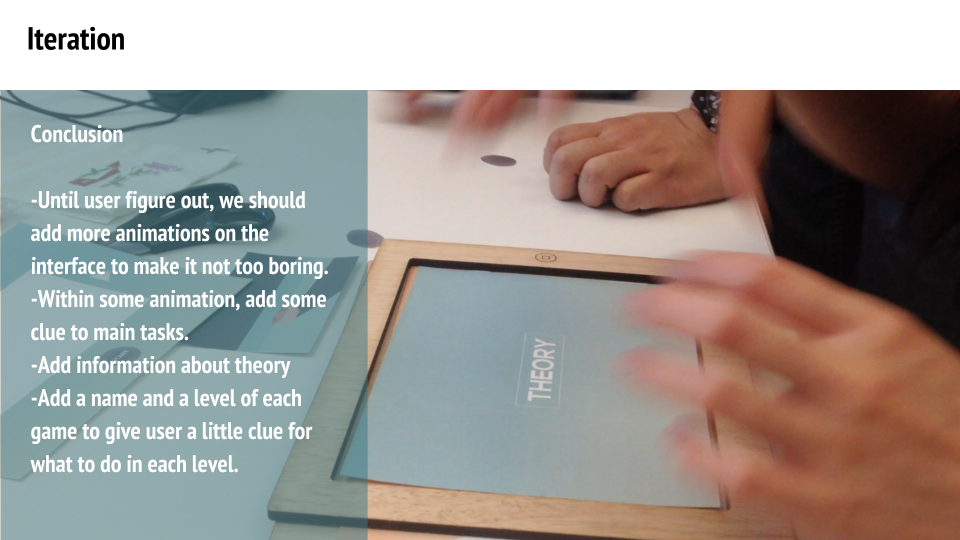
  • Think about all possibilities that can be happened by users. If we don’t consider about this, users won’t understand what”s going on during user testing.
  • Keep our identity, it’s more important than any other elements for UI design. We need to take care of color, font choice, layout, graphic, etc., then keep same style on every pages.
  • Push notification sometimes bothers users. They don’t want to see any advertisements or notices that aren’t important to them. If we must use this function, we need to figure out what users want and what they want to hear from our app.

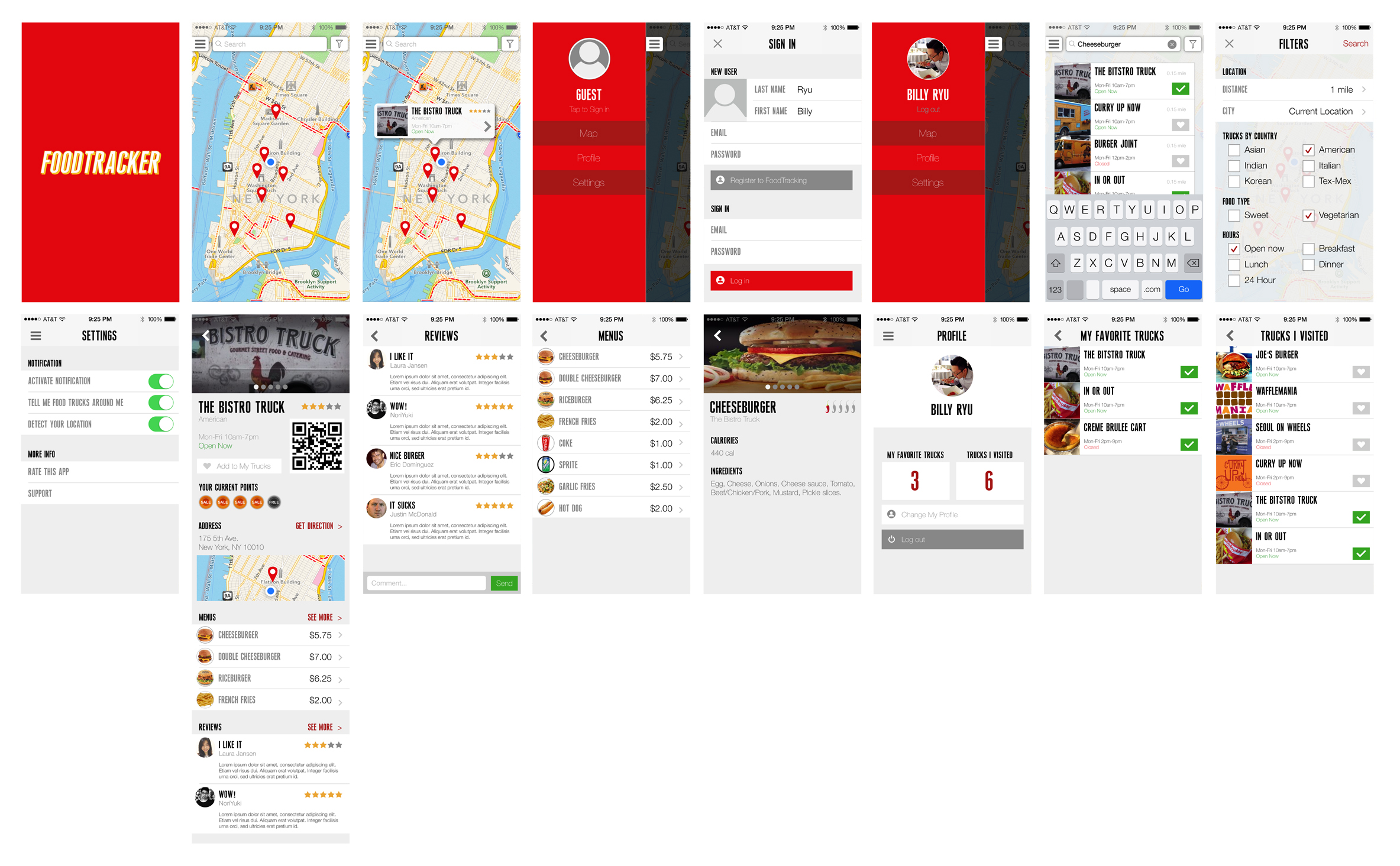
After user testing last week, we improved UI design.
prototype01-3 prototype01-3
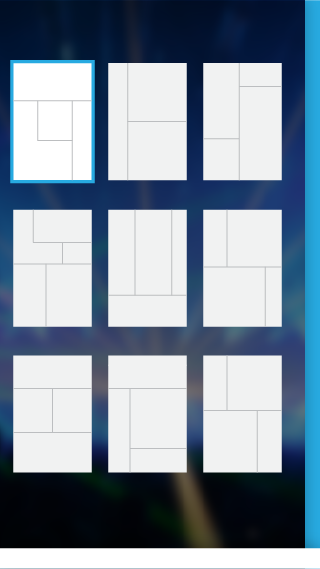
Rave: Visual Update

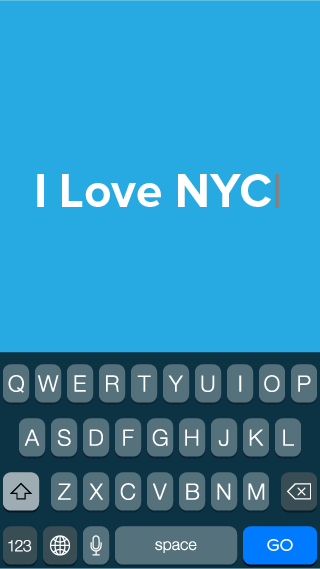
One of the most important note I took from my initial user testing is that people do not read introduction text. Besides a number of users have limited ability in reading English, native English speakers also found reading irritating when operating a mobile application.

visual_v2_b1

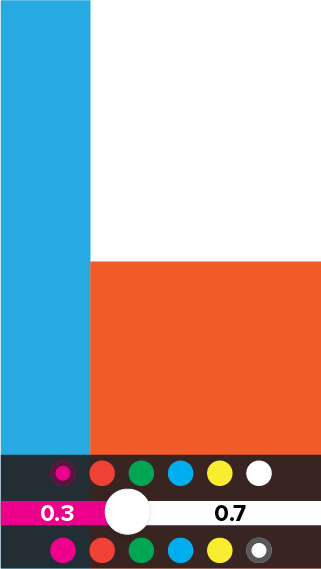
Pin-pointing the challenge, I removed all text instructions and introduction screens. Instead, I experimented with a few different visual hierarchy to encourage swipe gestures. At the end, I have discovered that laying screen on the edge of the screen while using shadow to indicate the depth appears to be the best solution.

visual_v2_b2visual_v2_b2.1 visual_v2_b3.1 visual_v2_b3.2

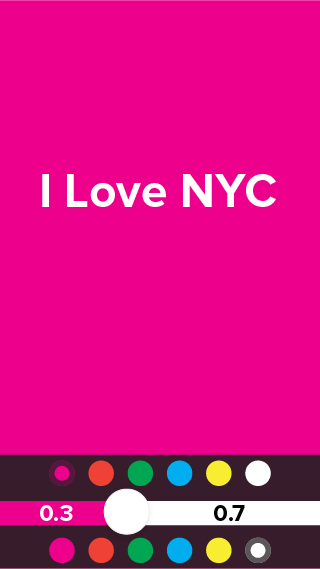
The least confusing part is the color selectors for both air writer and screen flasher. Therefore I have kept the design.

visual_v2_c1 visual_v2_d1


One of the debatable visual element is if the layering design should remain when a user has entered the flashing screen. My decision is to break the consistency due to the fact the flashing screen must take up the entire screen to work properly – especially when using air writer.

visual_v2_c2

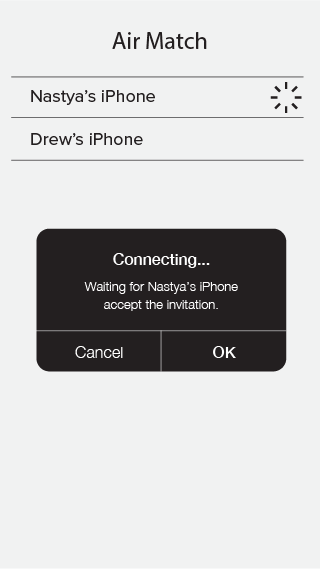
Therefore users must be experimental in order to discover ways to go back to the previous screens or entering the air match mode one they have entered the flash screen. The test result shown that they are able to do so based on the fact they have previously educated by the gesture control environment.

#thursdayplays:venmo

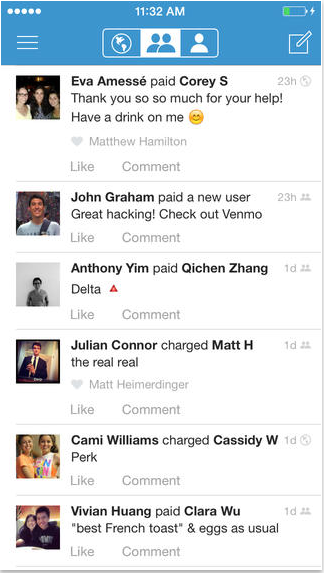
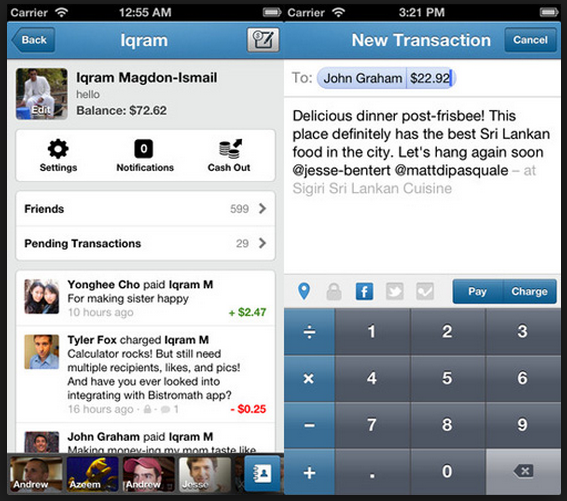
Venmo is a wallet app that makes easy to pay friends for just about anything.

This is like a paypal mobile version plus facebook.

The good thing of Venmo than other competitors like Square Cash or Google wallet  is friendly and simplicity of the interface.

While I was using this app, it was quite troublesome to set up my debit card with an app but it’s secure because exchanging payments with people in my facebook friends.

The interface of venmo is simple and easy to use once user link a debit card.

Screen Shot 2014-04-16 at 10.12.12 PMScreen Shot 2014-04-16 at 10.28.23 PM

Minibar [#thursdayplays]

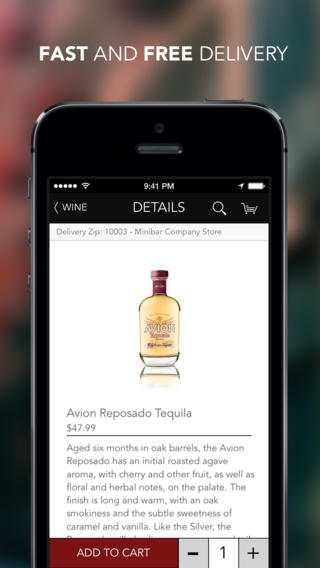
I just discovered this app. While I haven’t actually used it to order anything, I think the concept is awesome. It provides you with free delivery for your local wine & spirits orders. I wonder what the logistics are surrounding underage order (do they check for proof at time of delivery?). However, this seems very convenient for people that randomly get together…. but are too lazy (or drunk?) to go out and get their wine.

While the design is clean, I think the overall user experience could be improved upon. For now… there is enough information structured to start generating users.

Pose [#thursdayplays]

Pose is an app to follow and share fashion ideas/inspirations. It allows you to tag clothes/products and allows you to shop via the app. It is beautifully designed and has a lot of nice features that make organizing your inspirations easy and fun. This is similar to the app I am working to design for my final (I downloaded a lot of competitor apps as part of my research).

Timers By Nasa Trained Monkeys

For those who doesn’t know, Nasa Trained Monkeys is the company behind the top popular iPhone app “Pomodoro Timer.” (https://itunes.apple.com/us/app/pomodoro-timer-focus-on-your/id703145045?mt=8)

“Timers” is basically a simple version of “Pomodoro Timer,” if you don’t care much for the Pomodora technique but you need the easy-to-use timer feature.

Here is a link to the app: https://itunes.apple.com/us/app/timers-the-multi-timer-app/id744173946?mt=8