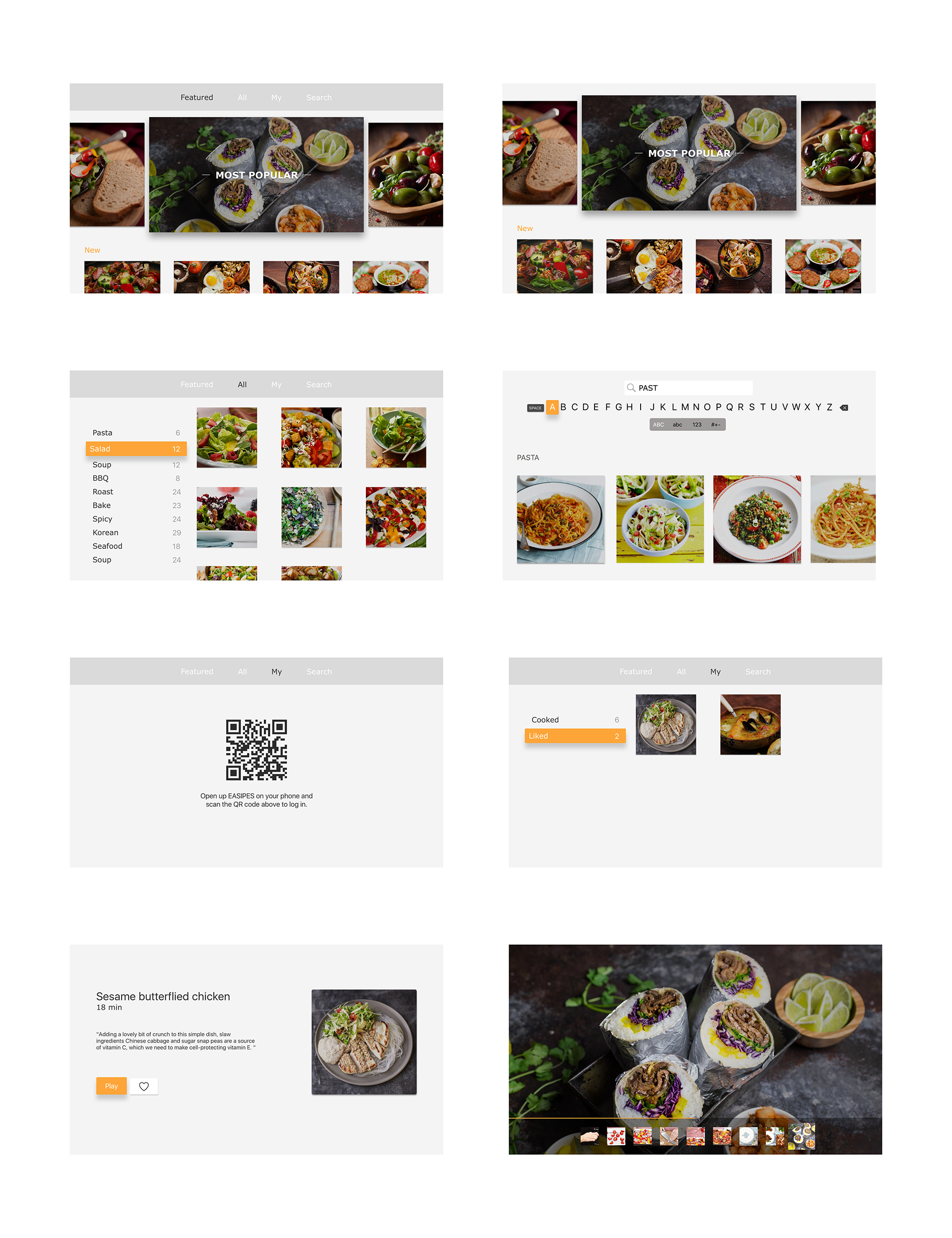
PDF: Diet tvOS UI
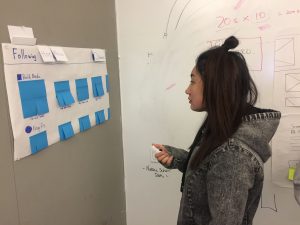
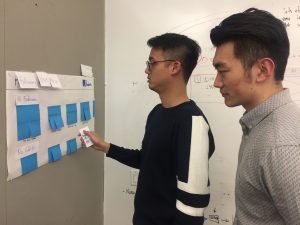
2 user insights from paper prototyping:
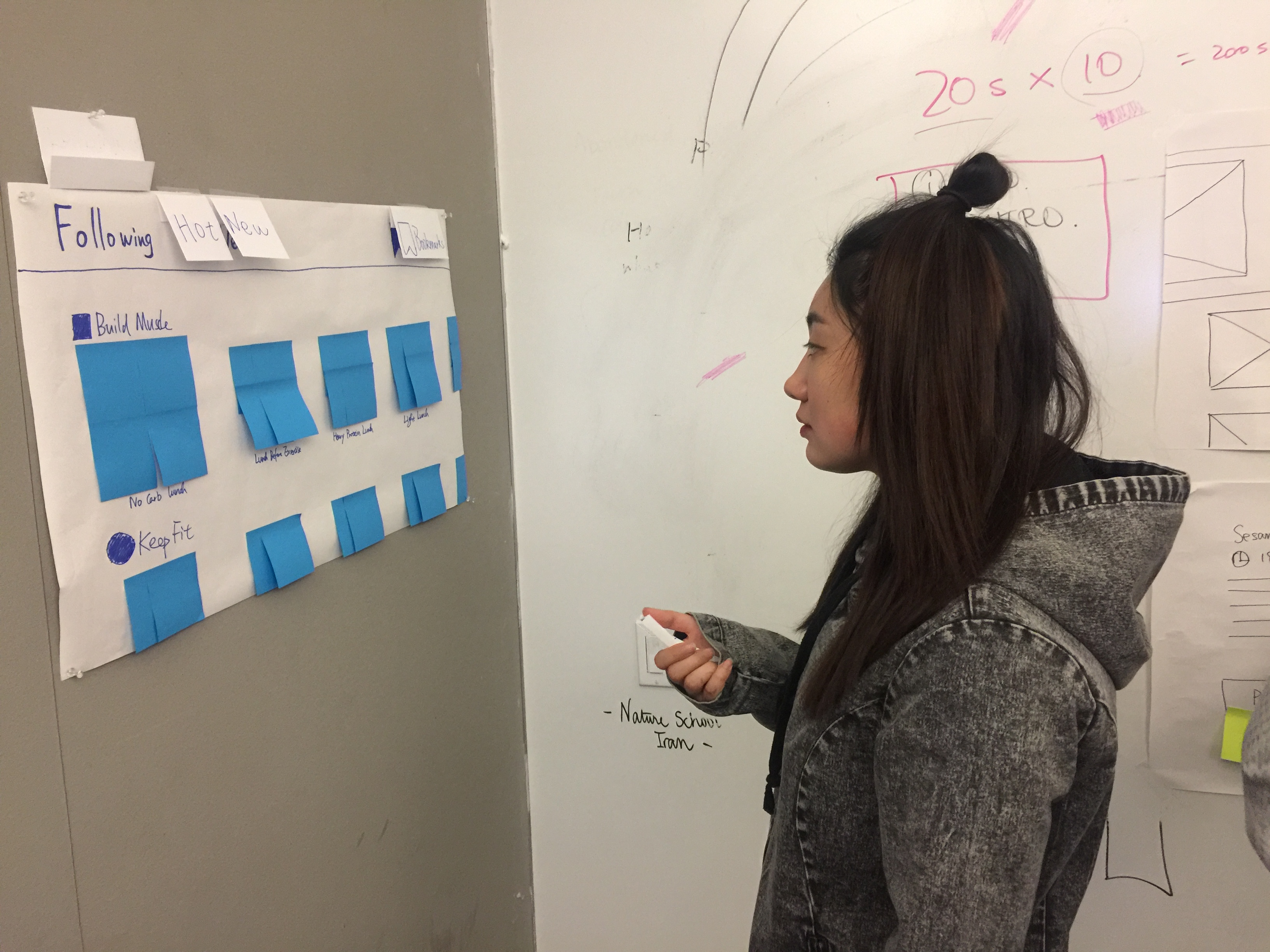
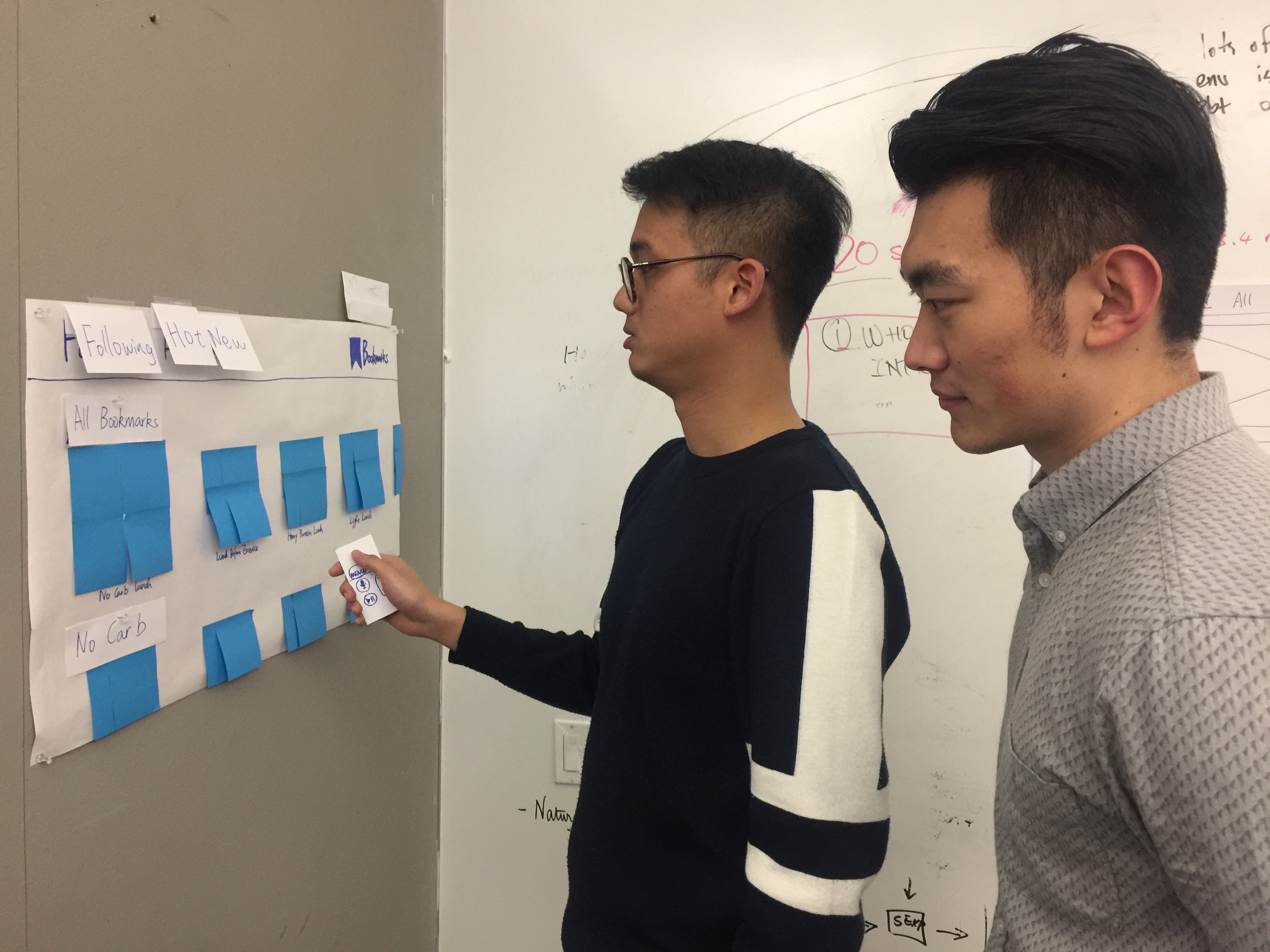
- Text below each image is too small, not legible at distance
- The text below each image is kind of distracting
PDF: Diet tvOS UI
2 user insights from paper prototyping:
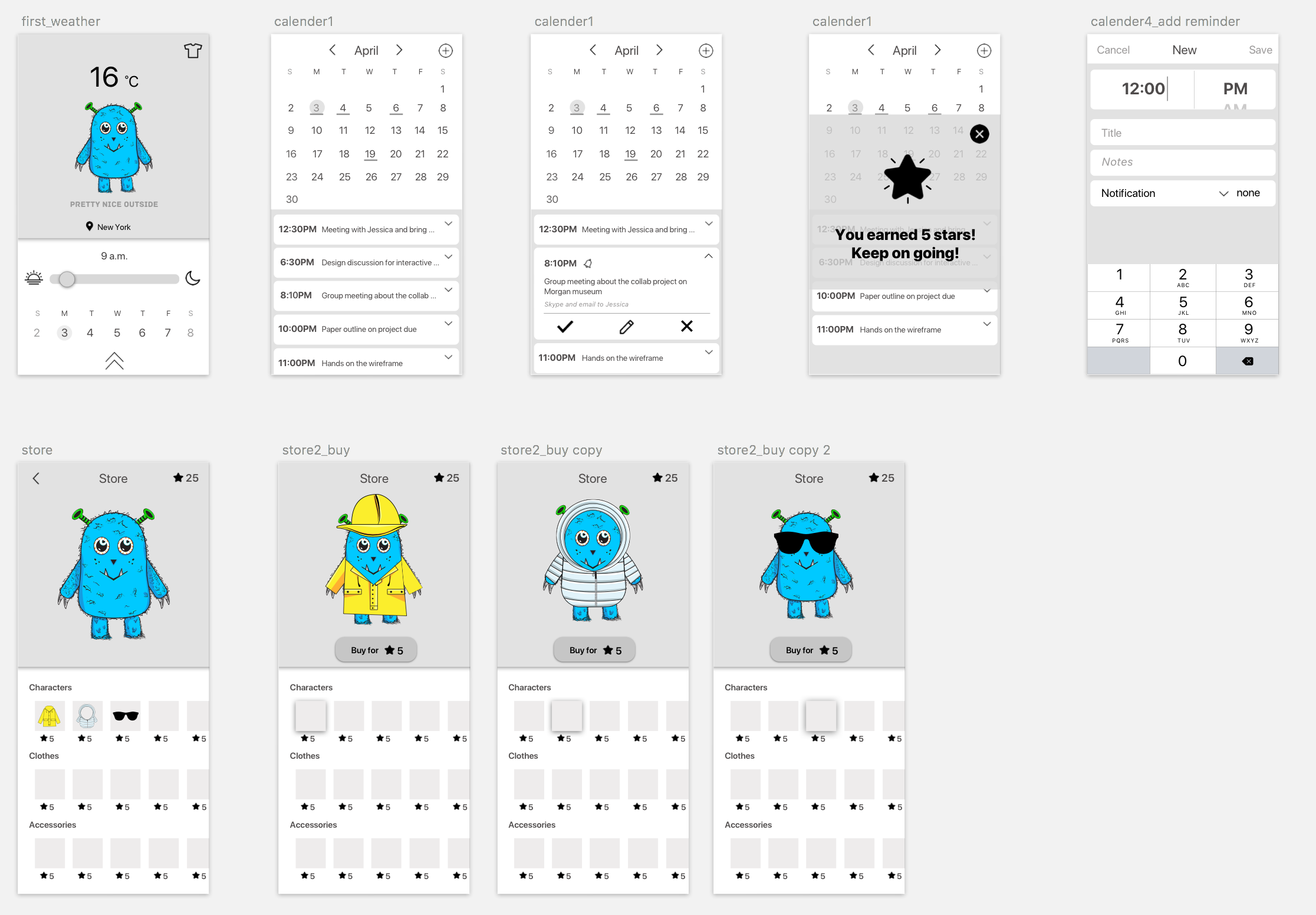
Problem 1 | Calendar Events
The first thing our group learned from this weeks critique was that our app needs to connect the calendar events to the reward system. There is a major loop hole in which users can easily check off their events to gain points. (Not Good)
Problem 2 | Animations
The second problem that needs iteration pertains to the functionality of our animated character. When the user interacts with the time dial. The sequential transition of the character stays the same as the local weather. Creating misalignment with the modified times.
Problem 3 | Achievements
The main hook of our application that separates it from competitors are the unique characters. The user can be rewarded for new accessories that can either treat or torture your weather buddy.
Main focus
Overall our main objective is to connect the characters to the calendar events giving the users the incentive to complete their daily goals.

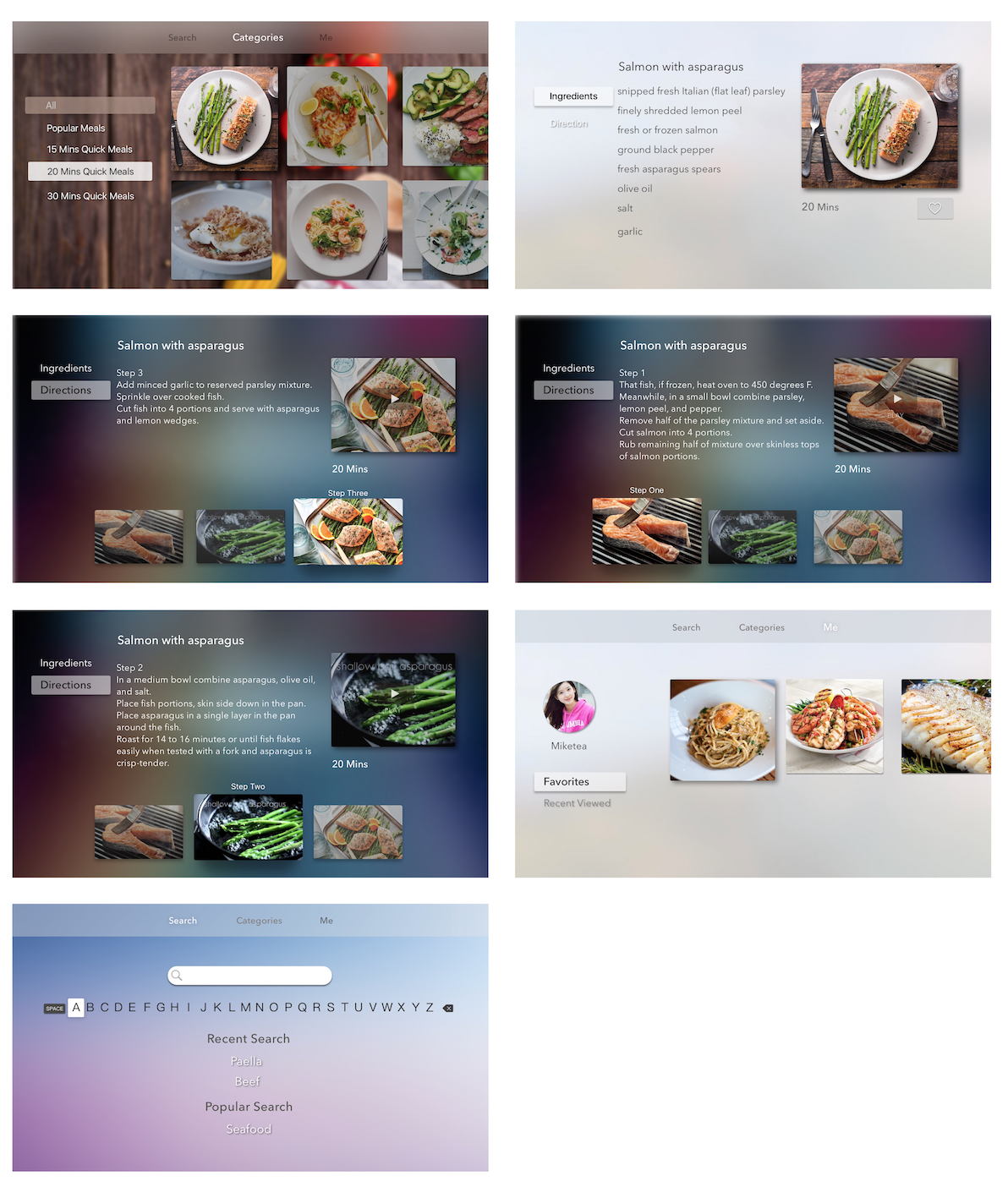
AppleTV Visual Design
What I’ve learned from the class feedback and user testing
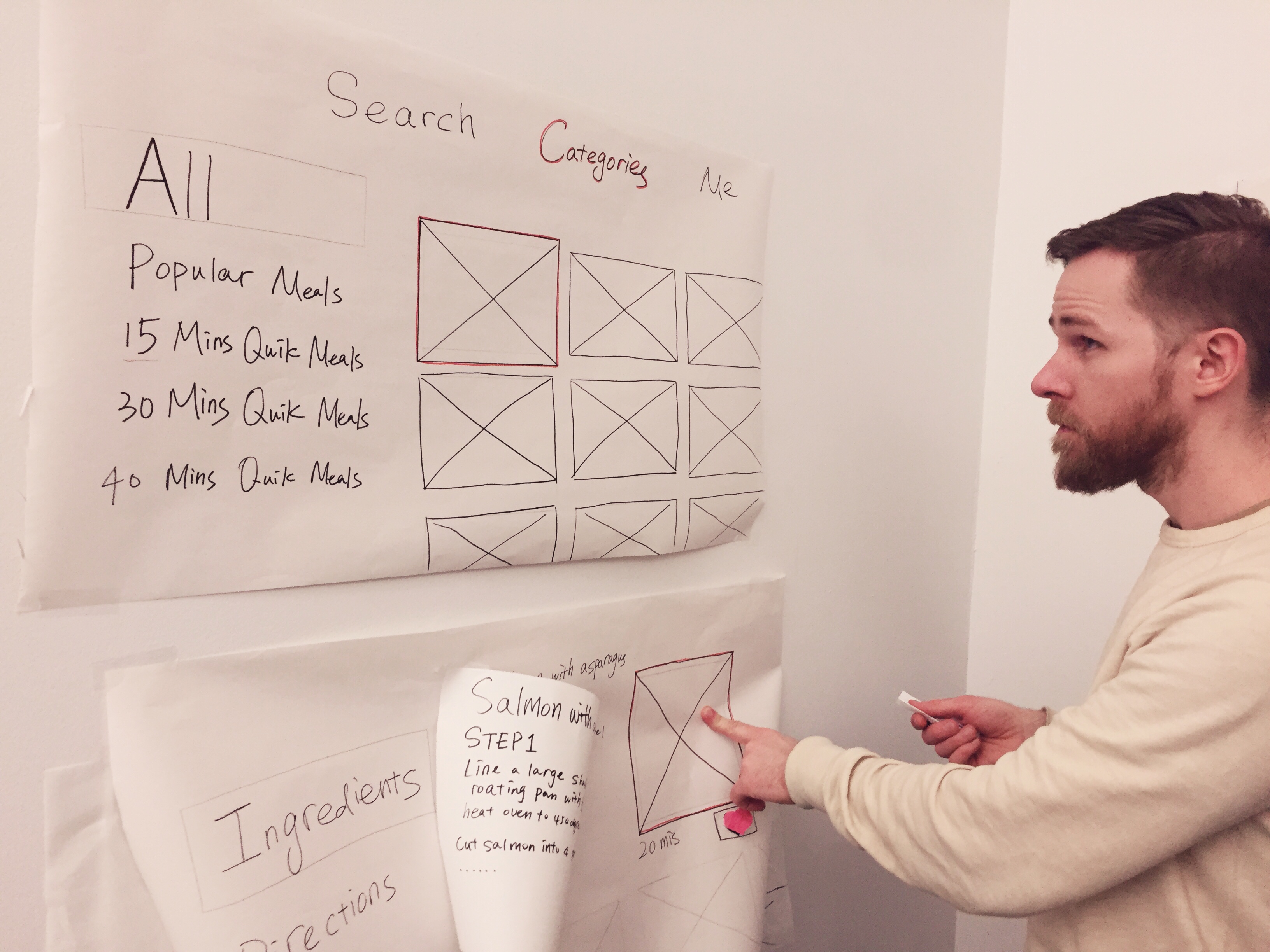
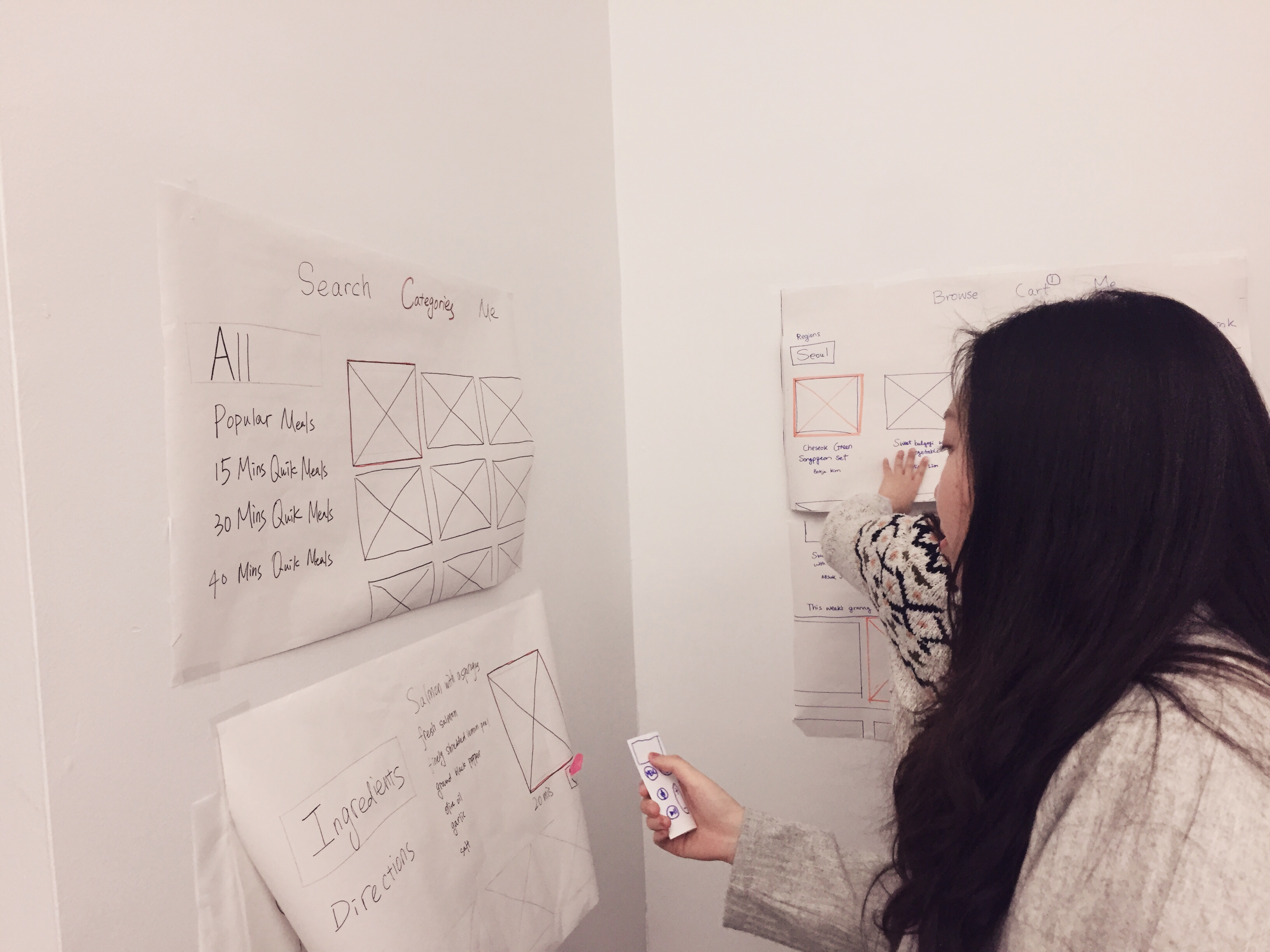
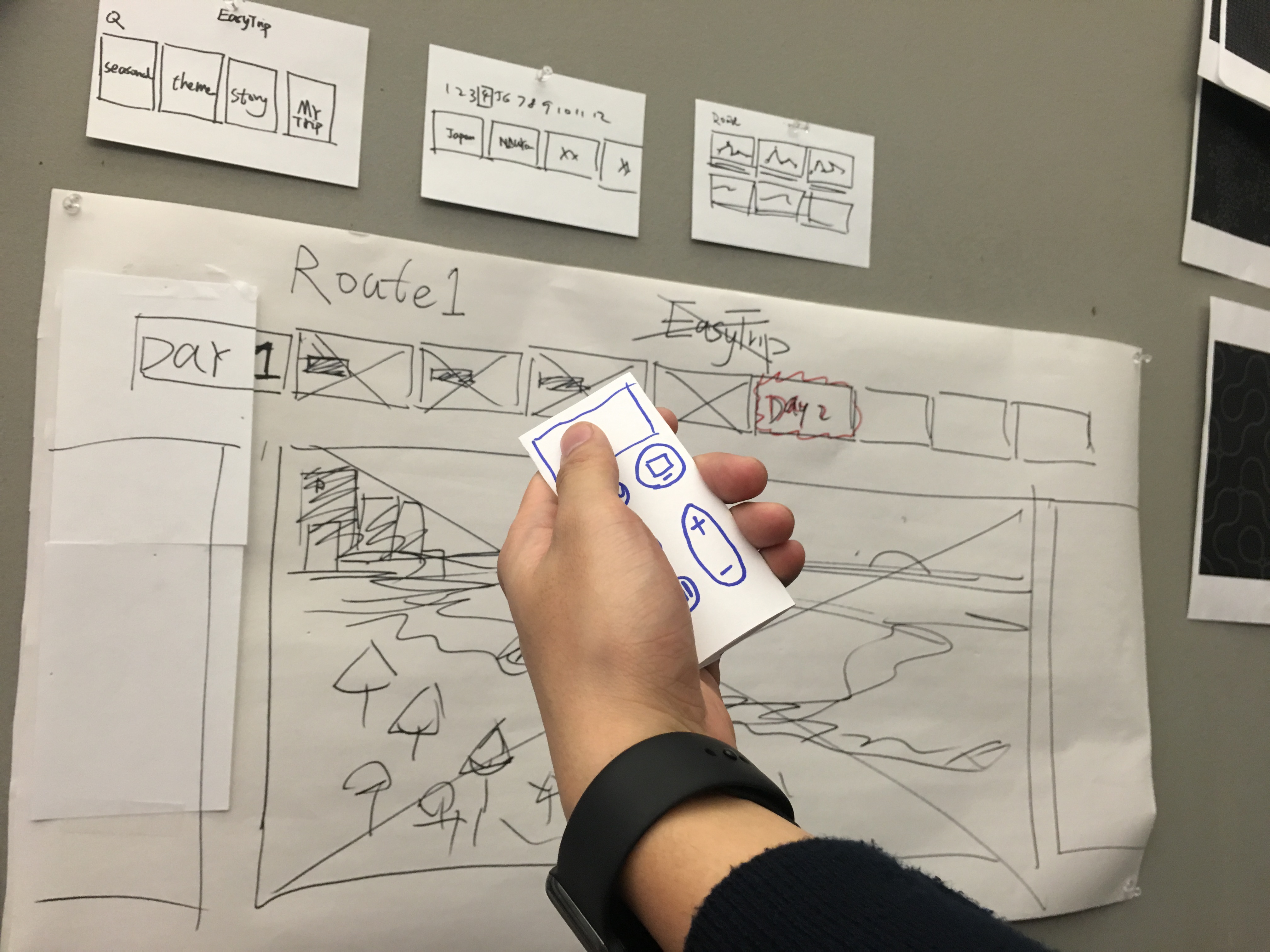
For the Apple TV version, I started from thinking how to take advantage of the TV platform. It turns out that using video content as an aid for the mobile App is a good choice. Also, the step-by-step feature still exists in this video context.
Something I learned from user test:
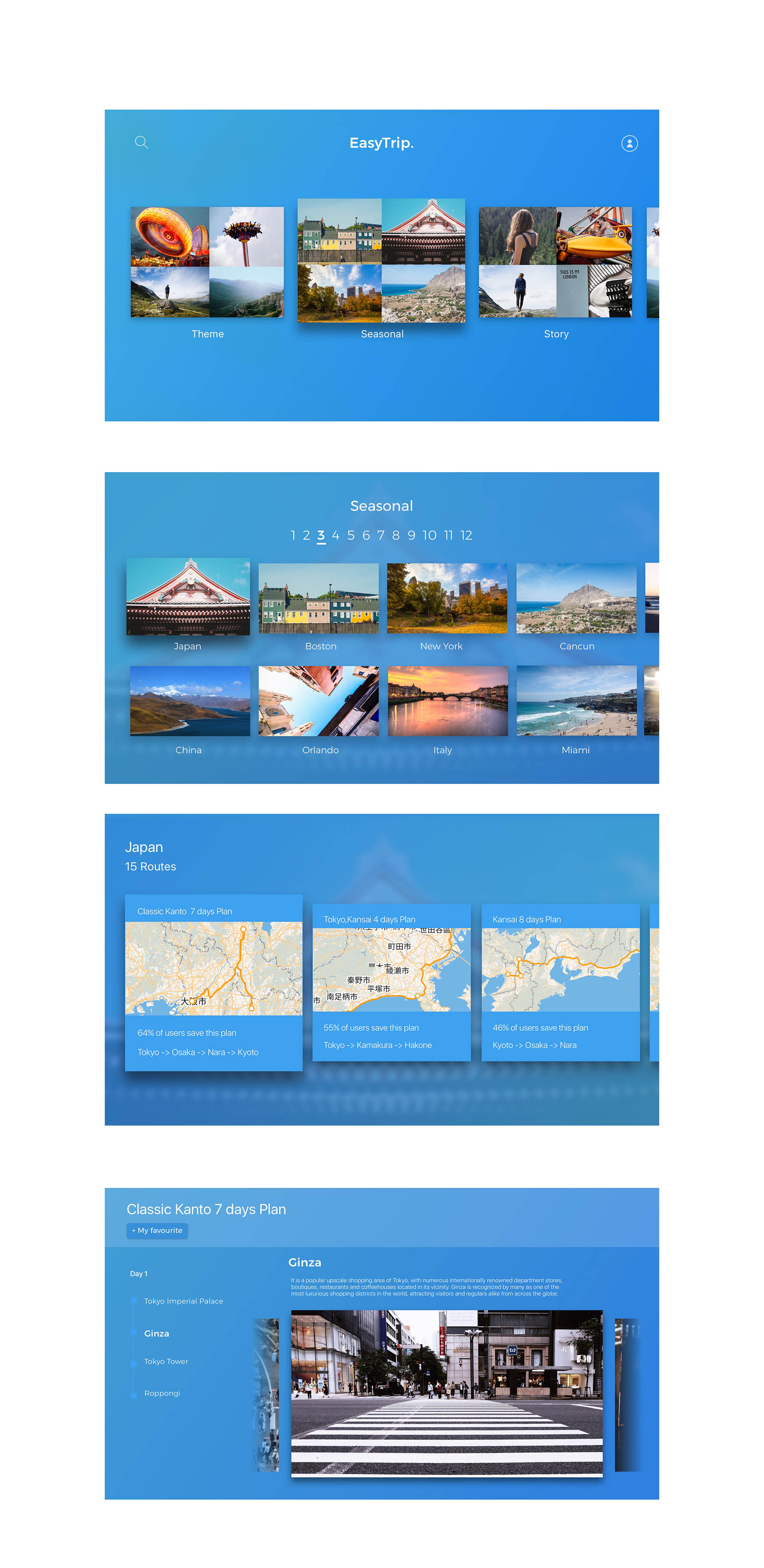
Easy Trip on Apple TV
Project Overview:
For the Apple TV, I want to focus on city recommendation. Unlike the mobile phone application, which is easy to typing and navigating through different views, Apple TV app is more suitable for showing high quality images and videos. So in this app, you can choose the city you want to visit by different catalog, such as theme, season and story. When you go into the seasonal view, it will show you the best cities you can visit in different months. After choosing the city, it will recommend several travel plans for you. In the each travel plan, you can easily see some photo and video of every sights and restaurants.
What I learn from user test:
1.the word”seasonal” may be confused, it can be replaced by “month” .
2. In the recommend itinerary view, I can show more information for every itinerary.
FastTyping is an iMessage app that allows you to compete against your iMessage friends in typing speeds. The game is fairly simple as it only involves users typing as quickly as they can by following the given prompt (which are usually within the topics of Music).
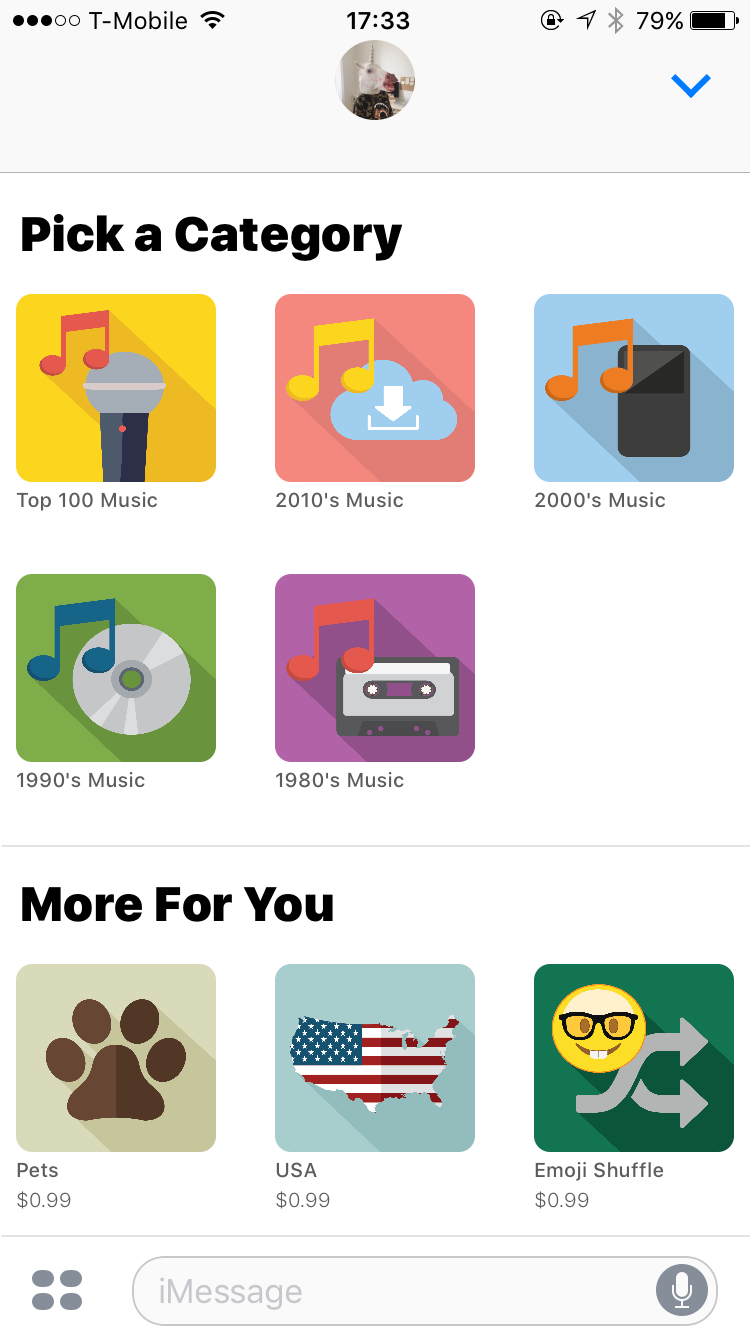
The user interface is also fairly simple. Each category that the user is given has a background of a different color and the interface only consists of the prompt and a typing text field.
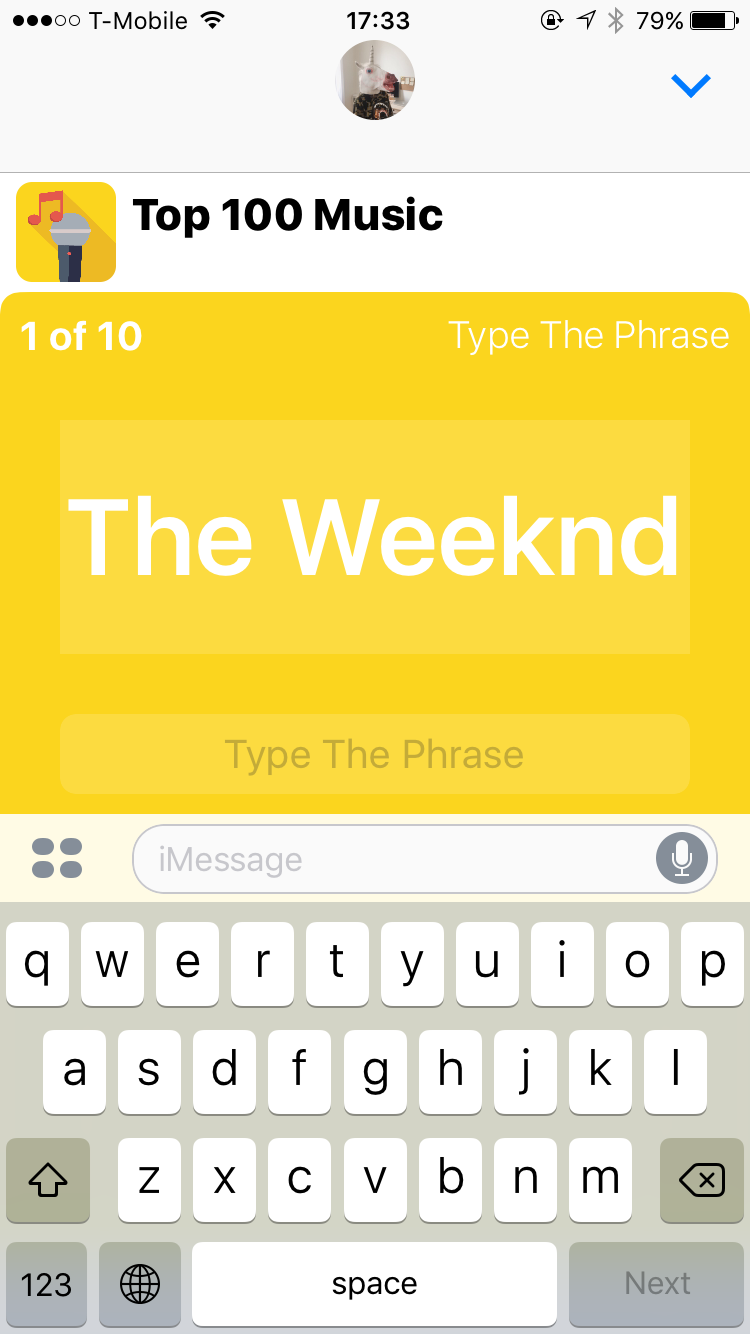
Because of the nature of iMessage always having a text field on top, on my first try I actually ended up typing into the iMessage text field rather than the one given in the app.
The experience of “penalty” is also not as emphasized. Rather than giving me a score that I don’t understand how it was calculated, I would have preferred the application itself displaying some form of error sound or a change in the color of the text. Also, the application also does not show how many points I have earned so far from playing. 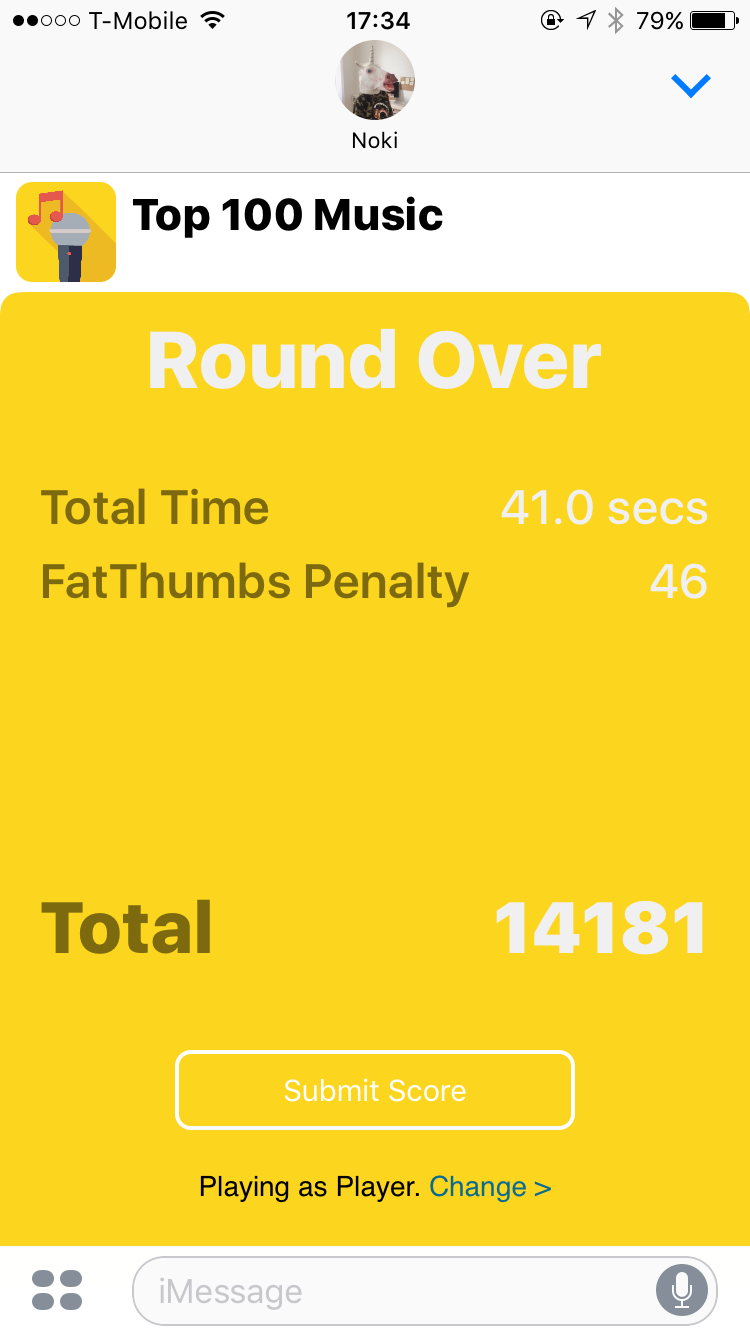
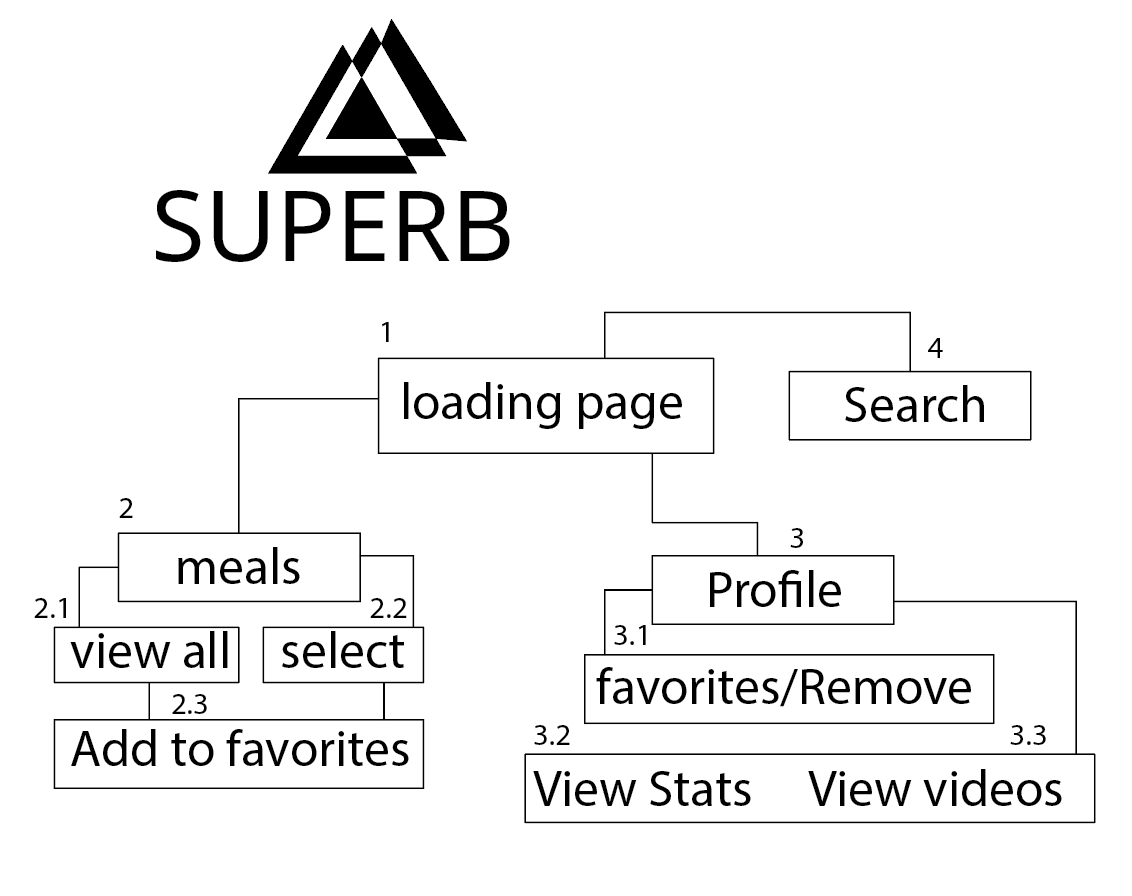
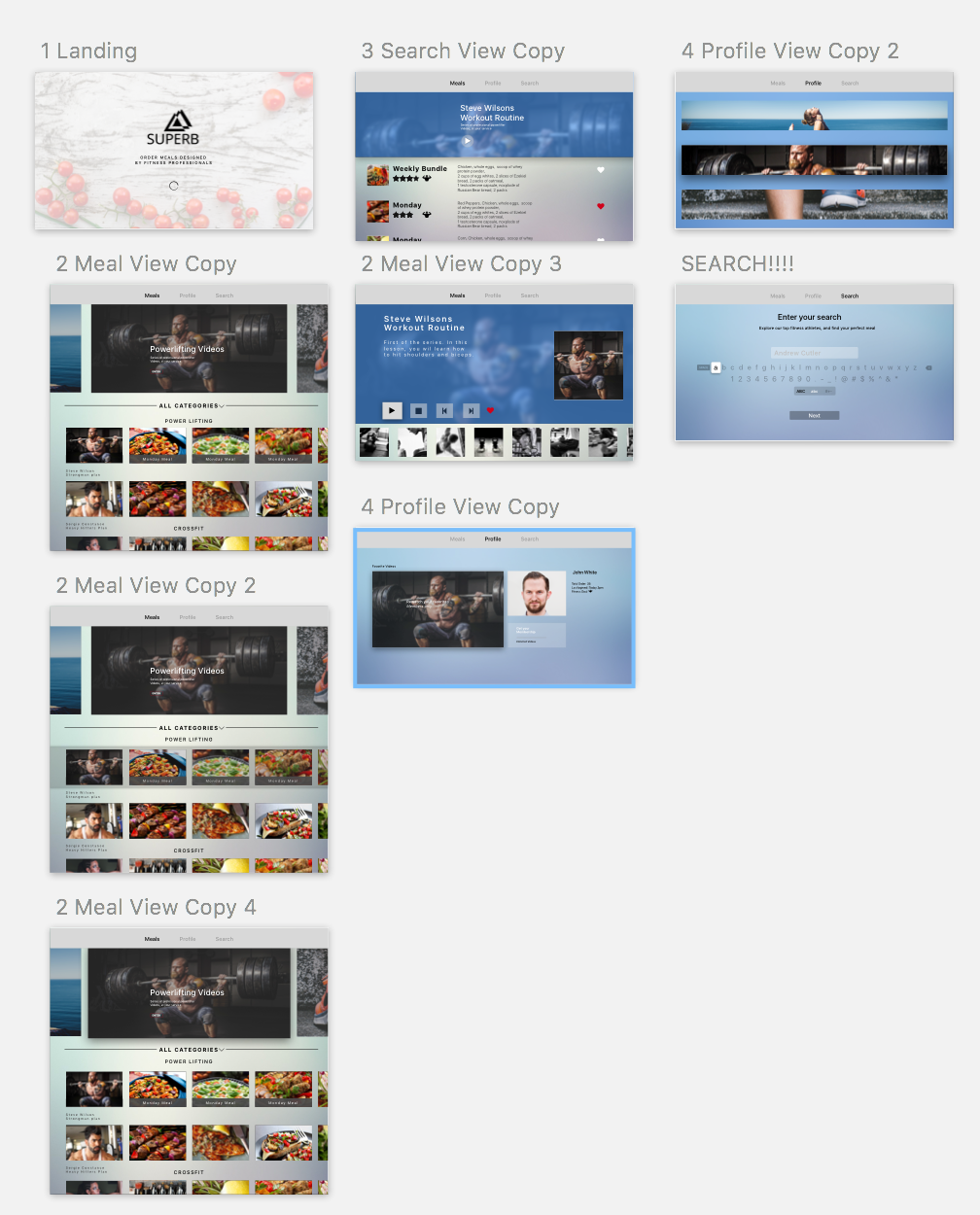
Concept: Superb TVOS is an alternative meal preparation app in addition to the IOS variation. Superb TVOS focuses on video content and meal browsing as its own identity. After presenting my final iterations, I have gained various feedback. First off, Superb TVOS doesn’t allow users to purchase meals. Instead it allows users to view existing meals and favorite them. Which directly sends data to the ISO version, allowing users to purchase from the ISO cart. The TVOS version also allows the user to sign up for a membership service in order to receive video content.
Error: TVOS should only focus on video content and membership services instead of mixing favoriting. This conclusively simplifies functionality while making the experience separate from the ISO version.
Error: Filtering video content and favoriting specific videos would be beneficial for users to further interact with the apps functionality. It makes sense for individuals to have complete control over their membership services.
Error: The content on the top portion of the meal screen should direct the users to view all of the video content. Instead the meal screen focuses on both favoriting meals and videos. And there is no way to view all of the meal options, which is a problem. Further implementations would be to remove meal viewing, and focus primarily on video content.
Small Planet has a Sketch Plugin doc ongoing, you can sign up for access via the Small Planet Soapbox.
Based on findings from my paper prototype, I iterated visual design.
What I found from the user test:
1. To show the overall feeling and experience of the service to the users who use the application for the first time, the content that can be seen only by scrolling down on the first page is moved to top area.
2. Added featured section below the navigation bar like a featured movie to show users diverse options regardless a region and let them know which options they can experience on the app.
3. Added a popup page to give users a feedback that let them know whether the item is successfully added with two buttons derives them either continue shopping or check it out.
4. Due to the trait of moving the buttons one by one with the remote control, it seems more efficient to click the arrows to change the main picture one by one rather than clicking each picture.