POTLUCKPAL
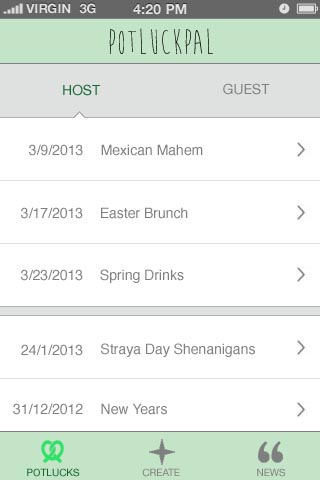
HOST:
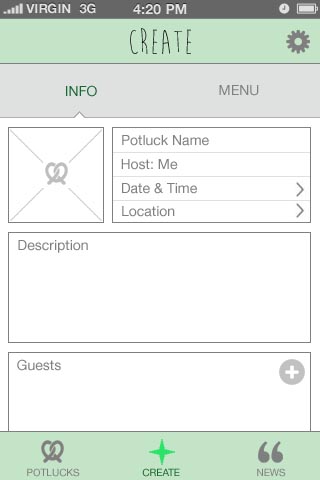


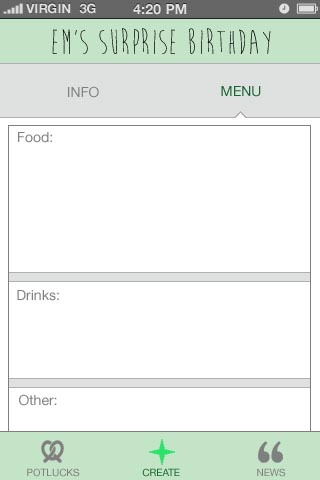
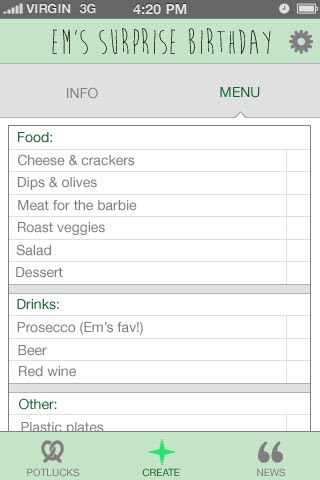

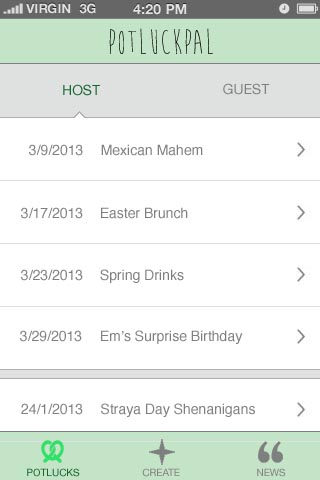
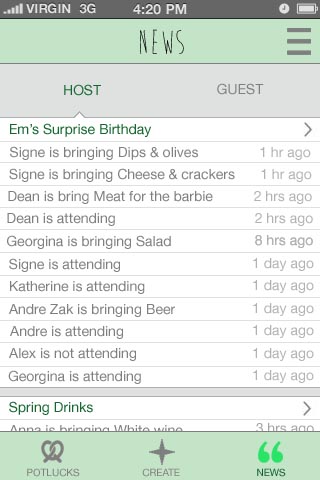
GUEST:
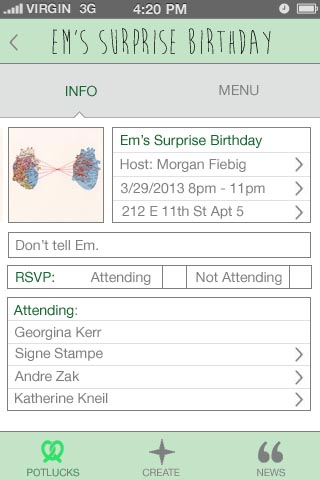
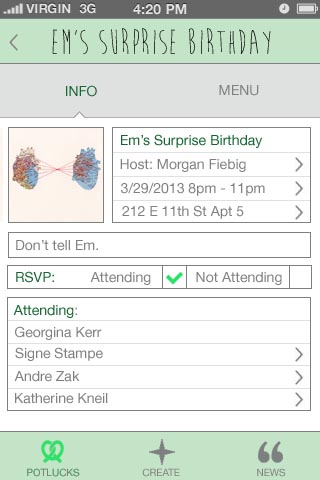
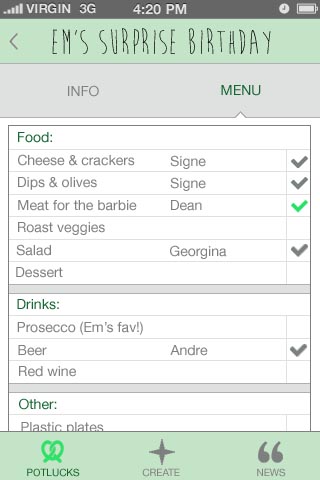

01/02 Project 1: Design
Note: There is no official name for the app yet.
Art Direction
Bread-related colors. A little bit of vintage to keep up with the trend. Homey, but professional.
Icons
There are two versions, with the second one as my preference.

Interface
Splash screen as a loading page.

The app starts with a buy page that displays photos of selling bread parts with pricing as a gallery in a newest to oldest order. There is the list icon on the top right corner for changing the ordering (nearest, lowest price, mostly random). Next to the list icon is a gear icon for the settings page. On the lower tab bar is a set of icons to access other pages (from left to right: shopping cart, buy, sell/trade, profile).
The (T) icon on the top right corner of each photo indicates that the item is available for trade.
Once tapped on a photo, an item page will pop up over the buy page. Here, the item’s photos can be viewed in the background by swiping horizontally. An information box on the lower part of the page can be turned on/off using the info (i) icon on the top left corner next to the close (x) icon. Under the information box is a row of dots displaying the numbers of item photos.
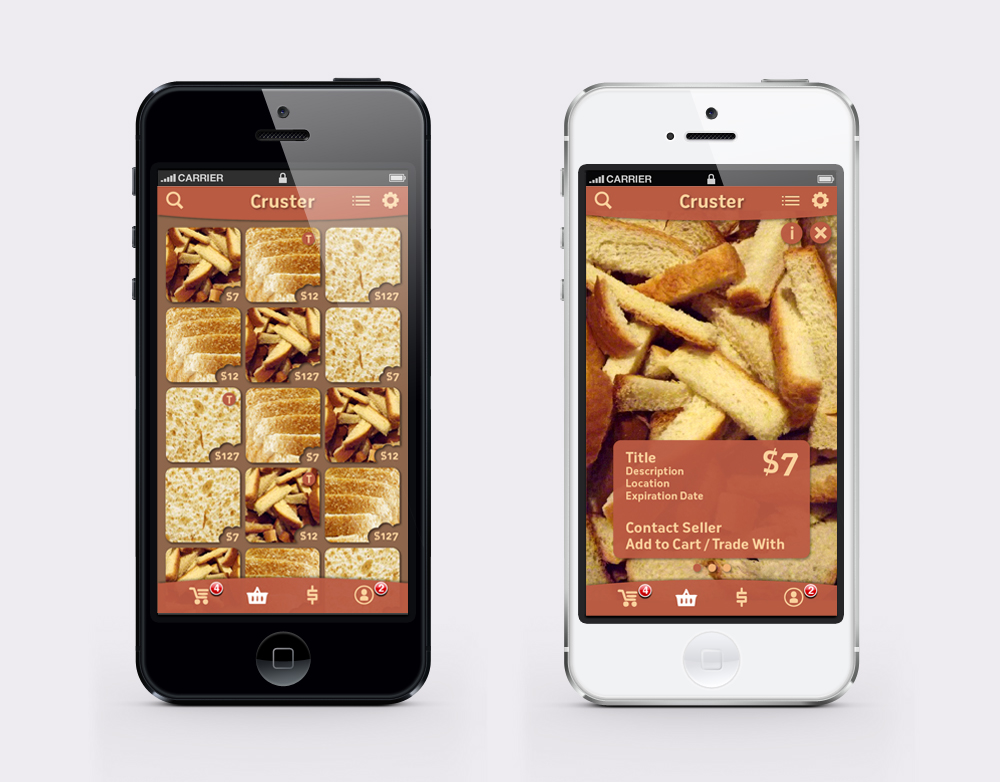
The shopping cart can be viewed by tapping the first icon on the lower tab bar. It will show items you want to buy and trade in separated categories. For the sell/trade page, which is accessible through the third icon on the same tab bar, there will be a form to fill and upload photos.
You can always go back to the previous page using the arrow icon on the top left corner. To go back to the buy page, use the shopping basket icon, which is the second one from the left.

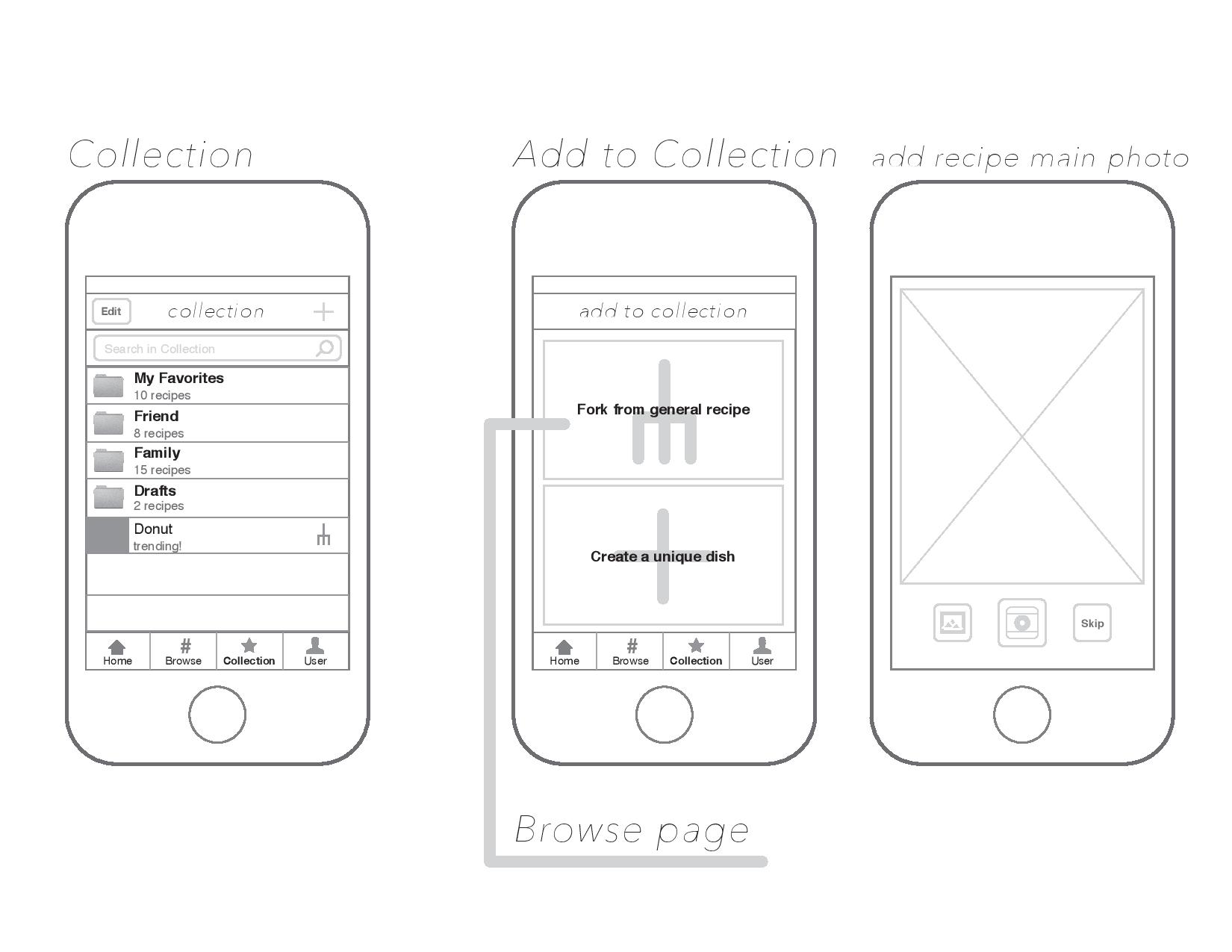
4chette (previously known as arma cookbook)
wireframe can be seen here:
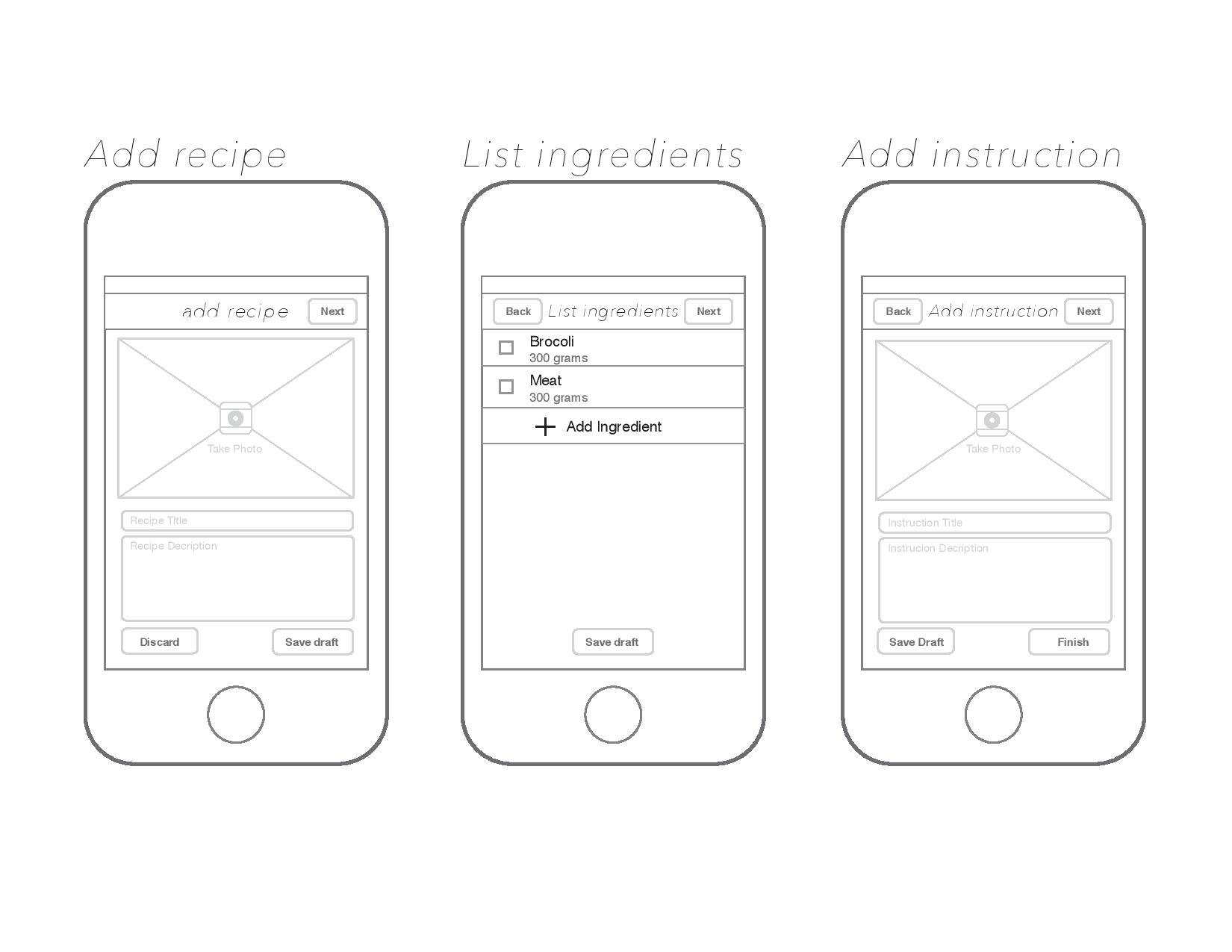
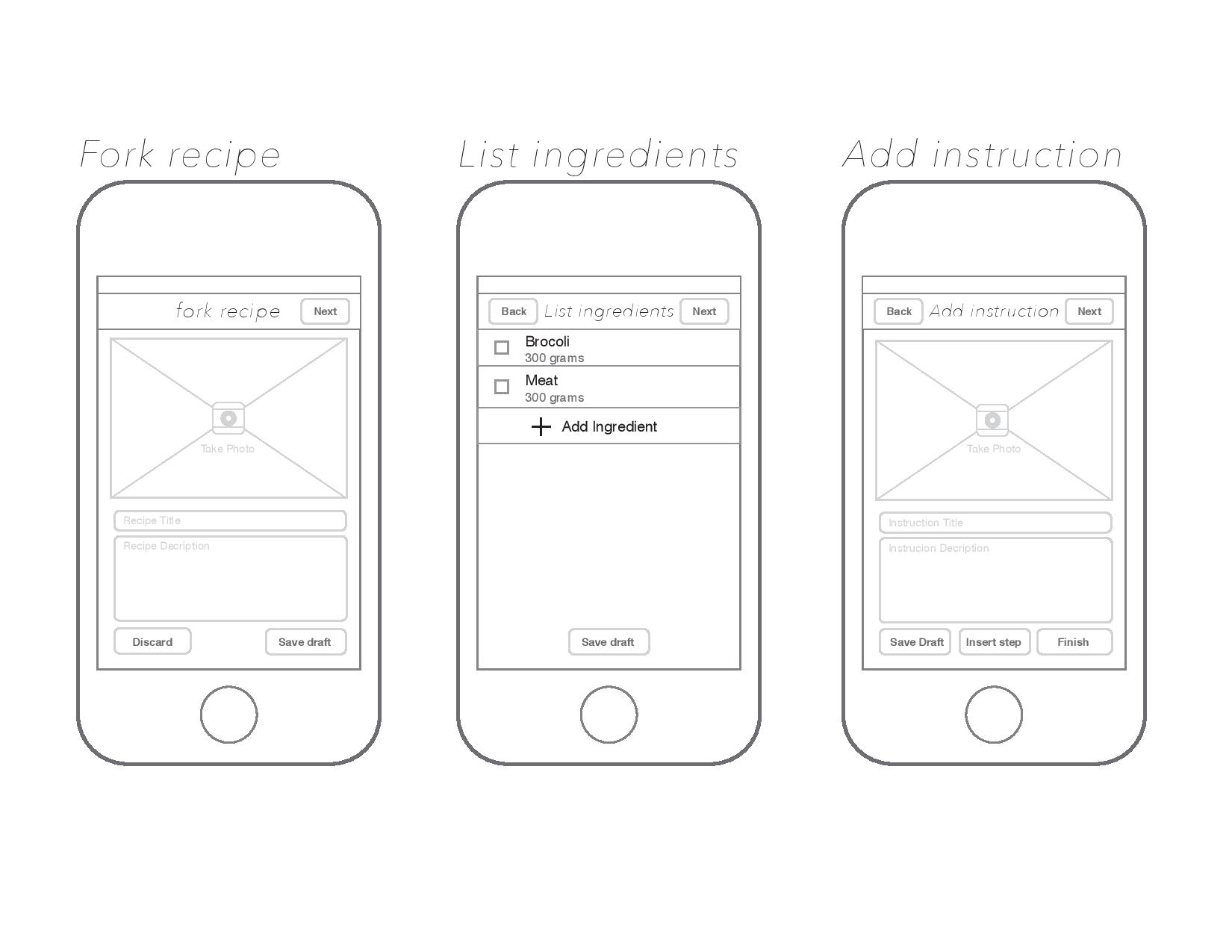
4chetteSketch
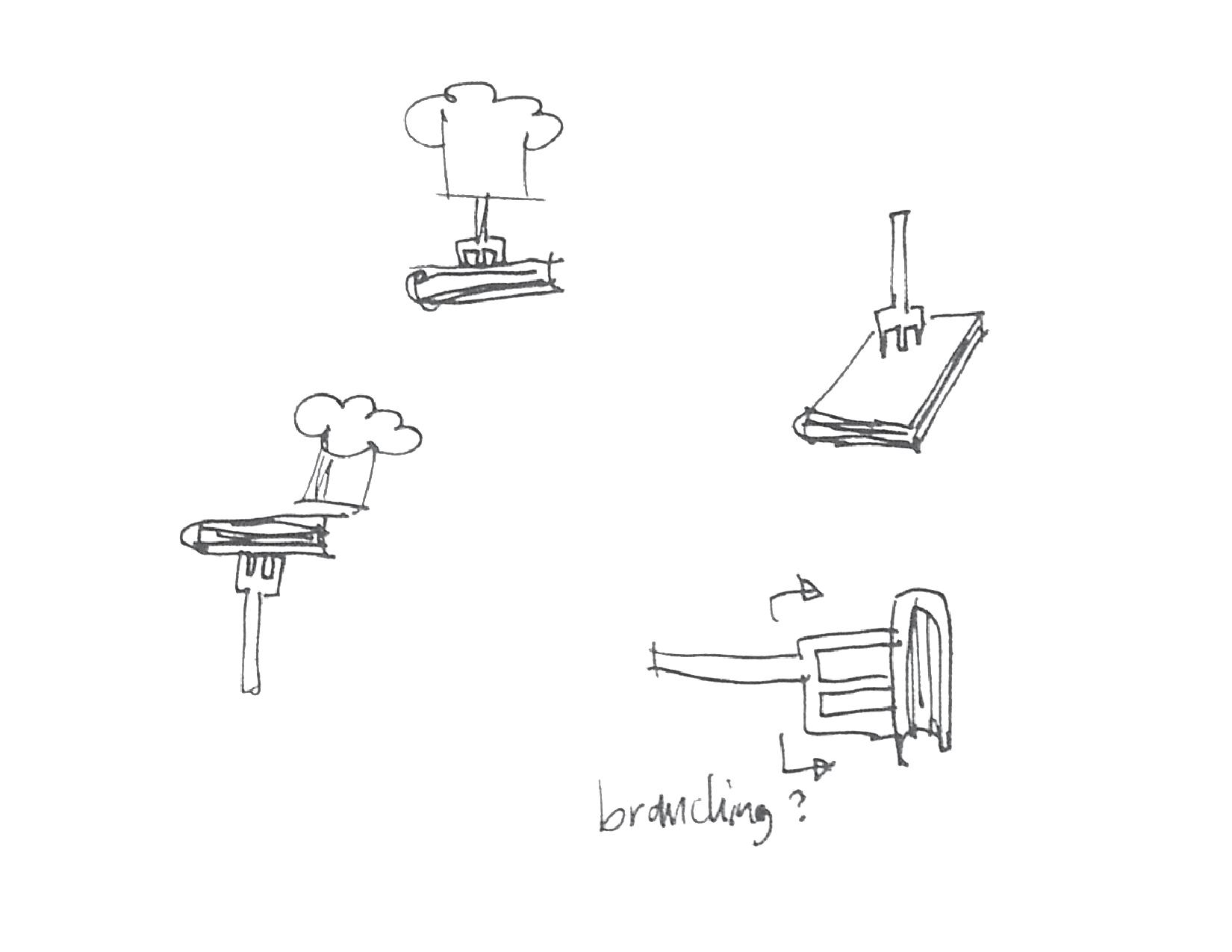
The name 4chette derived from french word, fourchette which means fork.


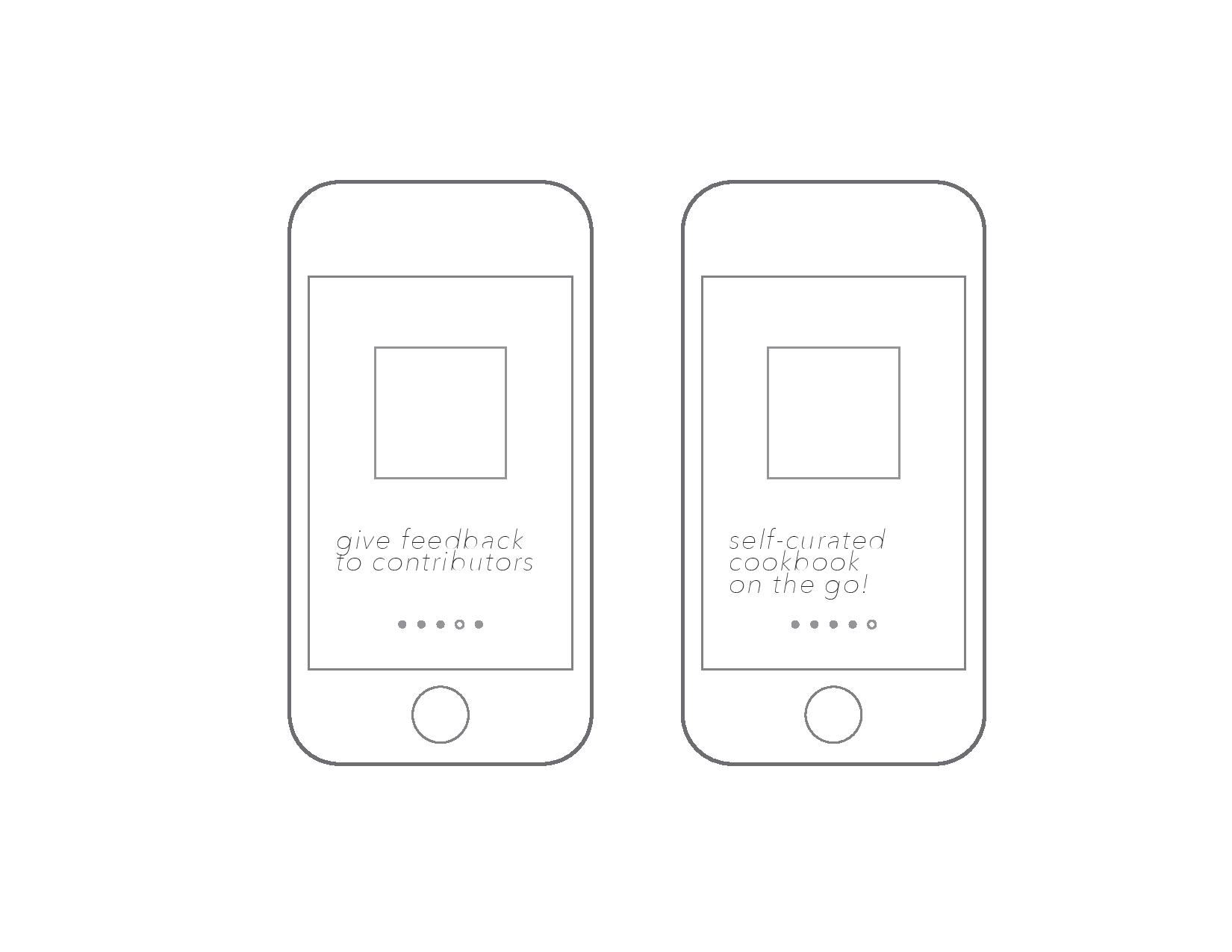
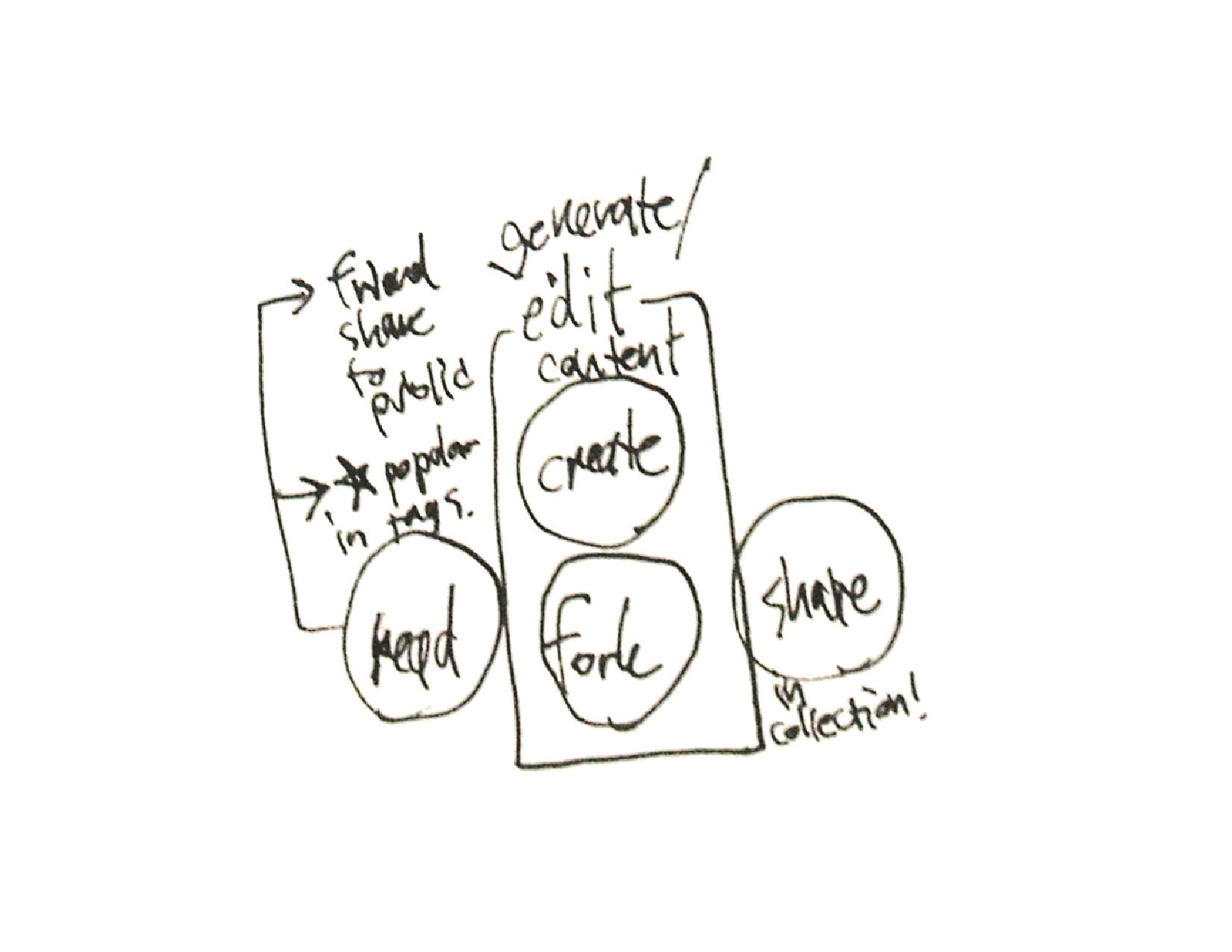
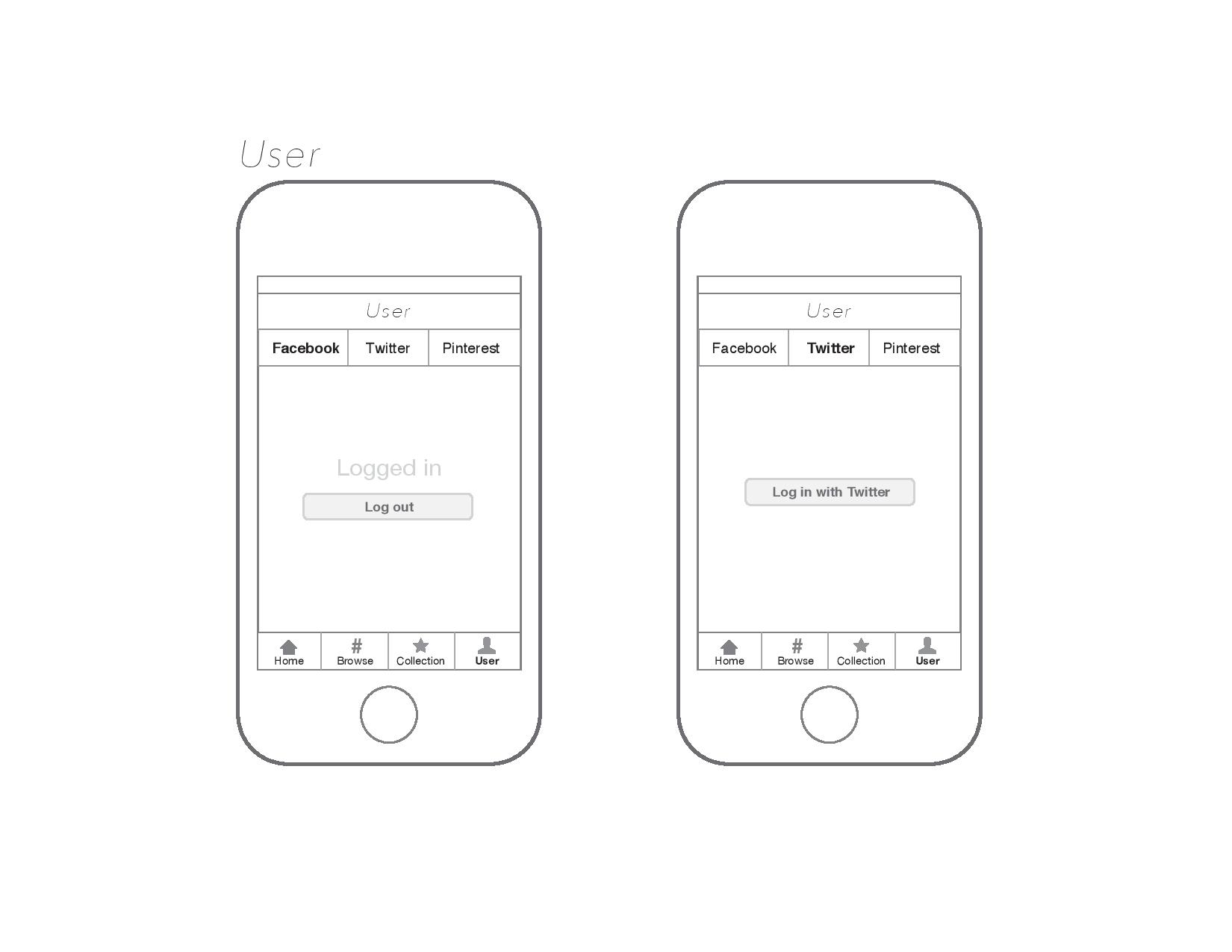
three main interaction on the platform: to read and navigate through content, to create and fork recipe, and to share with social networks friends.
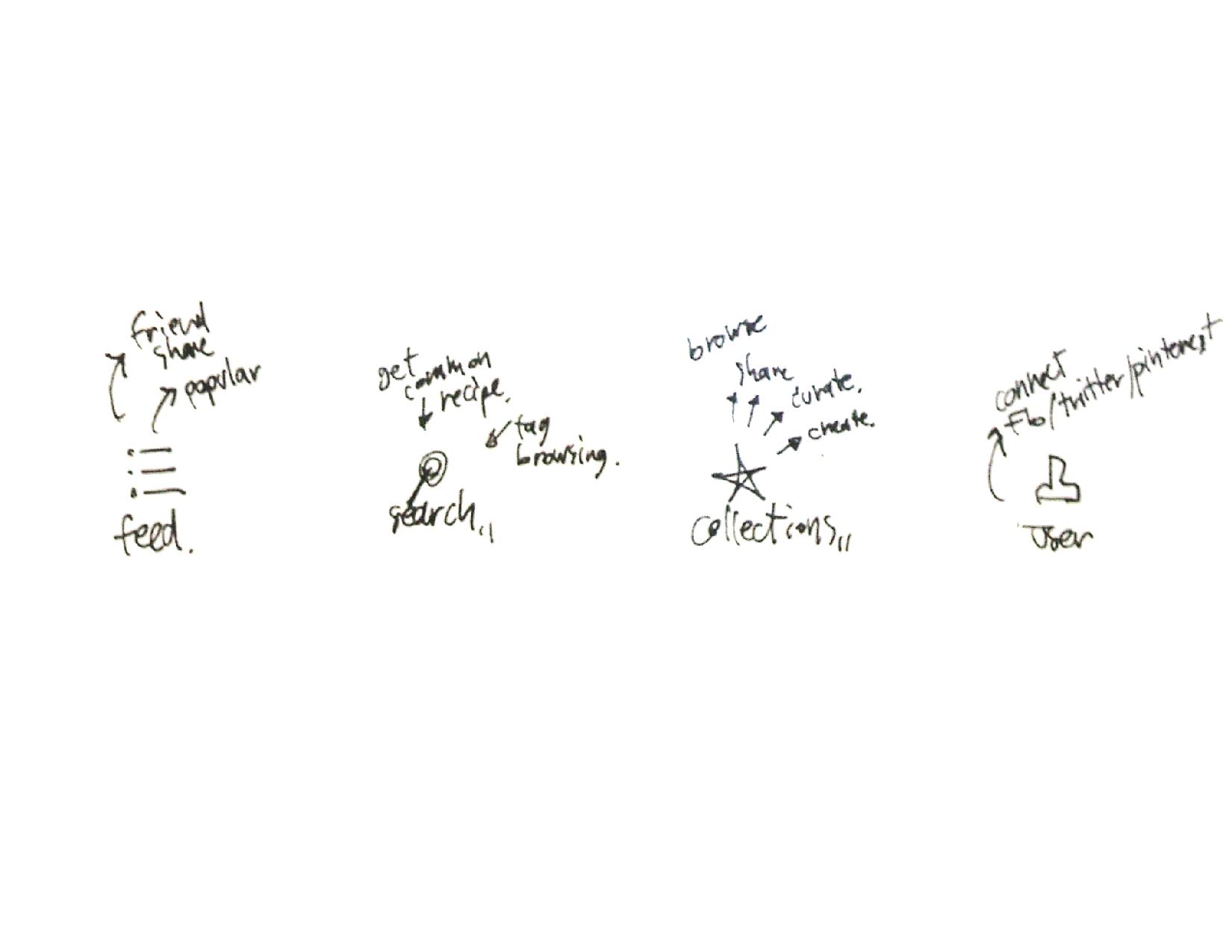
interaction breaks down that would goes into the app’s tab bar

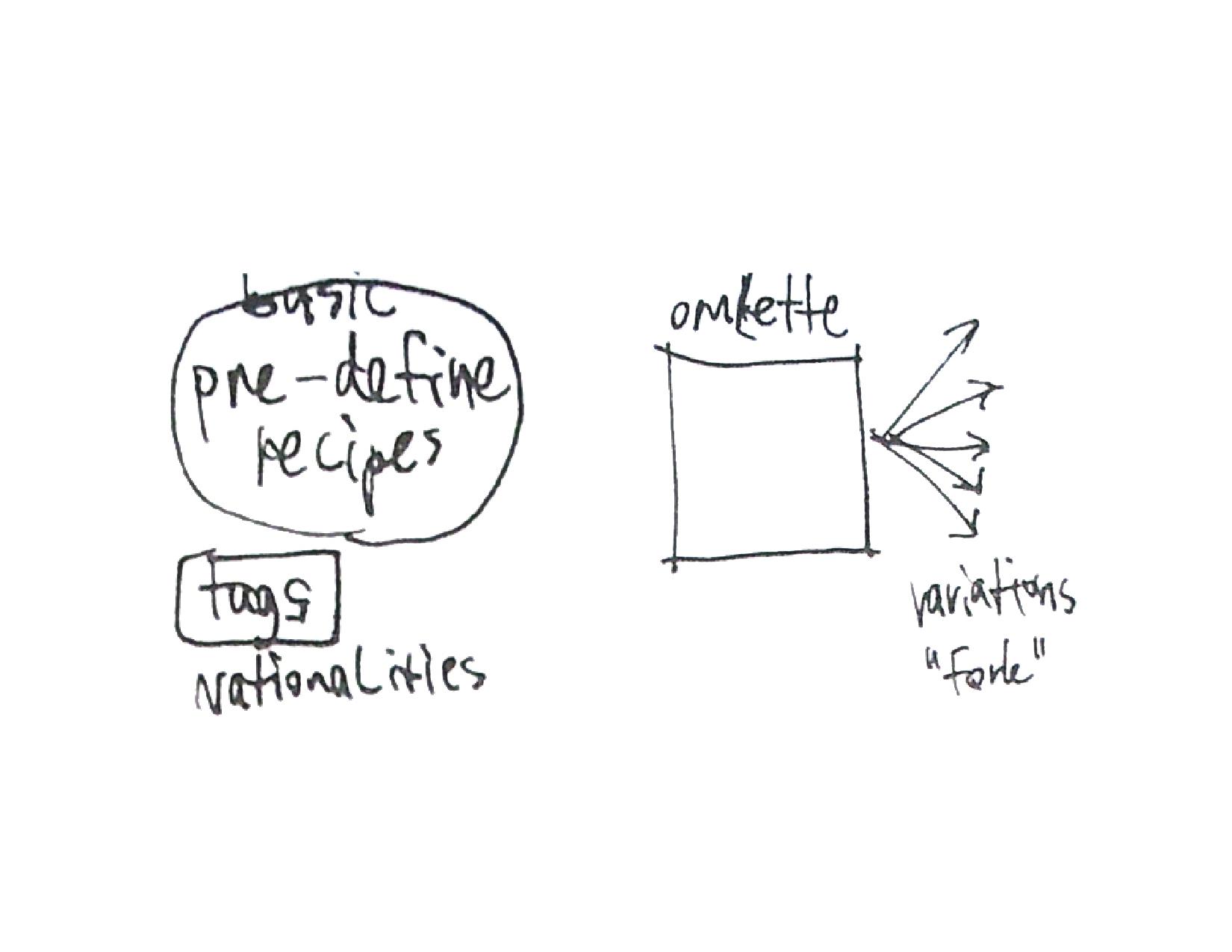
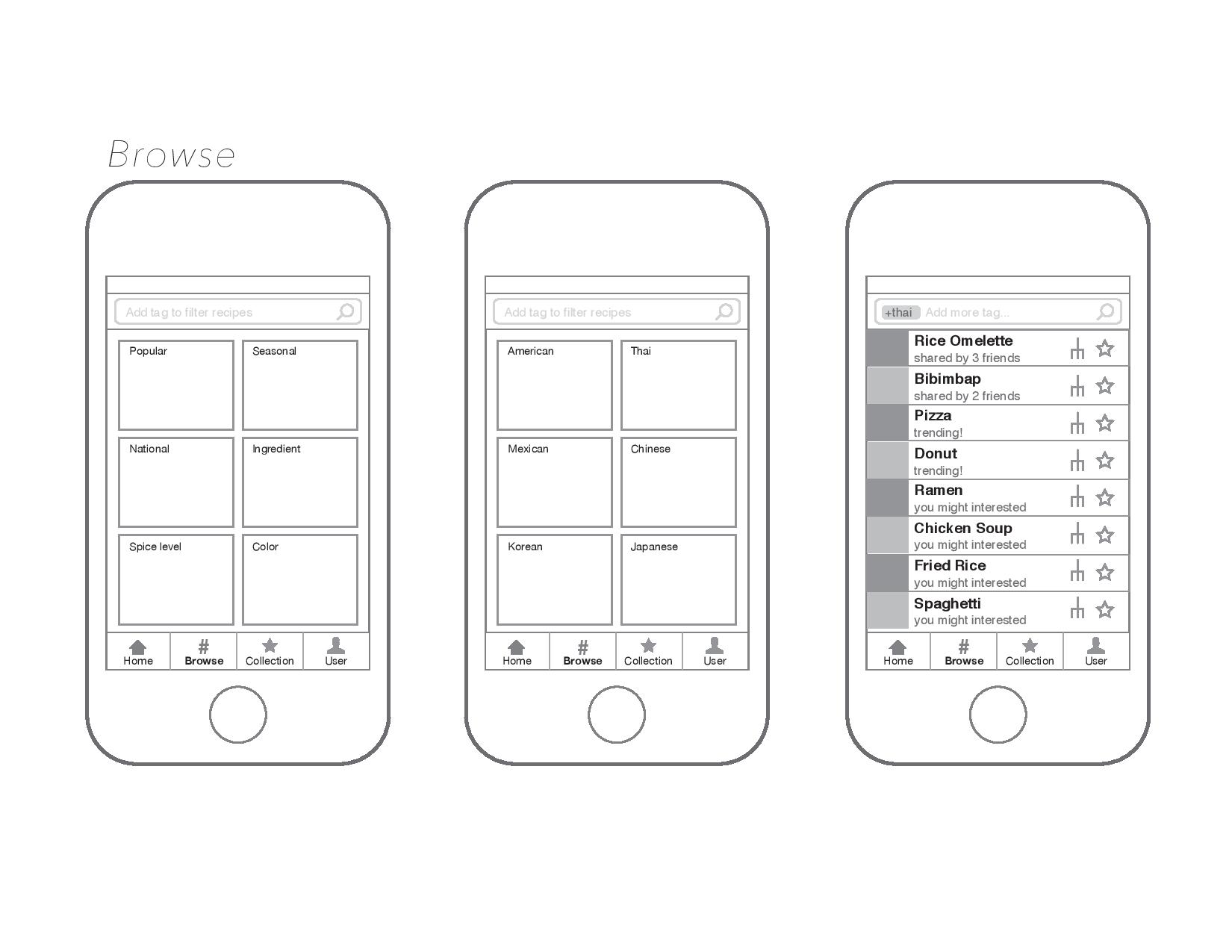
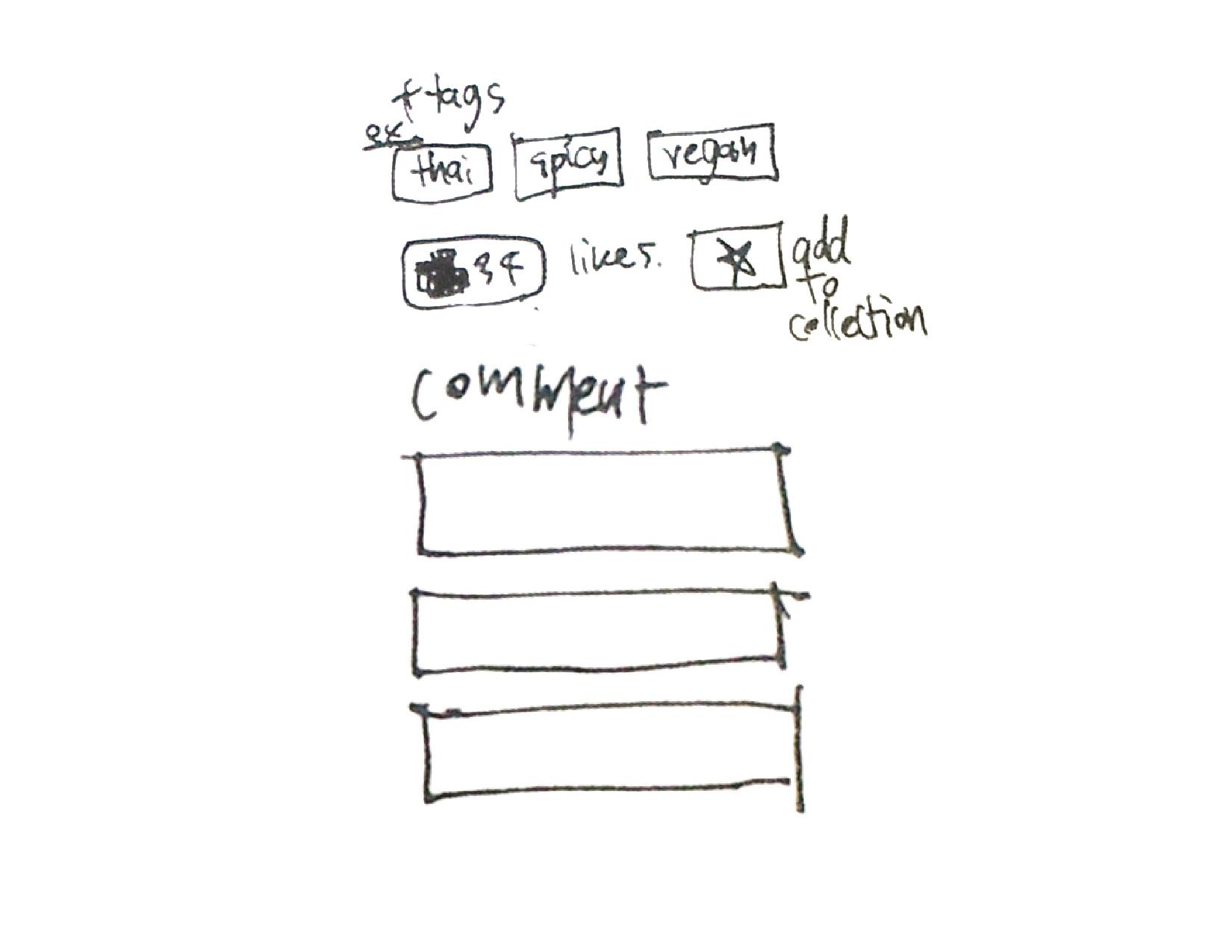
outline for upcoming recipe page
two ways of user generating content: to create new unique dish or to fork a variation of existing dish
Feedbacks
– a bit too hard to imagine the app as a whole with out an app map layout
– similarity of home (feed) page and browse page, these two can be combined as one page.
– How could user check out his own contributed recipe, how that separate with the collection that user curated from other users
– every steps in food instruction shouldn’t need a photo
– saving draft of the recipe create/fork page is too much, can just take this function out to simplify the app as a whole
– adding content should be more significant function and should have its place in tab bar
– how to edit existing content in forking edit page
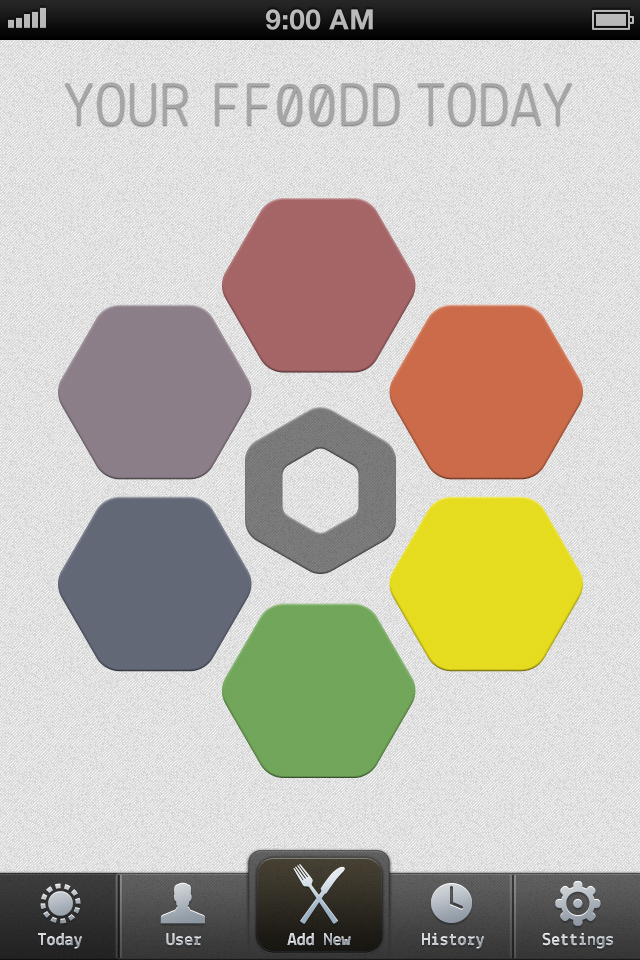
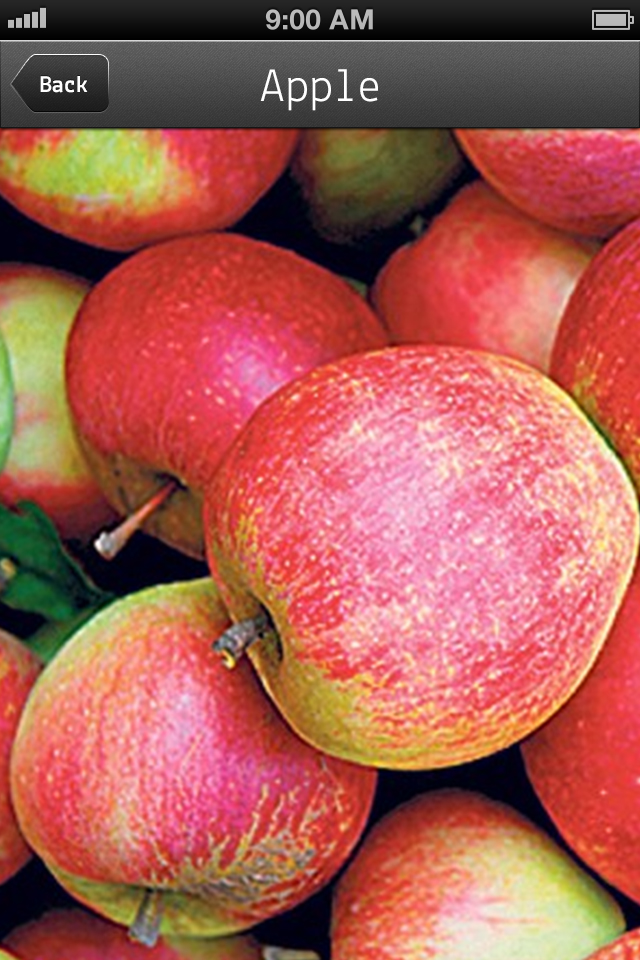
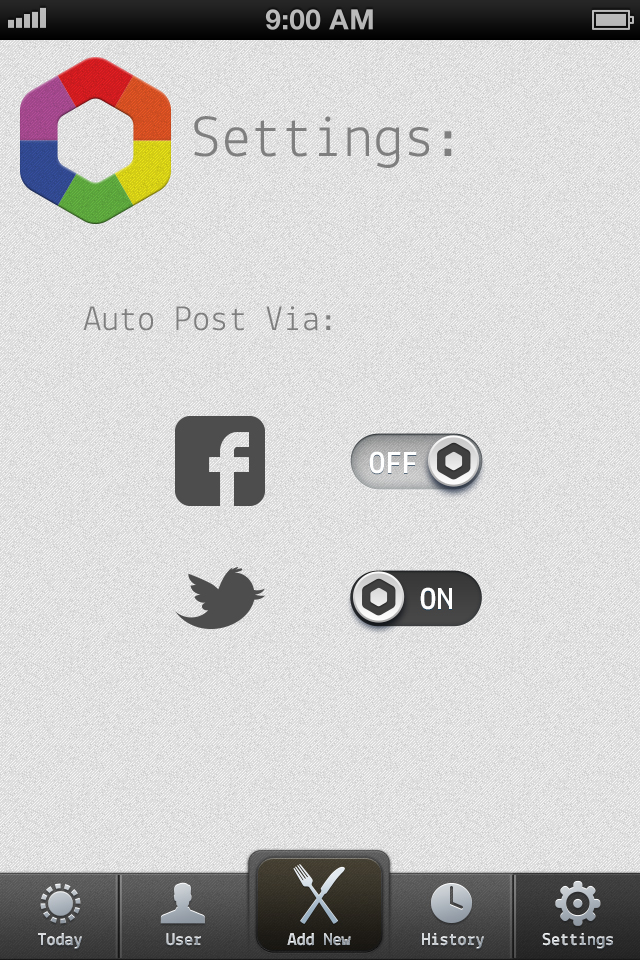
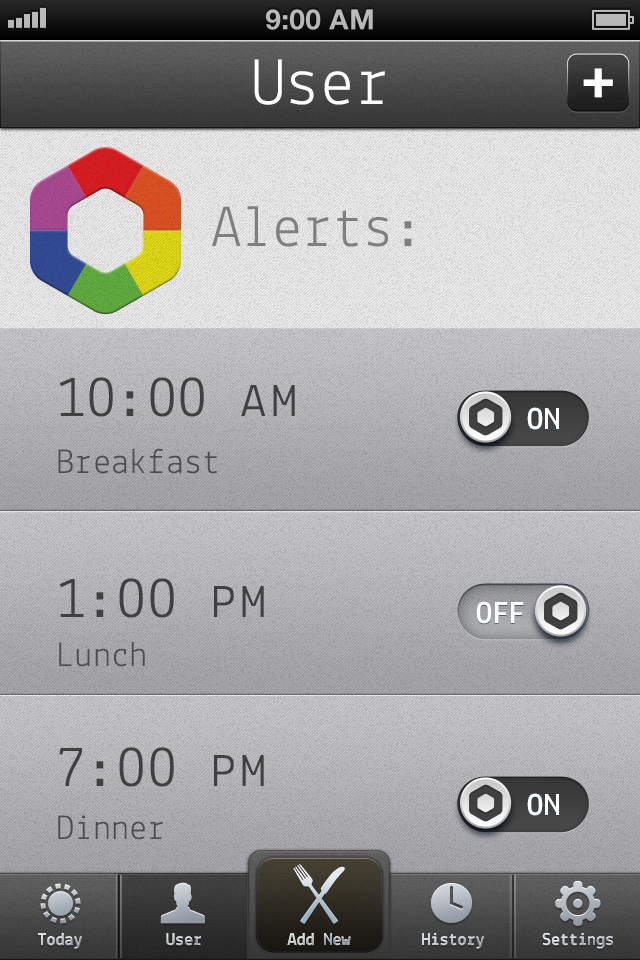
ff00dd – Designed Layouts
Here are the designed layouts for my ff00dd app. Big help from iPhone GUI from teehanlax and 365psd.com for putting together some great UI elements in PSD that I was able to tweak.
Here’s a working prototype thanks to POP app here.
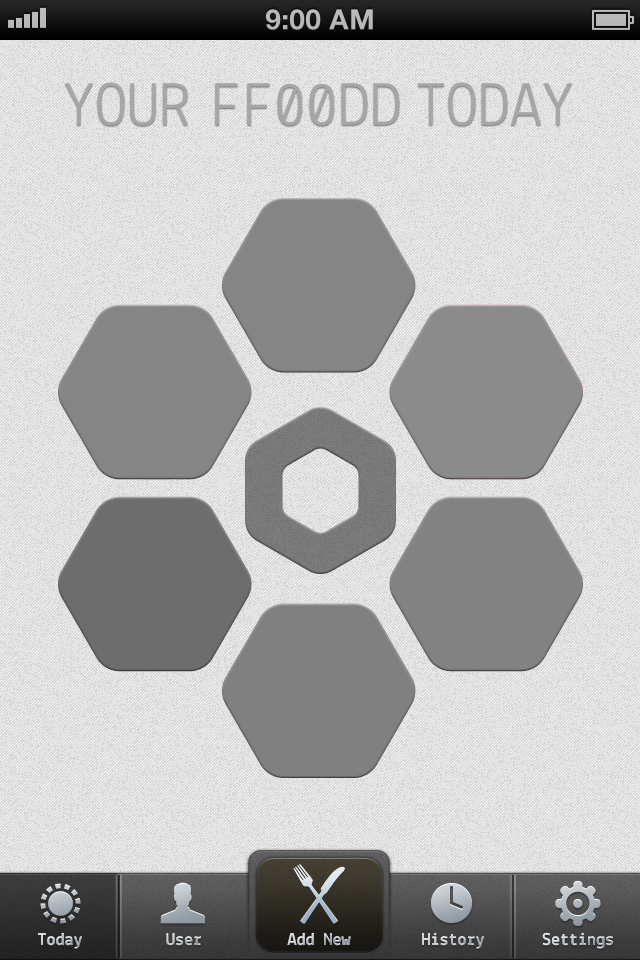
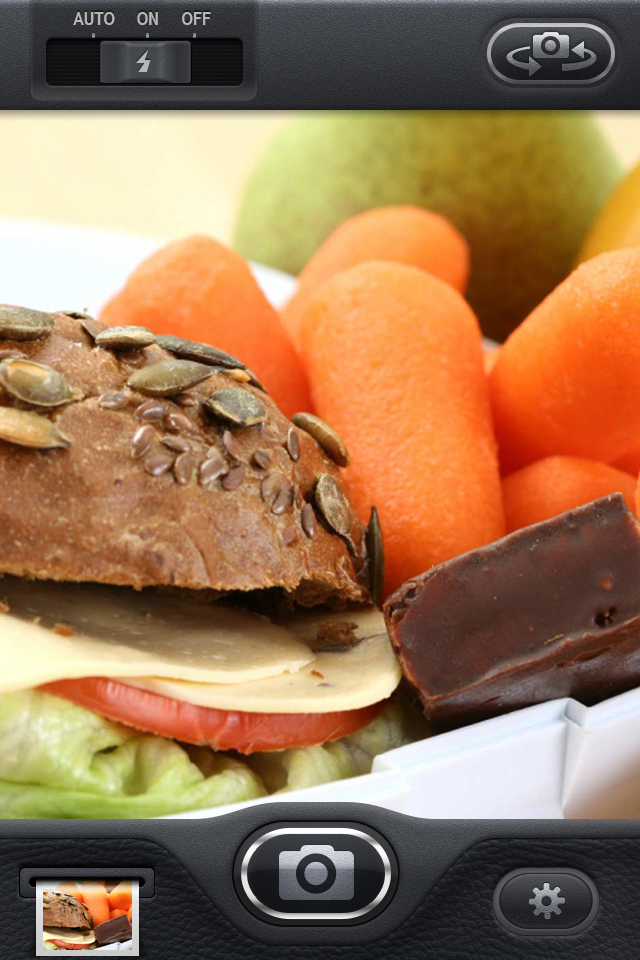
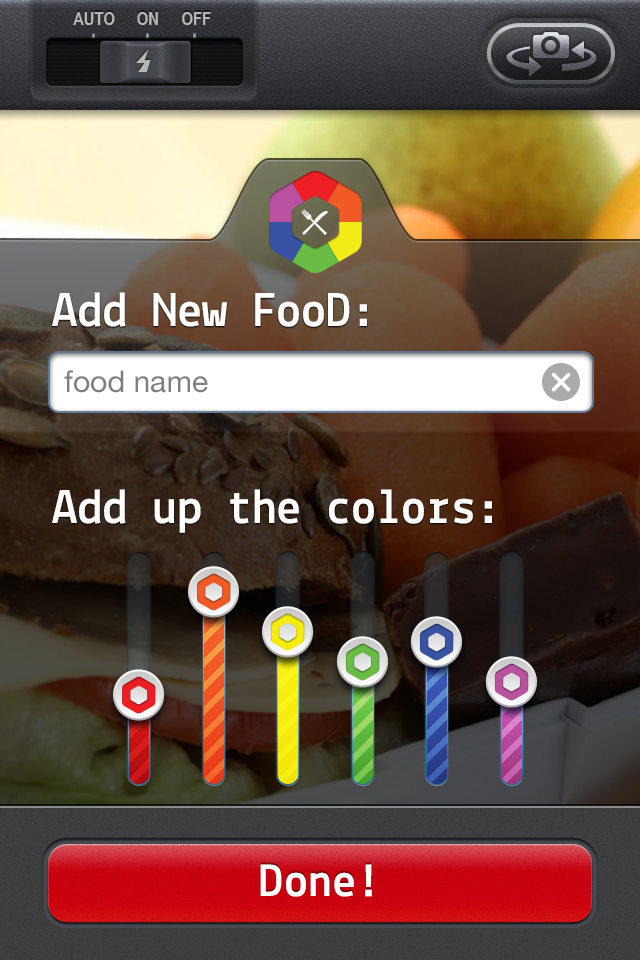



EatEverywhere Design
Hopefully a team of graphic designers is part of my team of laborers. Here’s a link to my design prototype (proto.io)
Assignments for March 11
- Post documentation (picture/video) and a few sentences of what you’ve learned through in class prototyping
- Group 2 – Take your wireframes to the next step and create a design. This design should be the next step in your tightening your concept and more clearly thinking through the details of an actual user playing with your app. While I understand if you are not a visual designer, think about yours designs as something that could be built and put on the app store.
- Start thinking about your Project 1 Final Presentation. You’ll have 8 minutes for presentation and feedback. The critics will be responding generally about your app concept and if the design you’re proposing helps accomplish the user’s goals that you’re presenting. Feel free and post more on the blog than you present, as I’ll be giving a much more thorough inspection of your finals designs after you present them.
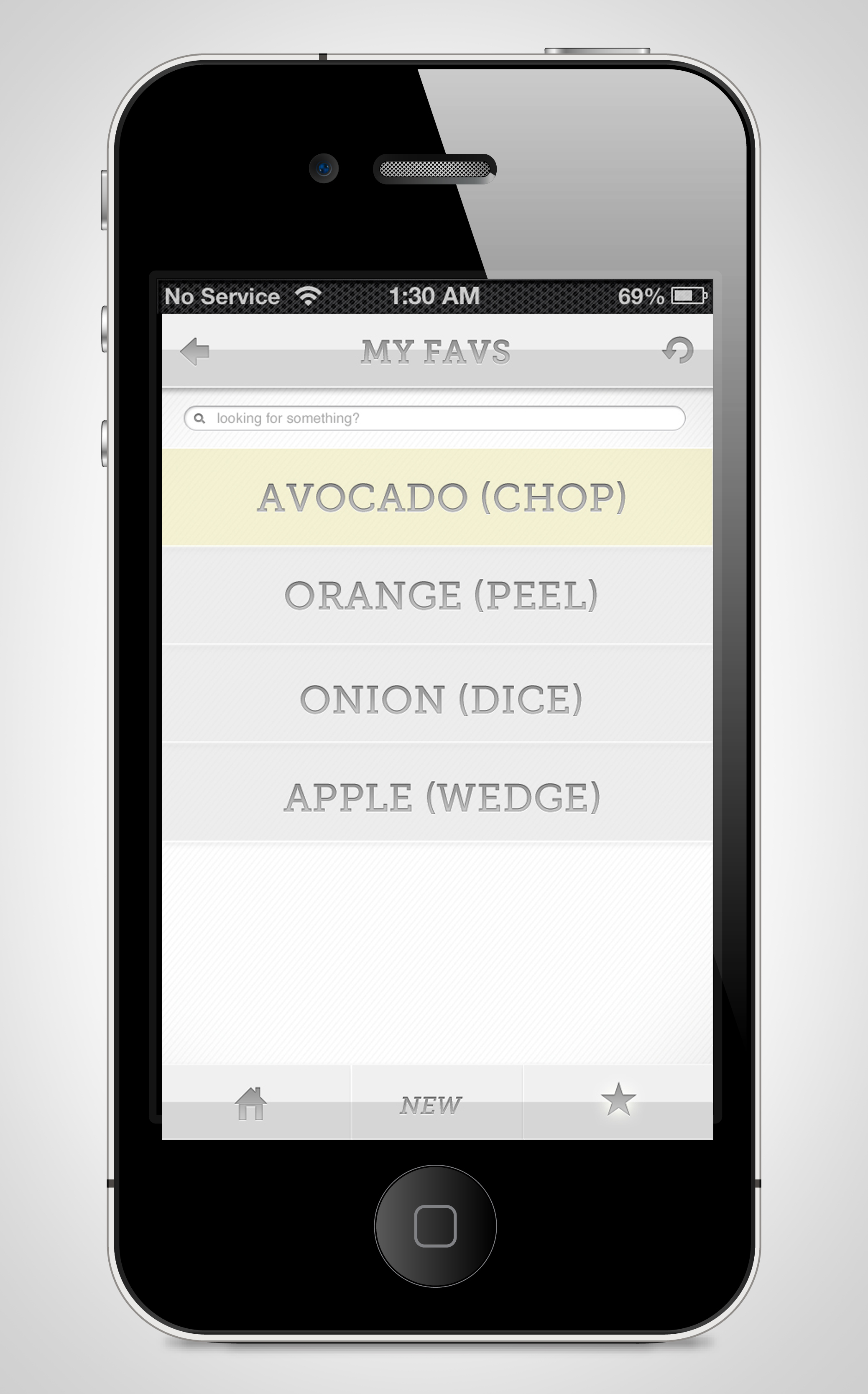
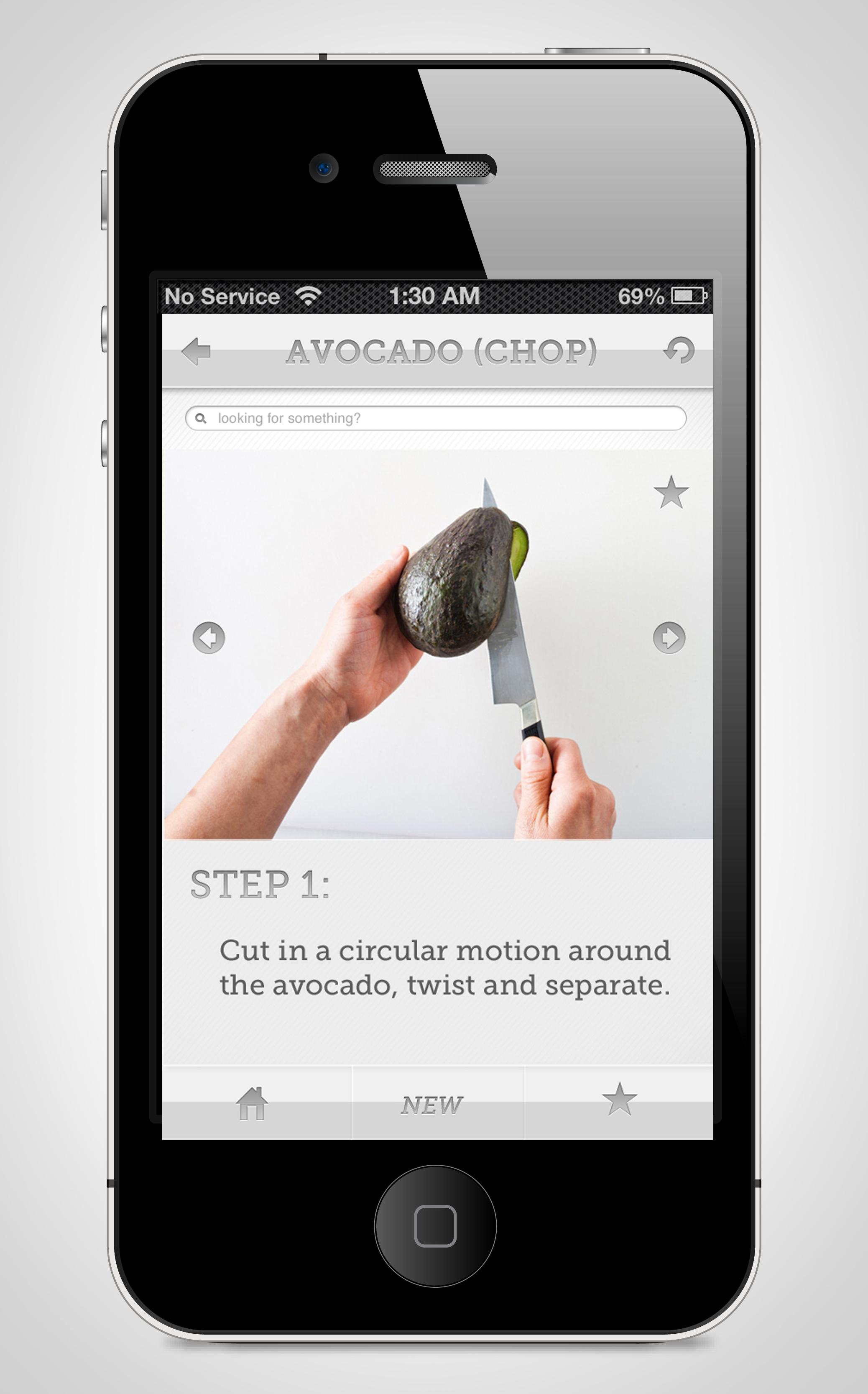
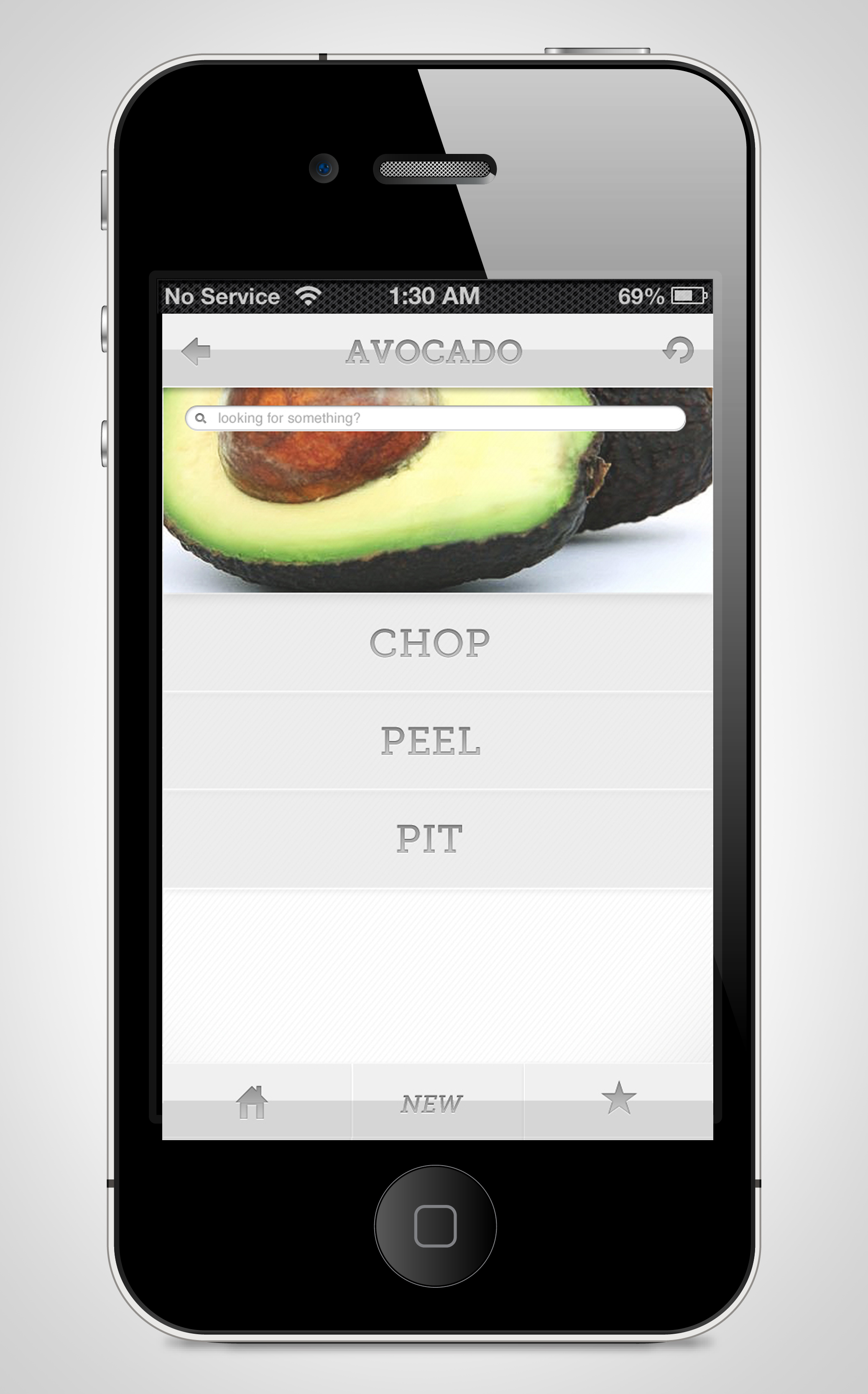
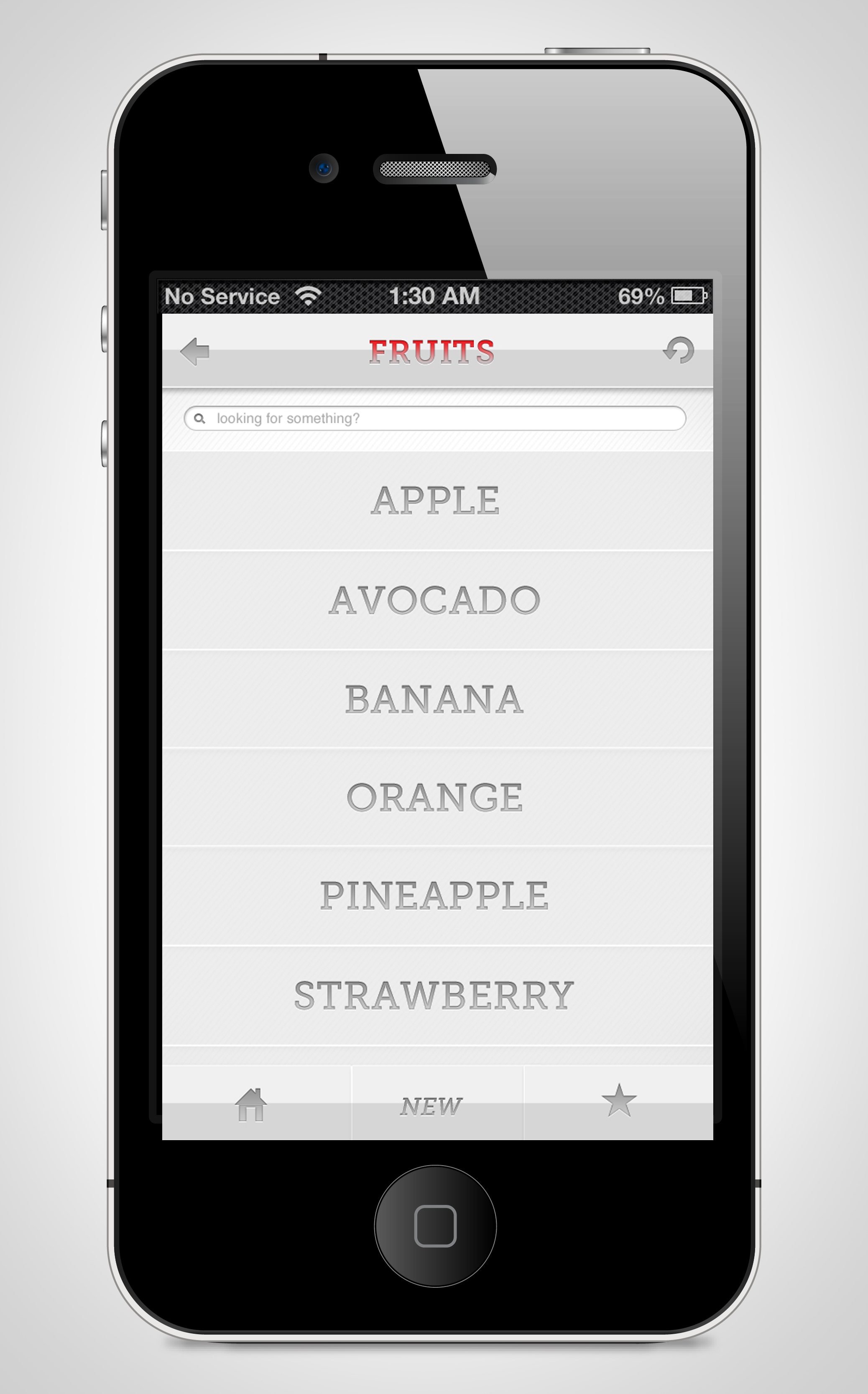
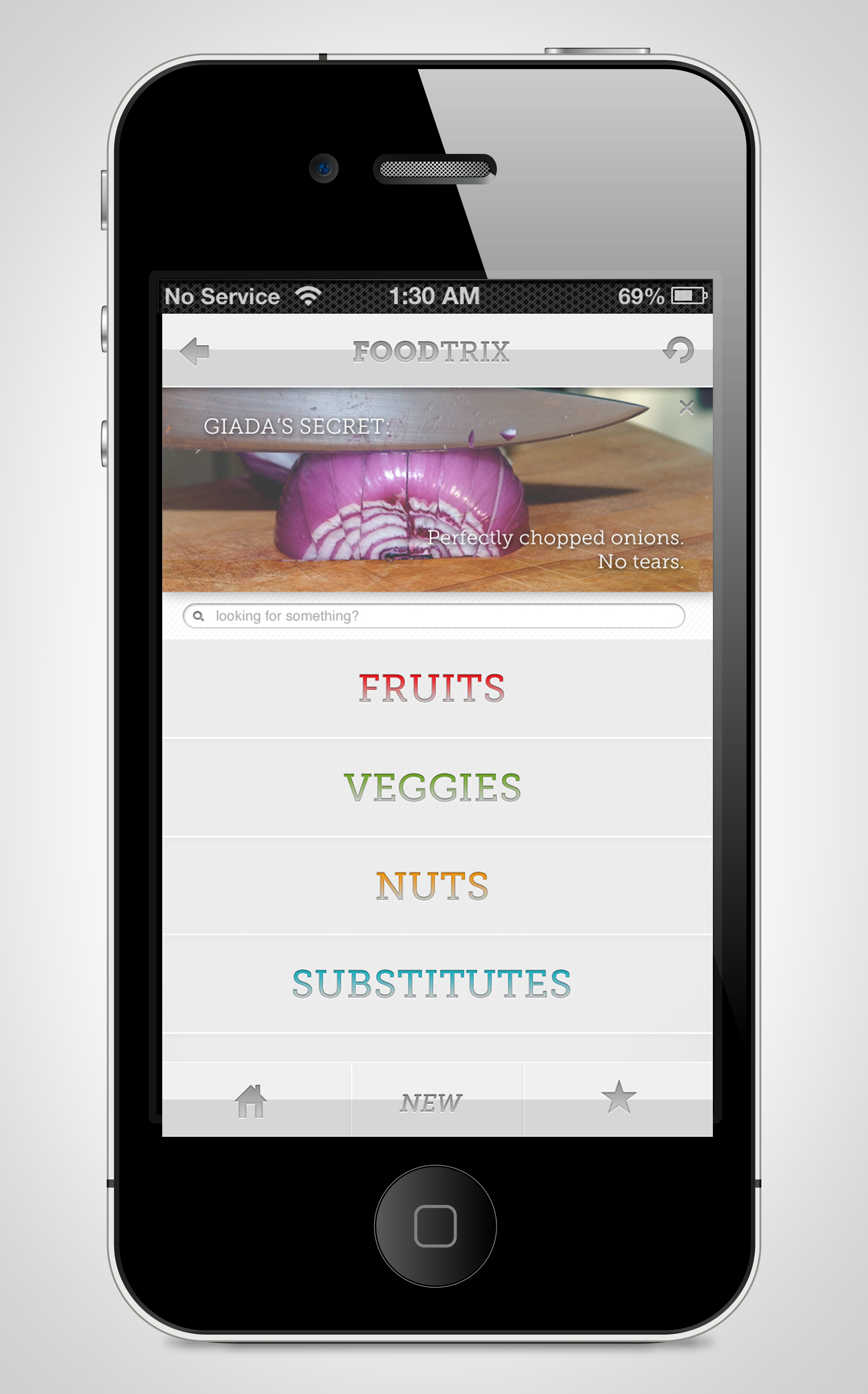
SLATT: FOODTRIX MOCKUPS
Yong Lee: Seasonal Cooking

App Design Round 1
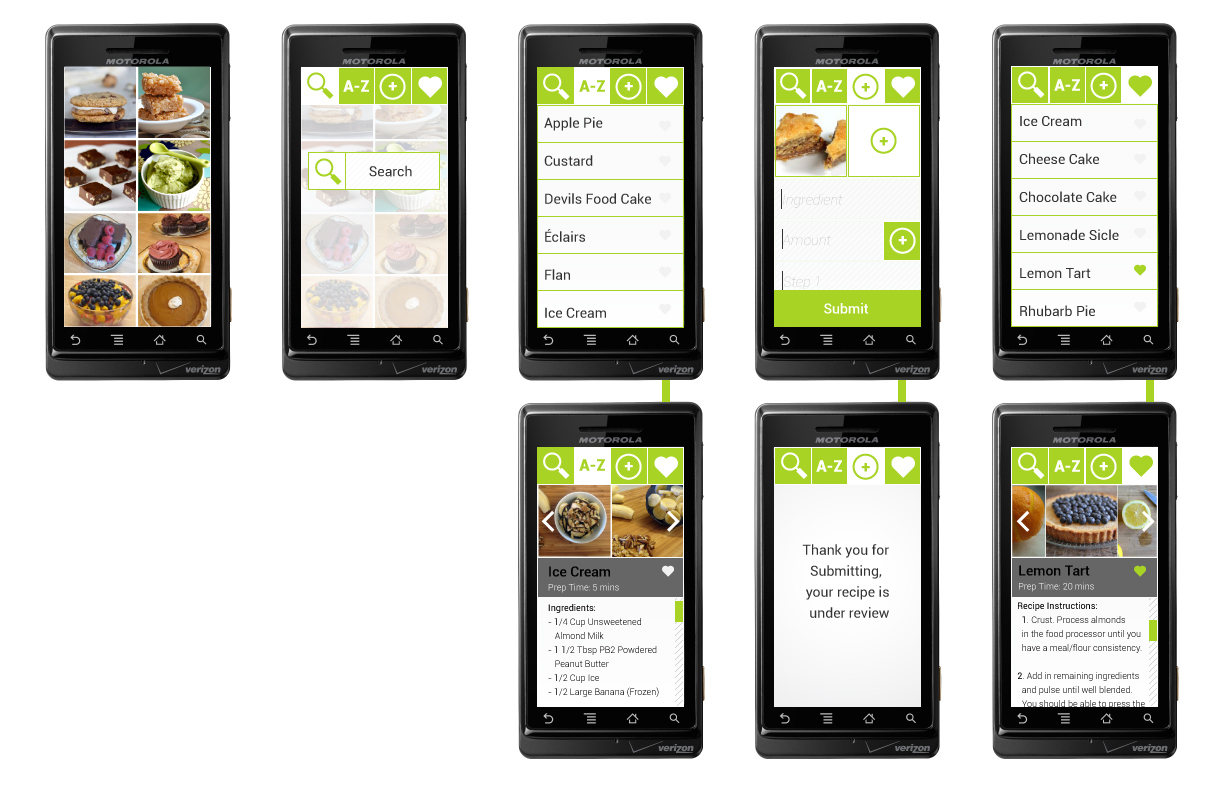
Here are the first design Mockups for my App Delic-List: Vegan Dessert