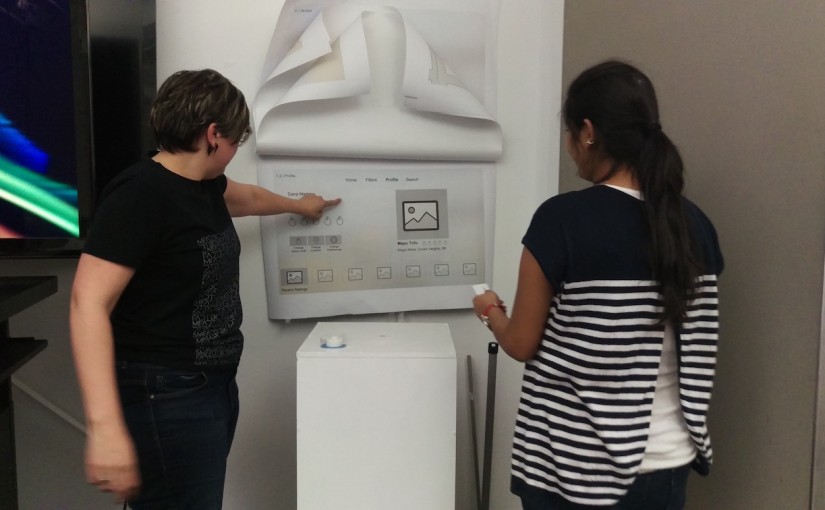
1st project user feedback+digital feedback

user feedback for paper prototype of Foodplay:

  1. The product of ”Foodkit” seems not very clearly now, It would be better if remove this part.
  2. not sure what should show in “reward” tab, all reward items or what reward that user already gets?
  3. There is supposed to have a “skip” button so people can view other pages first and then decide whether they want to sign up.


Digital feedback:

https://marvelapp.com/c5eaga


  1. UI design of some page can be better improved. The landing page looks good but some content page still need polish.
  2. The home page looks much better, the contents are attractive.
  3. Need more research to figure out how many users we can get, how many people will interest in this activity.

Food Story (tvOS)

Food Story, a social platform where you can share your food eating experience and stories. You can also find interesting restaurants and dishes through other people ‘s stories.

As I mentioned in my presentation last time, the main scenarios for the  tvOS version are:

  • Families are sitting together in the living room, sharing each other’s eating experiences.
  • Families are discussing about where to eat.
  • One person looks through the feeds quickly to pass the time.

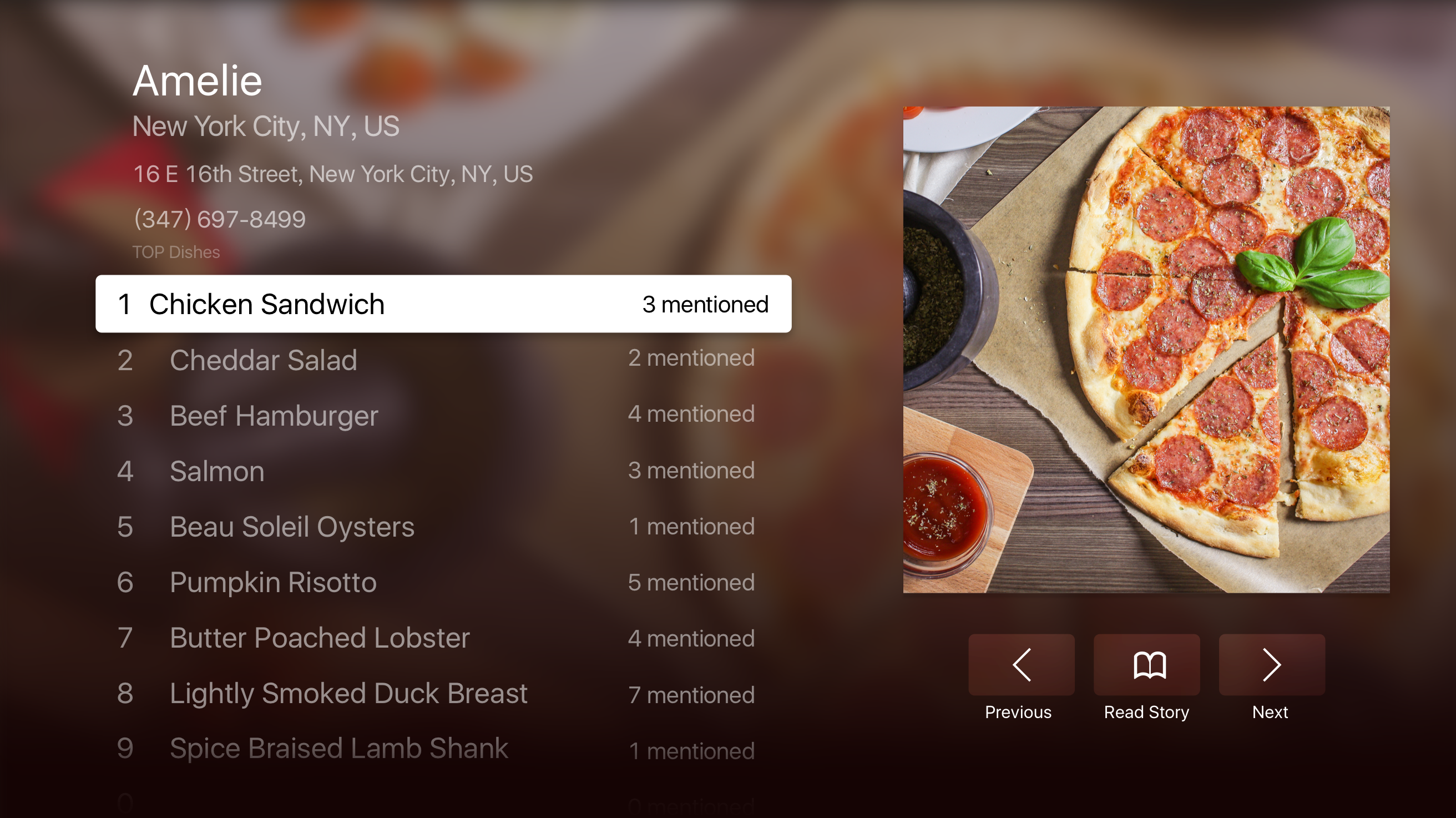
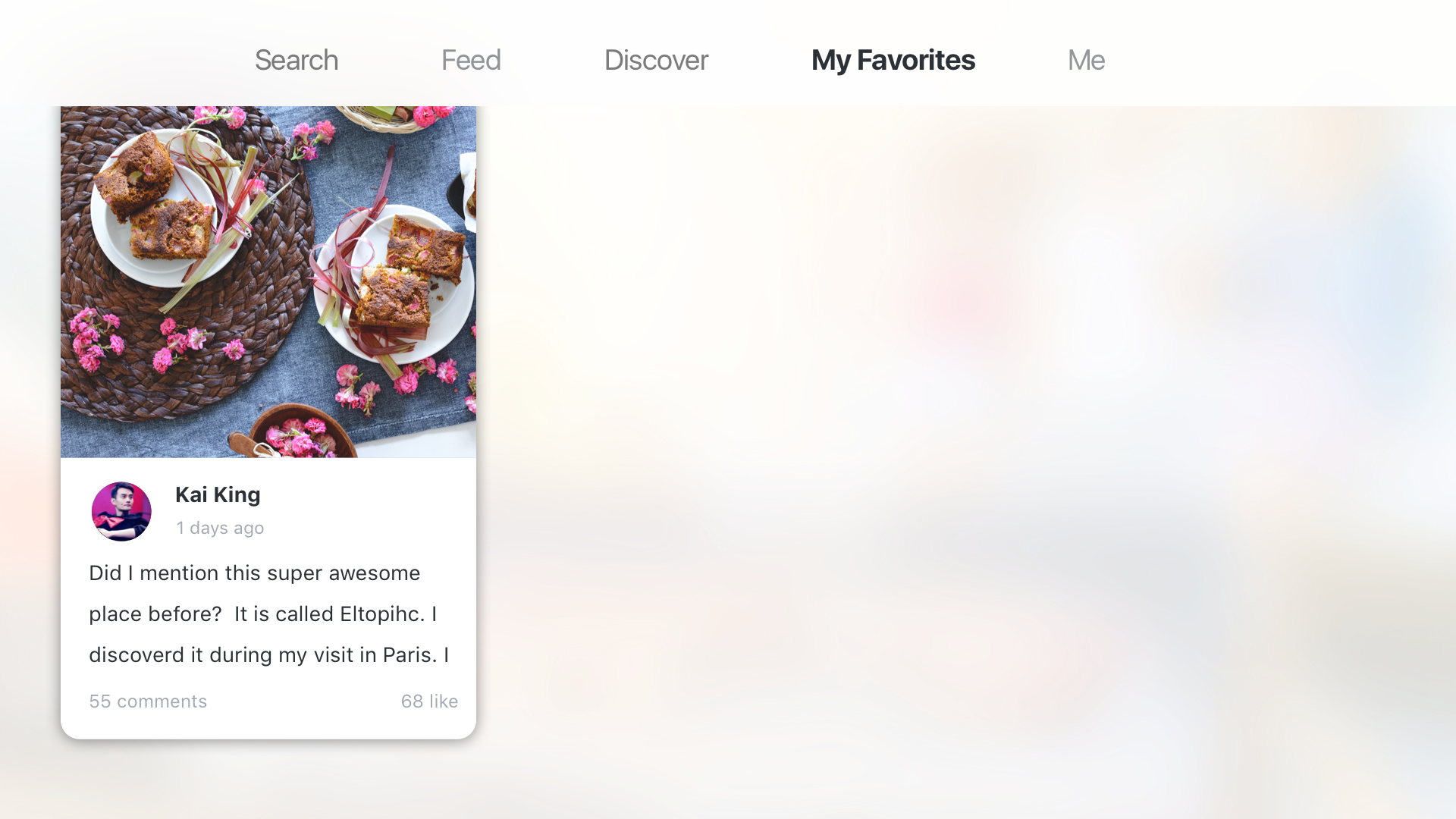
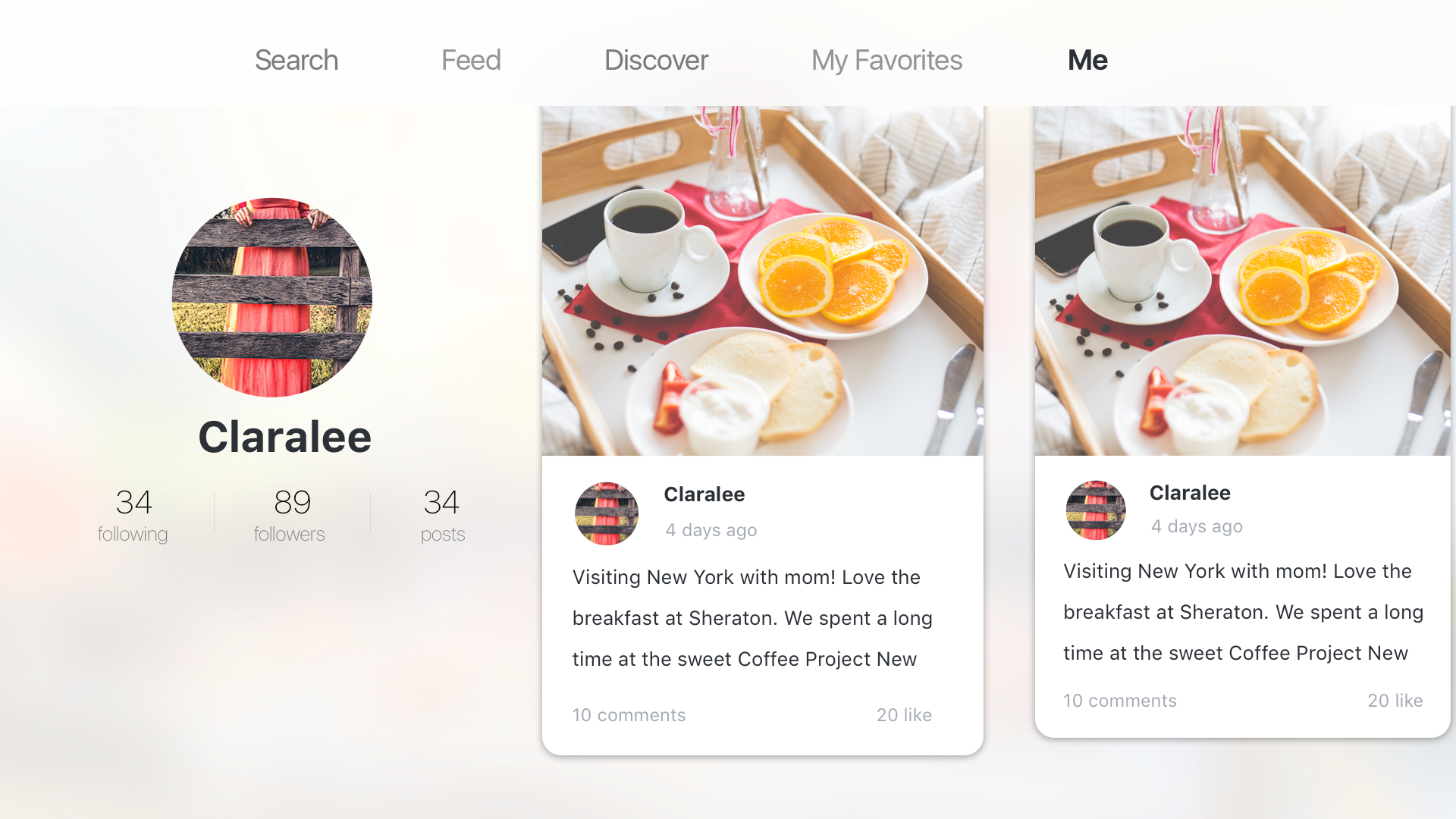
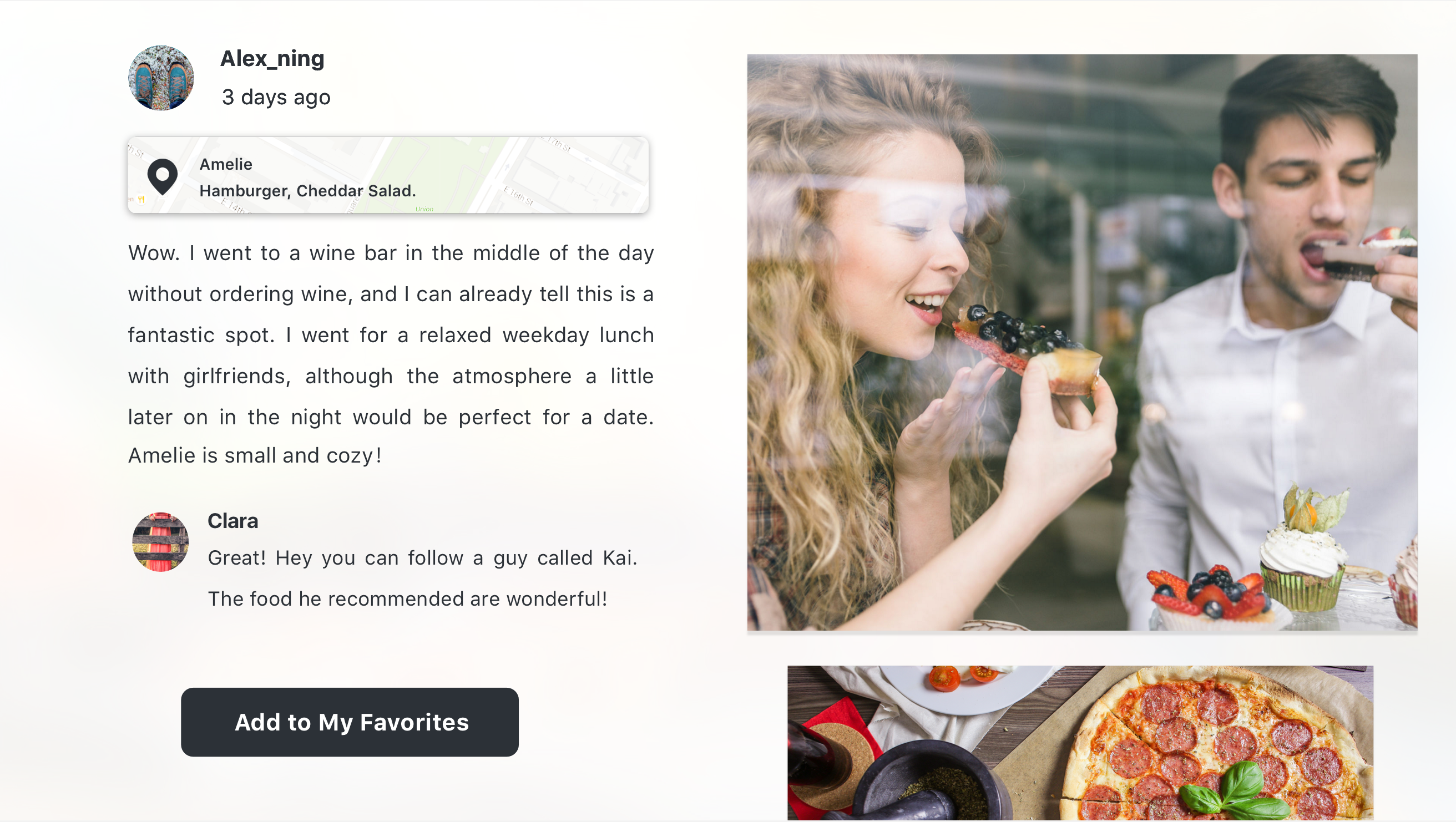
Considering the special scenarios and the features of a TV, I cut off the social functions including comments, like, and following. I also raise the level of “My favorites”, which plays an important part during the sharing process.

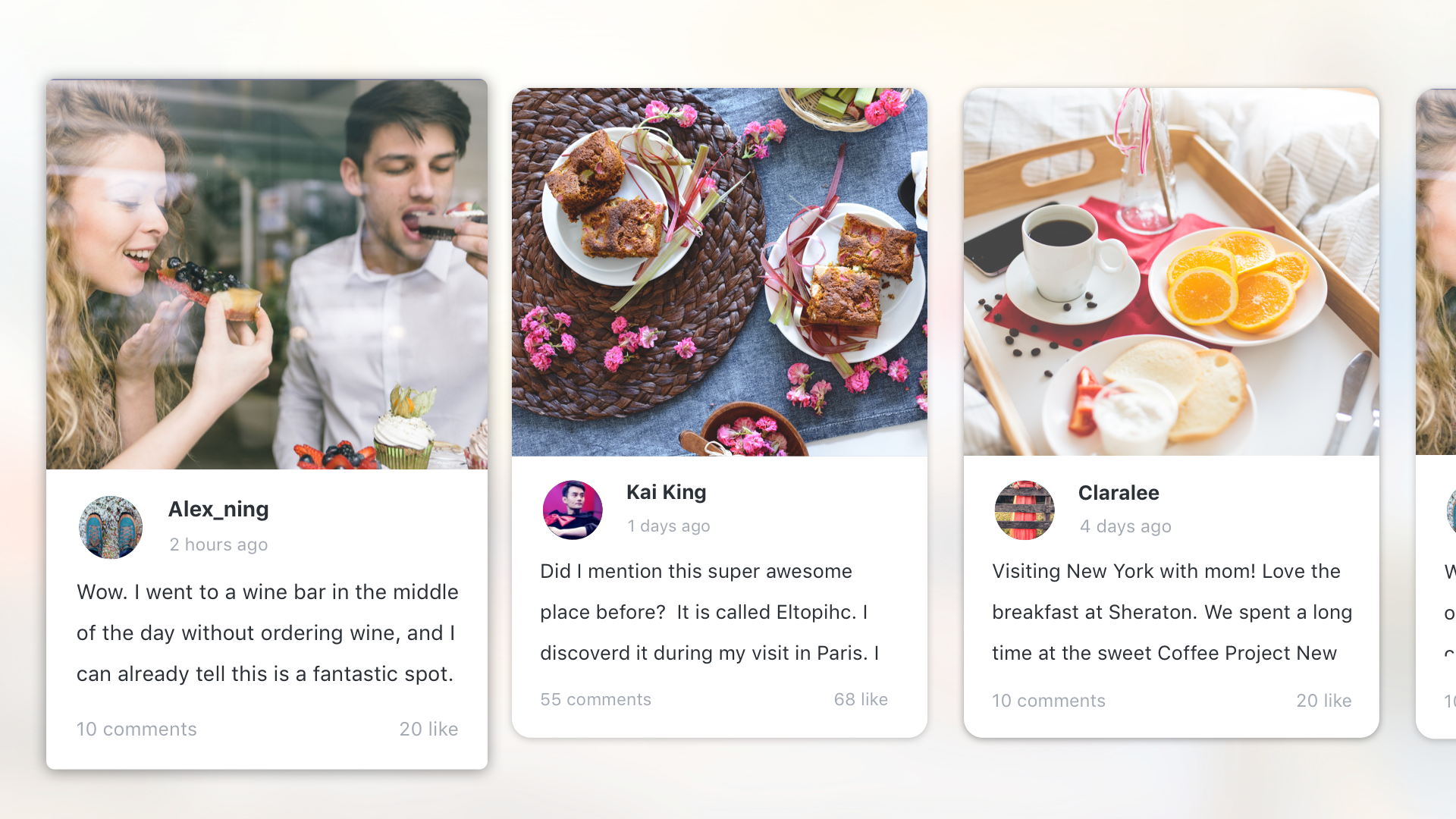
There are also lots of design considerations for “feed” and “popular”. Feed is the place you can see stories posted by the people you follow, which means that the one who posts it matters. So I designed it in a card shape, which you can know the stories, the photos and the person at a glance. “Popular” is the place you can see stories that are very quality, and have lots of comments and likes, like the editor’s choice. For stories like these, you care more about the content than the person who post it. Also, stories like that usually have good pictures, which are very attractive to users. So the stories in “popular” section are shown in just pictures. When you focus on the story, you can learn about the people and the date.

I encourage my users to use it not only on TV but also on their phone. And I think that it is very annoying to open my safari, type in the address (what if the user is aged and hates typing!) and also type the code. So I use the QR code to sign in. The TV will show you a big QR code, and you can just simply open the app on your phone and scan it. This method of signing in is accepted and very popular in China. Thanks to Wechat, Chinese people are used to scanning almost every QR code they see. However, I realized people in America may have different habits. So I will test more on that.

屏幕快照 2016-04-07 下午1.13.15 屏幕快照 2016-04-07 下午1.12.54 屏幕快照 2016-04-07 下午1.12.26 My Favorites Me Feed_noTab——focus ning Discovered Copy

You can try out the prototype here: https://marvelapp.com/hfcacb

#thursdayplays – slither.io

slither.io is a very addictive new game just released at the beginning of April. It’s an MMO version of the classical game “snake”. It added an interesting rule that if you get other snakes to run into you, then they will explode and you can eat their remains and become longer/bigger. So that creates playful competition between players — at the origin of map, players can grow faster (by eating a lot of newly-spawned snakes) but it’s also easier to run into other snakes and die. In the desktop browser version, you can even change your skin.

From the UX side, it’s easy to play slither.io by mouse — just move your cursor and your snake will follow it (click to speed up). The mobile version is a little harder — you have to tap and control it’s direction (double tap with a longer second tap, to speed up). Playing by keyboard is even harder to control — the left and right key controls the direction — but from the snake’s view — if you long press the left/right key, your snake will turn 360˚.

A tiny twist from the original “snake” game is that you don’t die if you hit yourself — this allows for a strategy where you can surround/trap a smaller snake who has no choice but to bump to your body and die.

Here’s some screenshots about the journey of a hungry red snake and a poor victimized blue snake:


HIG notes

Prior to this assignment, I had, admittedly, never viewed the iOS Human Interface Guidelines (nor, in all honesty, did I know of its existence). That said, as both a technologist and everyday user who only recently switched from Android to iOS, I found it a fascinating read. Perhaps most of all, I was intrigued by the mere existence of a set of guidelines for designing and developing for iOS—of course, it totally makes sense to exert this degree of control over your products, but it was not something I’d considered (although this speaks mostly to my not possessing a background in design).

Studying the guidelines, I was excited by the discussion of the two main modes of user navigation throughout an app, i.e., a hierarchical app in contrast to an app with a flat, i.e., non-hierarchical, information structure. I’m quite interested in what other, non-standard modes of user navigation might either already exist or remain undiscovered or created.

In addition, I learned a lot from the section on consistency, i.e., whether or not an app is consistent with (1) iOS design standards, (2) itself, and (3) its earlier versions. Here, it made sense that Apple would emphasize the use of system-provided controls, views, and icons, as well as a stylistic uniformity.

Last—at least for this short post—I spent a lot of time fascinated by the depth of technologies built into iOS. Having only recently purchased my first iPhone—a 6s model—this was an opportunity for hands-on learning as I experimented with technologies such as 3D Touch, thinking more broadly about how I might implement them within future app design, and more specifically about the relationship between these technologies and the aforementioned unconventional modes of  user navigation.
Spice It Up TvOS | Final Presentation


This week we presented our final design for our Apple TV version of our mobile apps from our first project.

Last time I presented several wireframes for Spice It Up TvOS that tried to communicate the essential experiences of the app as translated for an at home experience.

Throughout this process I did a lot more thinking about what it means to be using a TvOS app at home. How does it fit into one’s life? Who will you be using it with? What kind of interactions will change given this new technology?

Continue reading Spice It Up TvOS | Final Presentation