1. Ensure legibility by using the system fonts
When designing an app, I thought it is ok to use any font as long as it is legible. I did not take into consideration that this font should actually be legible at any size. System fonts are made to fit this criteria. Other fonts however might be well adjusted at one size but then issues such as kerning might interrupt legibility when the size changes.
2. Be straightforward if your app runs in only one orientation
In my first wireframe I only considered the application to be running only in a portrait format. Now I am rethinking about the possibility of having it in landscape as well and how that would look like.
3. Make it easy to focus on the main task by elevating important content or functionality
It made sense to me before that naturally more important tasks would be more towards the top of the screen. However, I had no idea that there is a huge difference between the upper right corner and the lower corner versus only the upper and lower sections.
4. Make it east for people to interact with content and controls by giving each interactive element ample spacing
I was well aware of this logic but it’s very convenient to see that the hit target is 44 x 44 points
5. Focus on the needs of 80 percent of your users
As a communication designer my logic was to try to cater to everyone’s needs. However, this can be very problematic because sometimes the more specific tasks or information can overcrowd the page. Although this is a user centered design, it is interesting to see that if certain functionalities might not be wanted by most users, it can be left out. Another option would be is that it can be hidden and can pop out or expand if it’s wanted.
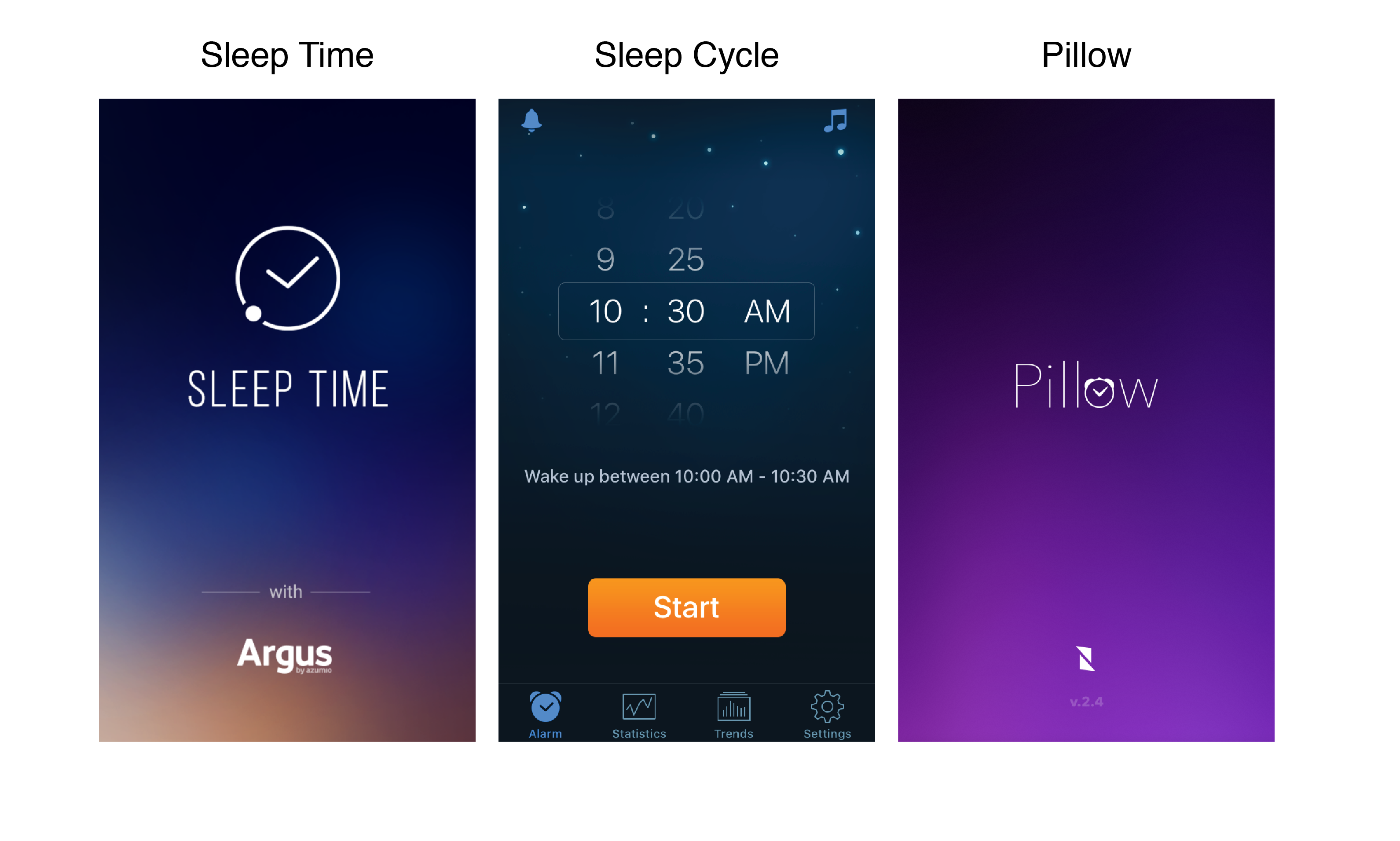 The user sets their alarm time, and it wakes them up at the most optimal time (when they are at their lightest sleep) within a 30min window.